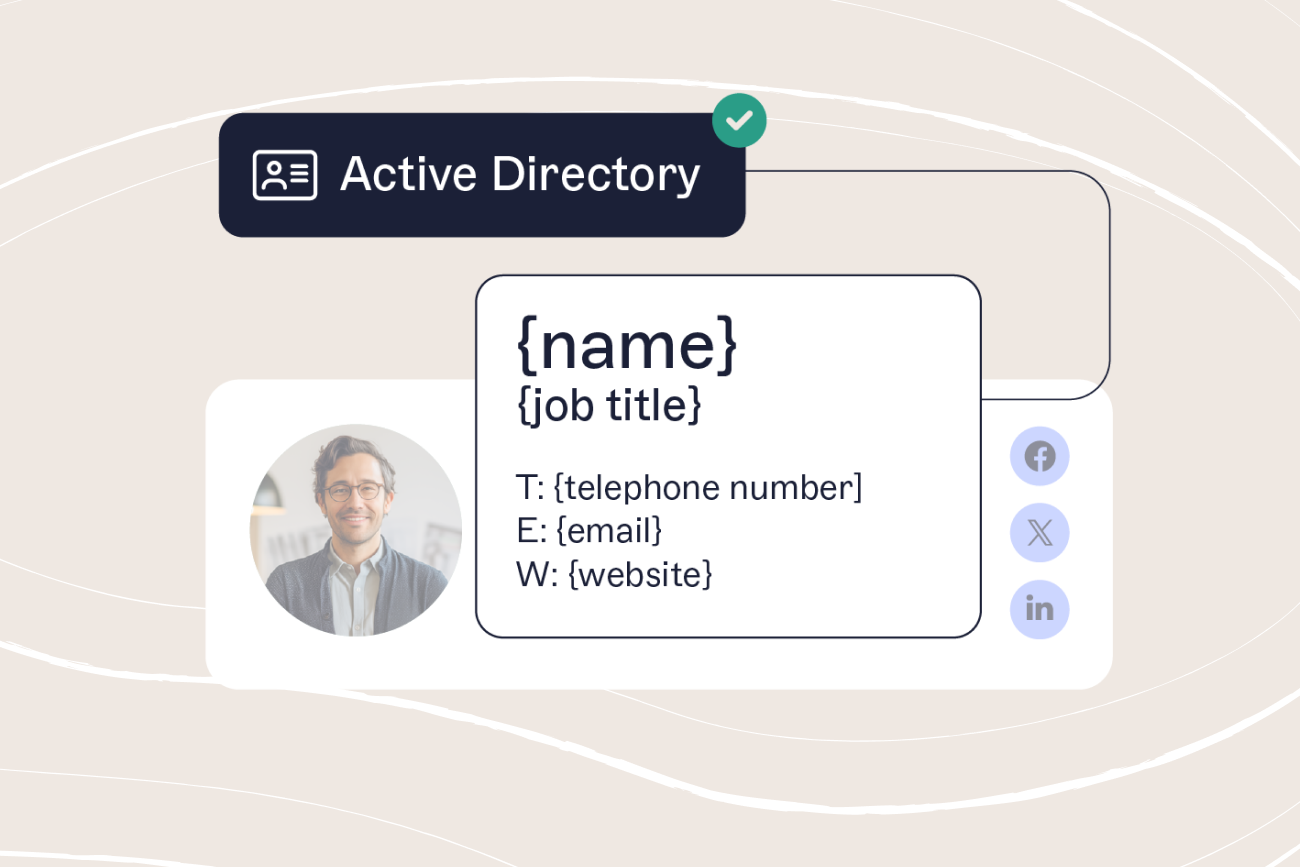
Using a free email signature generator: Create a professional signature in minutes
13 October 2025
0 min read
TL;DR
- A free email signature generator helps individuals and small businesses create professional, on‑brand email signatures without coding
- Online builders make it easy to add contact details, logos, and social links—ensuring consistent, credible emails across devices
- As your team grows, manual tools become inefficient and inconsistent, creating compliance and brand risks
- Use email signature software to automate, standardize, and manage email signatures for every user from one secure platform
Creating a professional email signature doesn’t have to be complicated. With a free email signature generator, you can create an email signature for free that looks polished, consistent, and credible across every message.
These online tools make it easy to combine your logo, contact details, and social media links into one cohesive design—no HTML knowledge required. Whether you’re a freelancer, consultant, or small business owner, a well-designed signature reinforces your personal brand and helps every email feel professional.
But as your business grows, managing multiple signatures manually can become messy and time-consuming. In this guide, we’ll show you how to use a free email signature builder, share tips for better design, and explain when it’s time to upgrade to centralized email signature management for complete control and compliance.
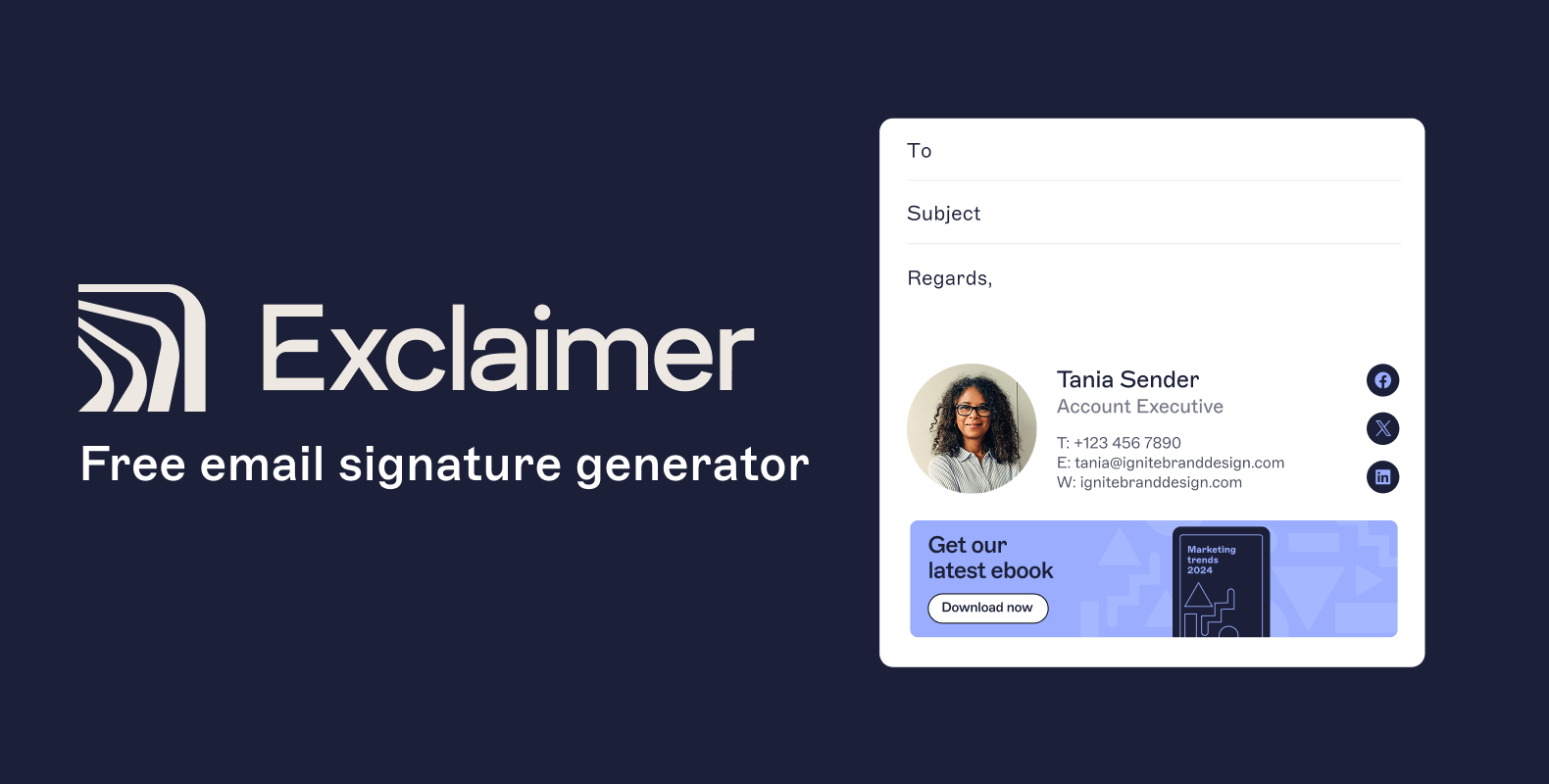
Ready to create yours?
Start using Exclaimer’s Free Email Signature Generator now
What is a free email signature generator?
A free email signature generator is an online tool that helps you design a professional email footer without writing any code or using design software. Think of it as a drag-and-drop email signature builder that turns your contact information, job title, and branding into a clean, consistent format.
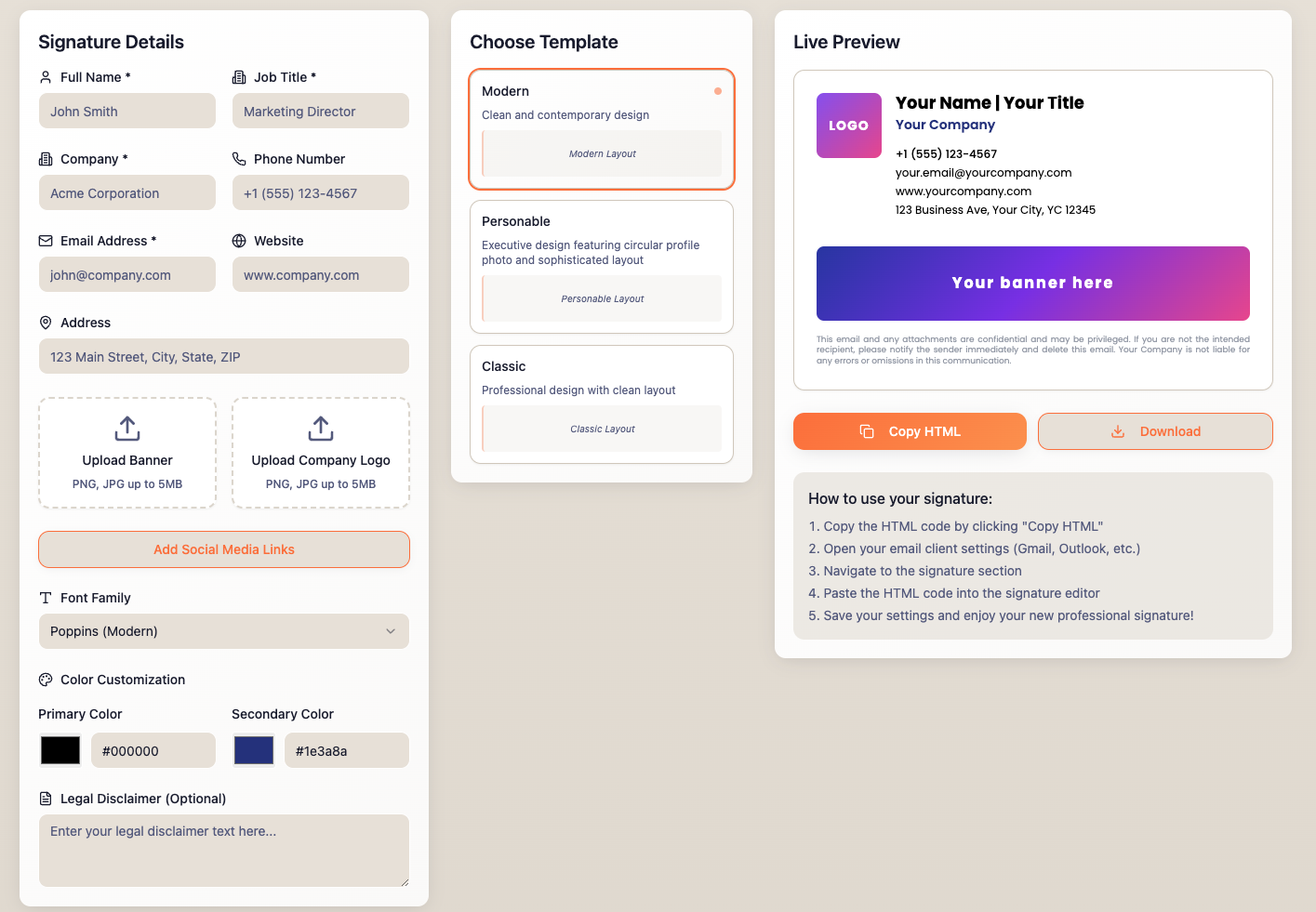 You simply enter your details, upload your logo, choose your preferred layout and colors, and the generator produces an HTML signature you can copy straight into your email client.
Most free email signature creators also include options to:
Add clickable icons for your social media profiles
Include a small company logo or photo
Insert a short legal disclaimer or confidentiality note
Pro tip: Keep your logo image under 200 KB and always preview your signature in both light and dark mode. A design that looks perfect on desktop might render differently on mobile or in Outlook.
These free tools are ideal for:
Freelancers who want their emails to look professional and branded
Consultants and small teams who need a consistent format across clients
Startups testing designs before rolling out company-wide
However, free tools work best for individuals or very small teams. Once your organization has multiple users, devices, or departments, maintaining signatures manually becomes repetitive and error-prone. That’s where centralized email signature management comes in.
For growing businesses managing multiple senders, regions, or disclaimers, explore Exclaimer’s email signature management solution—built for control, compliance, and consistency.
How to use a free email signature builder (step-by-step)
Here’s how to create your signature in minutes using a free generator:
Step 1: Enter your details
- Add your full name, job title, company name, and contact information. Keep formatting consistent—for example, use the same font style for all your details.
Step 2: Upload your logo or image
- Use a high-resolution image (ideally under 200 KB) to keep emails loading quickly. If your company logo has a transparent background, save it as a PNG file for best results.
Step 3: Add social media links
- Include links to active, professional profiles like LinkedIn or X (Twitter). Avoid overloading your design with too many icons—two or three is enough.
Step 4: Choose a layout and color scheme
- Most email signature builders offer preset templates. Pick one that matches your brand’s colors and typography. Simple, clean layouts are easier to read on mobile.
Step 5: Preview your signature
- Check how it looks in Outlook, Gmail, and Apple Mail—and in both light and dark mode. This helps prevent logo distortion or misaligned text.
Step 6: Copy the HTML code or download
- Once you’re happy, copy the HTML or download the ready-made signature file. Then, paste it into your email client’s signature settings.
Pro tip: Always send yourself a test email before rolling your signature out to clients or customers. This ensures all links, images, and spacing render correctly across devices.
Free vs. managed email signatures: What’s the difference?
A free email signature generator is perfect when you only need a couple of professional designs. But once your business starts adding more employees, departments, or regional offices, a manual setup quickly becomes unmanageable. That’s when it’s time to switch to email signature software, a scalable, automated solution built for IT and Marketing teams.
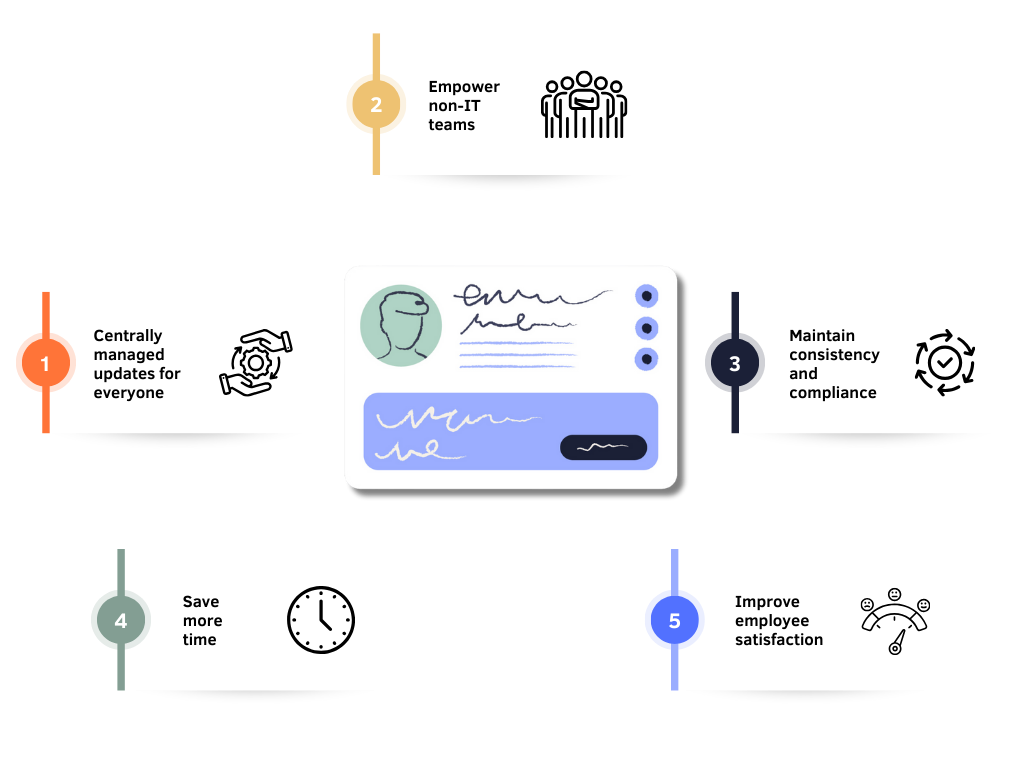
Here’s how the two approaches compare:
| Feature | Free email signature generator | Email signature management (Exclaimer) |
|---|---|---|
| Users supported | 1–2 people | 10–10,000+ users |
| Setup | Manual copy & paste | Automatic deployment from one platform |
| Directory sync (Microsoft 365 / Google Workspace) | ❌ | ✅ |
| Compliance & disclaimers | Manual updates | Automatically applied by department, region, or business unit |
| Brand consistency | User-dependent | Enforced across every device and platform |
| Analytics & tracking | Not available | Built-in insights on banner clicks and usage |
| Support & governance | None | Role-based access, audit trails, and version history |
Even small teams run into trouble with manual signatures, especially after rebrands or compliance updates. One outdated logo or missing disclaimer can instantly undermine brand trust or even breach legal requirements.
If your IT or Marketing teams spend hours each month fixing signature templates or reminding users to update theirs, it’s time to centralize.
Learn how email signature management automates compliance, branding, and control across your entire organization.
When businesses outgrow a free email signature generator
A free email signature generator is a great place to start , but it’s not built to scale. As your organization grows, what began as a simple design tool can turn into an administrative headache for IT, Marketing, and Compliance teams.
Here are five common signs your business has outgrown a free tool:
1. You’re managing too many users or departments manually
Every new hire, promotion, or title change means editing multiple signatures across different devices and platforms. Centralized email signature management eliminates that repetitive workload.
2. Your brand isn’t consistent across devices
One employee uses bold text, another changes colors, and someone forgets to add the logo. These inconsistencies weaken trust and brand recognition, especially in customer-facing roles.
3. Compliance becomes a moving target
Industries like finance, legal, and healthcare require strict disclaimers and privacy notices. Leaving that responsibility to individuals invites risk. With Exclaimer, disclaimers are automated and audit-ready.
4. Marketing wants to use email signatures strategically
Want to promote an event or seasonal campaign in every employee’s email? Free tools can’t update banners organization-wide. With Exclaimer, you can roll out campaign banners instantly and even track engagement.
5. No visibility or version control
Without a centralized platform, IT can’t see who’s using which version of a signature. Exclaimer keeps every change logged and traceable—perfect for audits or brand reviews.
Real-world example: After one rebrand, a global manufacturer using manual signatures found hundreds of outdated logos still in circulation three months later. Switching to email signature software means brand updates go live for 6,000 employees overnight with zero IT tickets.
Why Exclaimer is trusted by 70,000+ organizations
For more than 20 years, Exclaimer has been helping businesses take control of their email signatures—making them consistent, compliant, and effortlessly professional.

Today, over 70,000 organizations and 9 million users worldwide rely on our email signature management software to deliver more than 20 billion email signatures every year.
Our customers include some of the world’s most recognized names, from Sony and NBC to Bank of America and the BBC, all trusting Exclaimer to protect their brand and reputation in every message they send.
Enterprise-grade protection: Certified to SOC 2 Type II, ISO 27001, and ISO 27018, and fully compliant with GDPR and global privacy laws.
Built for IT and Marketing: Role-based access control means IT keeps oversight while Marketing can safely update banners, layouts, and campaigns.
Seamless integrations: Works directly with Microsoft 365 (Office 365), Google Workspace, and Microsoft Exchange.
Always reliable: Hosted in Microsoft Azure with 99.99% uptime and data residency by region.
Whether you’re creating a signature for yourself or managing thousands across a global enterprise, Exclaimer makes professional email signatures simple, secure, and consistent.
Try our free email signature generator for yourself
You’ve seen how easy it is to design a professional email signature and how centralized management scales that power for growing teams.
Now it’s your turn to create one.
Use our free email signature generator to build a custom, professional email signature in minutes.
Choose a template that fits your brand or personal style.
Add your details such as name, title, company, and contact information.
Upload your logo and link your social media profiles.
Copy your signature straight into Outlook, Gmail, or any other email client.
And when your organization needs consistency, compliance, and brand control across every message, you’ll already know where to start: with Exclaimer’s email signature management solution.
Start simple. Stay consistent. And when you’re ready to scale, Exclaimer scales with you.