






Gmail signatures made simple
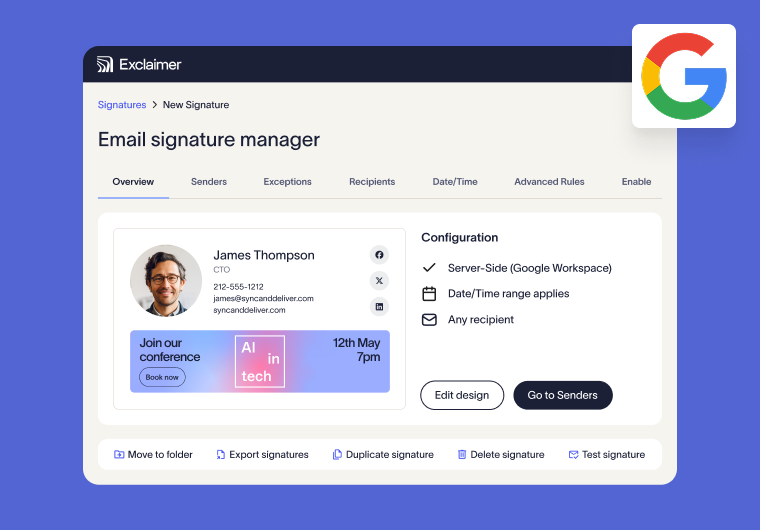
Automate signature management from a single platform

Manage Gmail signatures across your organization from one centralized dashboard.
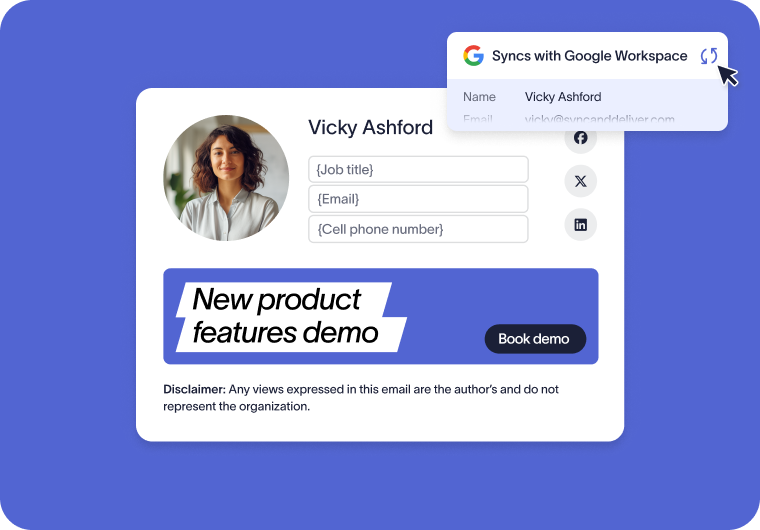
Synchronize user details from Google Directory to keep signatures accurate and up to date from day one.
Automatically assign signatures based on user, role, department, or recipient.
Delegate permissions with role-based access, so teams can contribute without risking control.
Keep every email consistent, professional, and trustworthy
Ensure every email and video meeting is polished, brand-compliant and professional automatically.
Standardize logos, colors, fonts, disclaimers and layouts across Google Workspace from a single source.
Roll out rebrands or campaign updates globally in minutes.
Support multiple brands, teams, or regions without duplicating work.

Ensure every email is compliant, branded, and governed
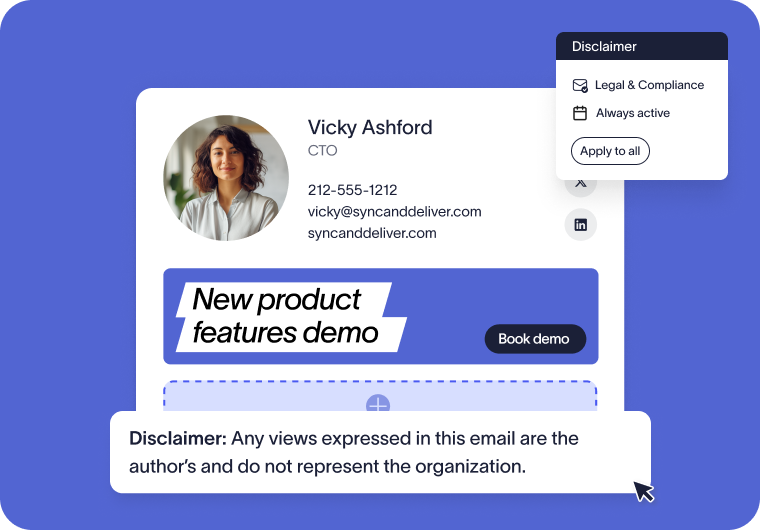
Apply legal disclaimers automatically to every email, with no user input required.
Use dedicated settings to tailor disclaimers and signature content by region, department, or recipient.
Guaranteed legal compliance for every email, from every employee across your entire Google Workspace.
Track changes with audit logs to support compliance and internal reviews.
Trusted by 9 million email accounts worldwide






Built to scale with your organization
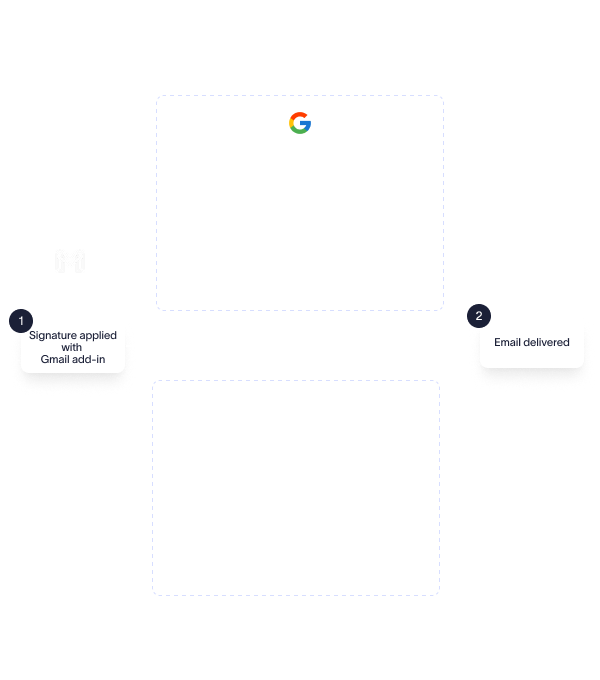
Automatically imprint signatures after send, across devices.
Ensure signatures and disclaimers are applied to every message.
Post-send signature application ensures complete governance, with no risk of signature editing.
Users see applied signatures in their Gmail Sent Items after every send, exactly as recipients received them.
High availability powered by 4 Azure datacenters in 2 regions globally.
Automatic failover datacenters in region maintain continuity, and full data residency.
Ensure reliable signature application without disrupting your mail flow.
Exclaimer is proud to offer 99.99% uptime.

Build professional signatures without HTML

Centralize, apply & edit brand assets across communications
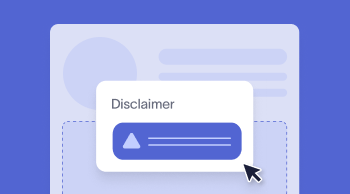
Automatically apply compliant legal text on every communication

Carry over the same consistency you rely on for signatures to your video meeting themes
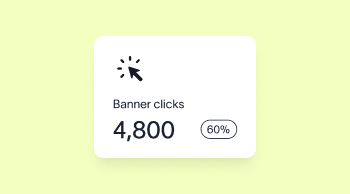
Measure performance and optimize signature campaigns with built-in analytics or Google Analytics integration
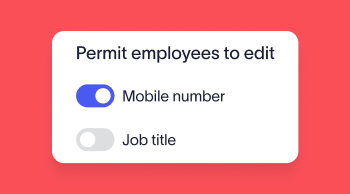
Allow users to make controlled updates without losing governance
Integrated with the tools you already use
Integration with Google Directory and HRIS tools ensures accurate employee information from day one.
Ensure every Google Meet call or Zoom meeting is professional & on brand with Meeting Branding.
Advanced CRM integrations with Salesforce and HubSpot enable teams to target signatures based upon the lists you already rely on.
Track email signatures campaigns via UTM links in Google Analytics.
Easily facilitate meetings with Calendly & Chili Piper links on every email automatically.

Try our email signature solution for Google Workspace
Centrally manage every email signature and keep your whole organization on brand.



Score 4.6 / 5
"Excellent service, takes all the hassle out of Office 365 Signatures!"
Read more

Frequently asked questions
Yes. Data security is a top priority for Exclaimer. All email traffic is encrypted with end-to-end TLS encryption and protected by advanced firewalls, intrusion prevention systems (IPS), and proactive DDoS defenses.
Rigorous DevSecOps practices ensure security is embedded at every stage, from development to deployment.
Exclaimer adheres to recognized global standards, including SOC 2 Type II, ISO 27001, ISO 27018, HIPAA, and Cyber Essentials.
Regular independent audits verify compliance, giving your organization confidence in meeting industry regulations.
Exclaimer employs an Active-Active infrastructure hosted in Microsoft Azure datacenters.
This setup guarantees high availability, automatic failover, and consistent performance, ensuring email signatures are applied reliably across all Google Workspace emails.
Yes. Exclaimer is designed to handle organizations of all sizes, including large enterprises with complex IT systems.
It offers centralized management, role-based access controls, and advanced compliance features, alongside a robust, scalable architecture for secure and reliable performance.
Yes. Exclaimer is built for regulated industries, offering precise control over signature content, automated legal disclaimers, and secure template management.
By managing signatures centrally at the server level, organizations maintain compliance with regulations like HIPAA and GDPR, while ensuring brand consistency and data security.
No. Exclaimer is designed to ensure seamless email flow with no impact on deliverability. Client-side signatures are applied directly in Gmail, while server-side signatures are processed with minimal latency using intelligent load balancing and high-performance Microsoft Azure infrastructure.
Exclaimer continuously monitors email processing to ensure compliance and branding without introducing bottlenecks or affecting email performance.
IT teams have full control over signature management and can choose to enforce strict compliance or allow limited customization.
Legal disclaimers, logos, and brand elements can be locked to prevent unauthorized edits, while select user-controlled fields, such as pronouns or certifications, can be enabled within predefined templates.
Marketing teams can also be granted access to update signature banners dynamically, without requiring IT intervention.