Karl heads up Information Security at Exclaimer, where he’s focused on keeping data secure and ensuring compliance with standards like ISO 27001 and SOC2. With years of hands-on experience, Karl is dedicated to simplifying security processes and staying ahead of potential threats. He’s passionate about using automation and smart practices to strengthen security without adding unnecessary complexity.
Email signature management for utilities: A complete guide
TL;DR
For a utility, email signature management means applying each email signature at the server, by rule, from directory data. Offices, depots, contact centers, and field crews then send under the right entity's name and the right legal notice.
Server-side application covers technicians on phones and shared depot devices with nothing installed. Four documented exceptions apply, and shared mailboxes have to be added as senders.
Ownership decides which notice applies: public records wording for publicly owned utilities, commercial disclaimer practice for investor-owned ones, and entity separation wherever a regulated utility sits alongside competitive affiliates.
35% of 4,009 IT professionals called email signature management one of their top two most time-consuming tasks, according to Exclaimer's State of Business Email 2025.
Whether a utility's email is a public record depends on who owns the utility. That fact shapes which notice belongs in every email signature.
The people sending that email work in corporate offices, a contact center, depots, and a field workforce that reads mail on a phone between jobs. Karl Bagci, Exclaimer's Director of IT and Information Security, wrote in a Cloud Awards article: "The result is a situation in which infrastructure is centralized, but configuration is not."
In the same State of Business Email 2025 (Censuswide, April 2025), only 47% of IT leaders said they were very confident in their compliance posture.
What disclaimer does a utility need on email?
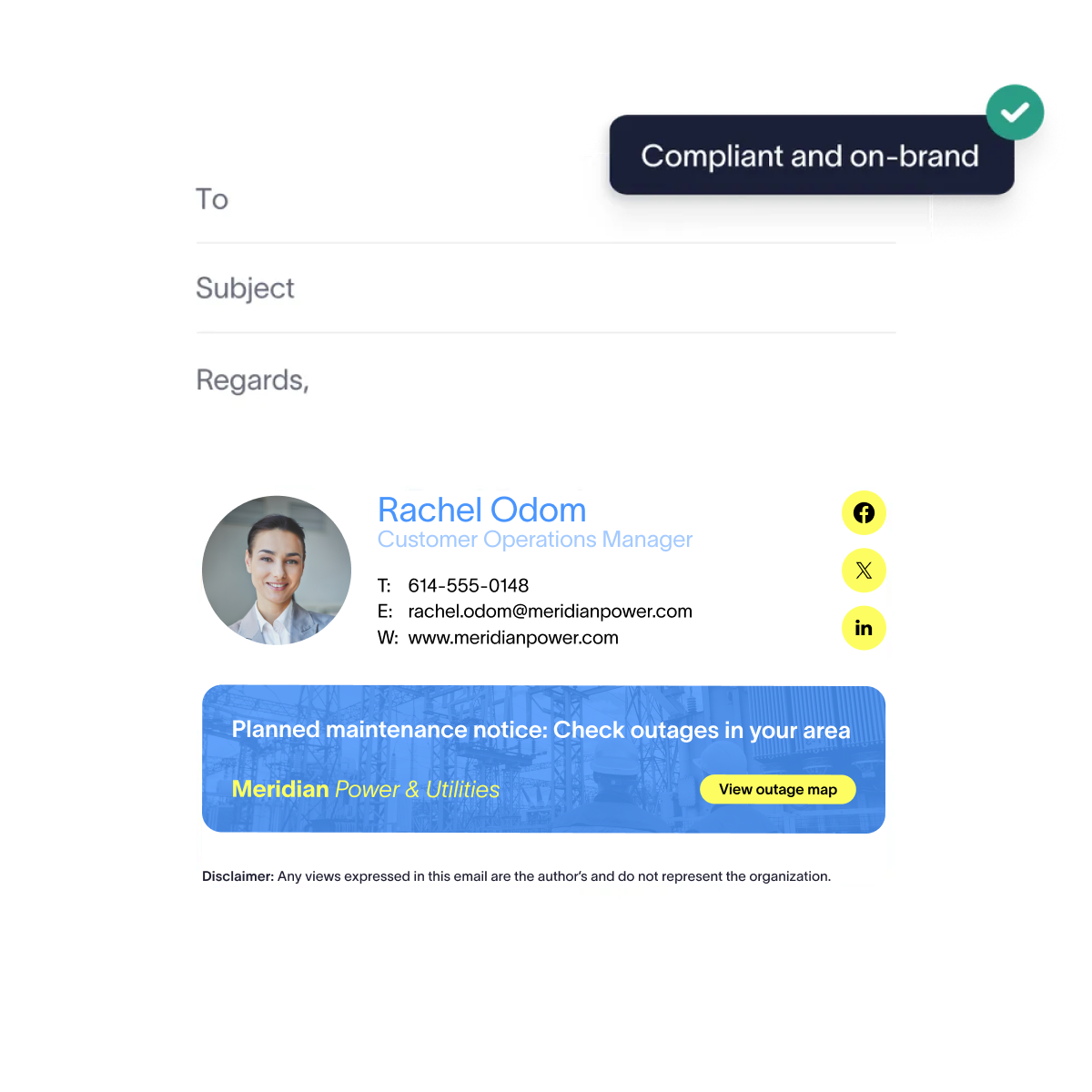 A publicly owned utility's email is generally a public record, so the key notice is about records disclosure. An investor-owned utility follows ordinary commercial practice. A utility with competitive affiliates also faces a state code of conduct, as Texas electric utilities do.
Ownership | Base framework | Notice worth carrying |
|---|---|---|
Publicly owned | State public records law | A short notice that correspondence may be subject to public records disclosure |
Investor-owned | Ordinary commercial email practice | A confidentiality notice, the legal entity name, and a physical postal address on commercial email |
Any utility with competitive affiliates | State commission code of conduct | The sending entity's name, logo, and disclaimer, kept distinct from the affiliate's |
Member-owned cooperatives follow their own state's rules, which differ on records law, so check yours.
How do public records rules apply to utility email?
Washington's Attorney General lists emails among the writings covered by the state's Public Records Act. Seattle Public Utilities, which runs water, drainage and wastewater, and solid waste services, says on its public records page that a public record is any writing it prepares, owns, uses, or retains, in any physical form, that reflects the conduct or performance of the department. Exemptions differ by state, so check your own statutes.
Put the notice on every message, not the ones people remember, and keep it as text rather than an image so it survives export into a records response.
How does affiliate separation show up in an email signature?
Texas Utilities Code §39.157, which governs electric utilities, requires a utility to be a separate, independent entity from its competitive affiliates and bars joint advertising or promotion that favors the affiliate. Subsection (e) directs the commission to set a code of conduct for municipally owned utilities and electric cooperatives too. Check the code your own commission applies.
The email signature is one place the sending entity is named. Directory attributes can assign the right entity name, logo, and disclaimer to someone who moves between a utility and an affiliate.
Full guides:
- What is an email disclaimer
- 25+ disclaimer statement examples and templates
- U.S. email disclaimers: Laws, examples, and best practices
What can an email signature support, and what can't it?
Karl Bagci put the governance gap this way in Exclaimer's World Cloud Security Day press release (31 March 2026):
"Without centralized governance, businesses have limited control over how disclaimers are applied, how regulatory requirements are met, or how consistently the organization is represented across every interaction."

Key takeaway
An email signature carries a notice. The records process, the code of conduct, and the privacy program stay with the business.
Requirement | What a managed email signature supports | What it can't replace |
|---|---|---|
State public records law (publicly owned utilities) | Consistent sender identity and a standard records notice on every outbound message | Retention schedules, archiving, a records request process, and legal review of what's disclosable |
State commission code of conduct (utilities with competitive affiliates) | Correct legal entity name, logo, and affiliate disclaimer, applied by directory attribute | Marketing and sales practice controls, cost allocation, and separated customer data handling |
Americans with Disabilities Act (ADA) Title II (publicly owned utilities) | Legal text and contact details as selectable text rather than an image | Web Content Accessibility Guidelines (WCAG) 2.1 Level AA conformance for web content and mobile apps, accessible billing documents, and customer portals |
CAN-SPAM (commercial email) | The physical postal address block, applied consistently | Opt-out processing, list hygiene, and suppression management |
The Department of Justice's 2024 Title II rule adopts WCAG 2.1 Level AA for state and local government web content and mobile apps, with compliance dates of April 2026 for larger public entities and April 2027 for smaller ones. Email isn't web content, so the rule doesn't reach an email signature directly. Text a screen reader can read, with enough color contrast to survive on a phone, is the sensible default. Exclaimer's Accessibility Controls add semantic structure, screen reader labels, a language declaration, and clickable QR codes to the email signature designer.
What should a utility email signature include?
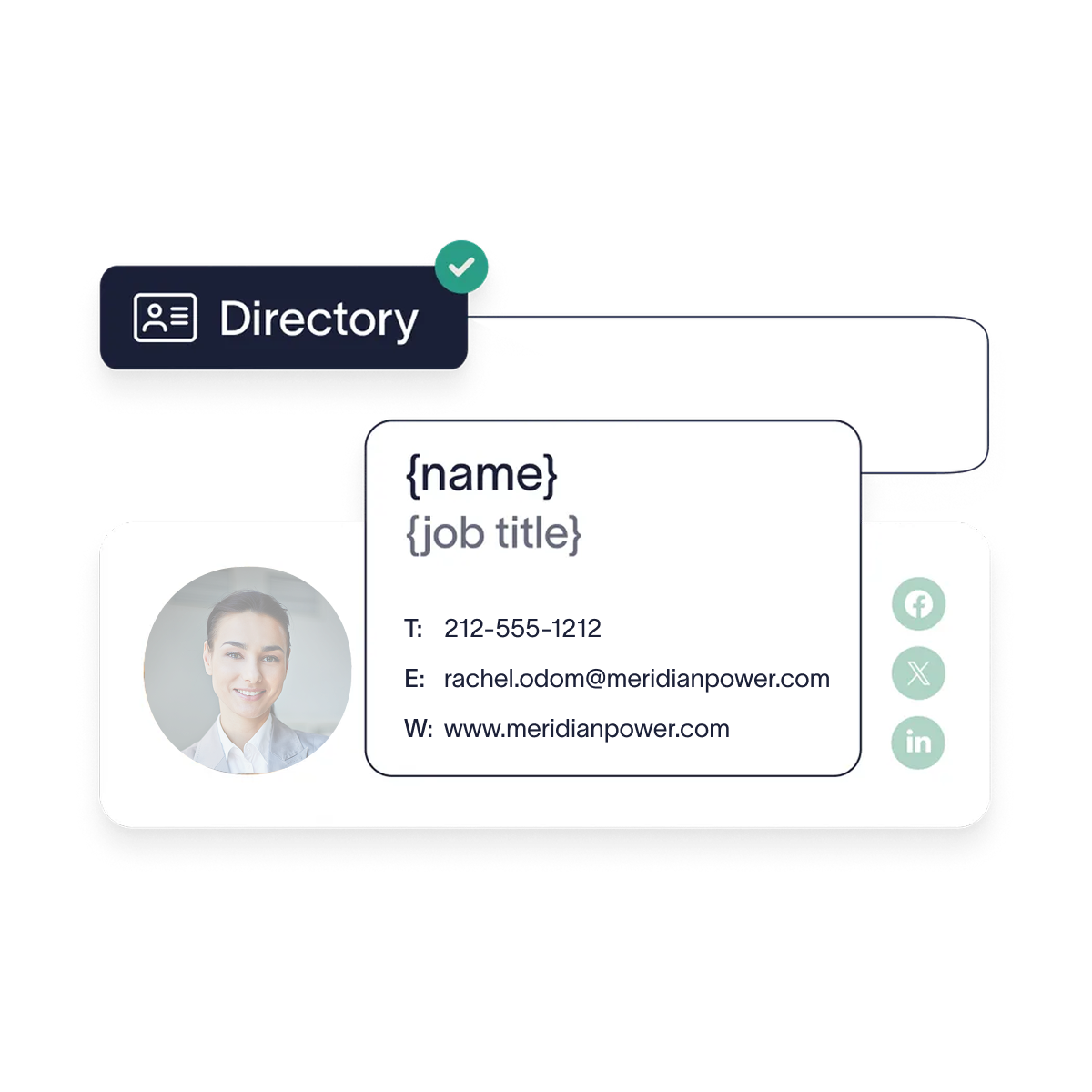 Full name, job title, department, legal entity name, direct phone, and logo are the baseline. A utility adds the site or region where it helps route a query, a license or registration number where the role holds one, and the legal text for the sending entity as selectable text.
It also adds one line most businesses don't need: the emergency contact route for gas, electric, and water. Keep it apart from the general contact number, because it's the one line someone might need in a hurry.
How do you cover field engineers, depots, and shared devices?
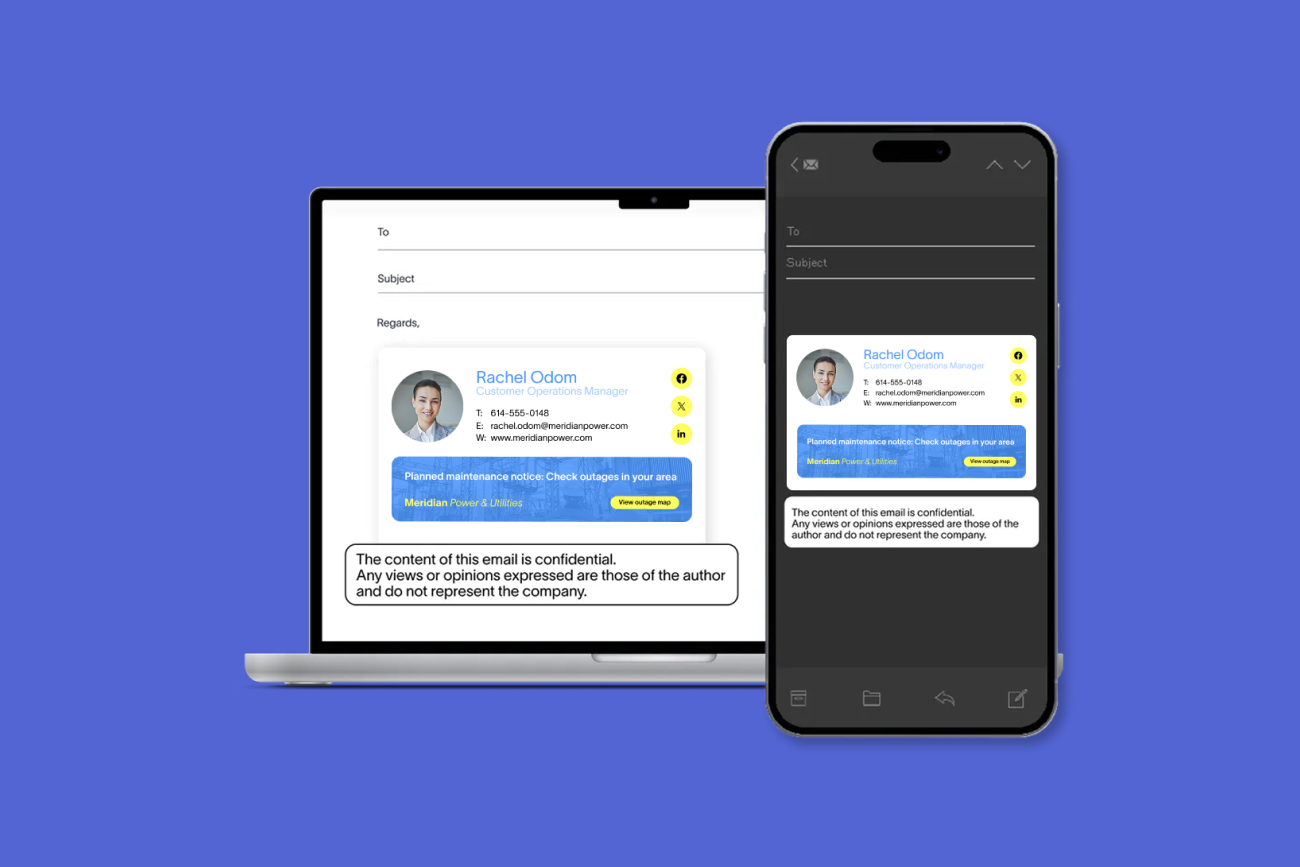
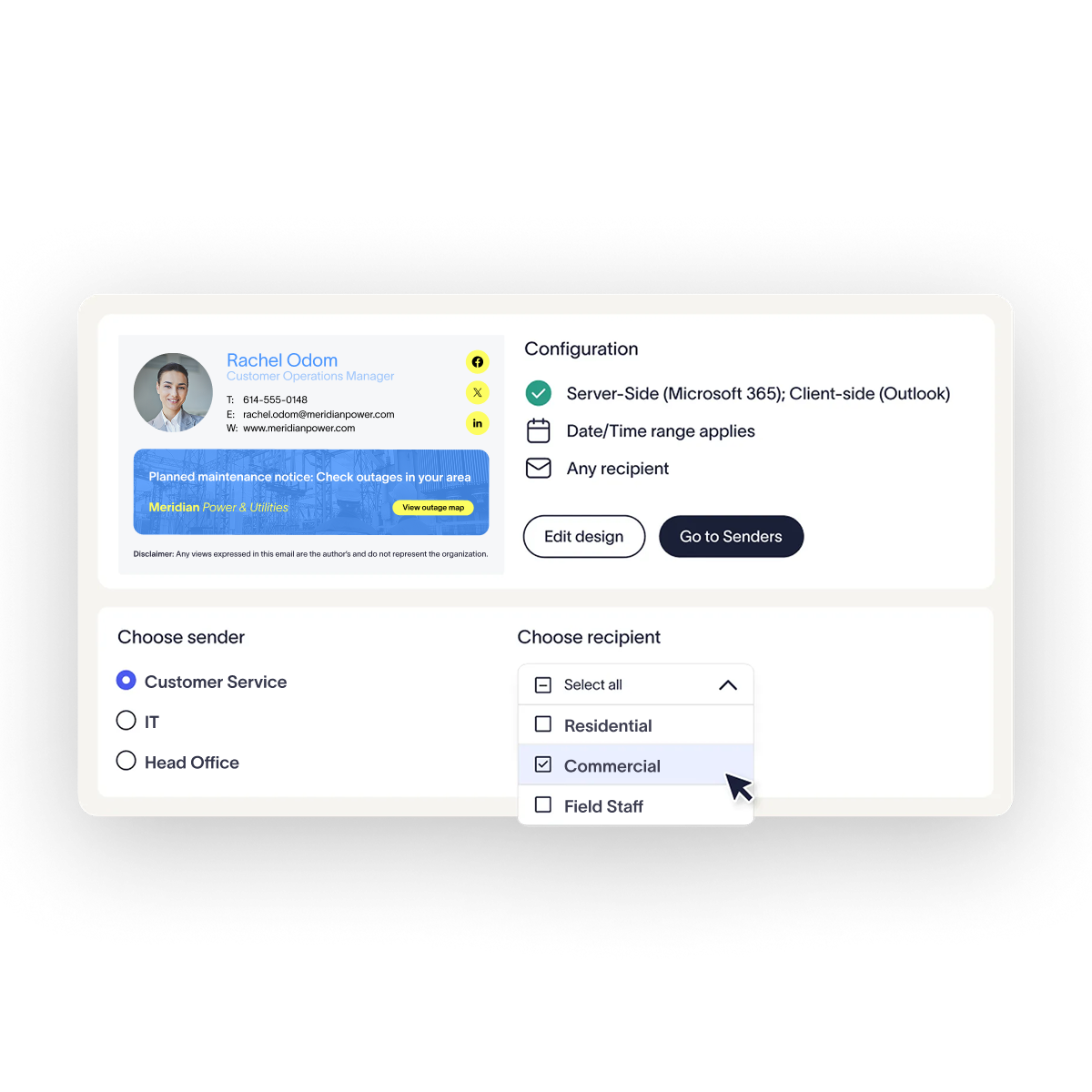 Apply the email signature at the server. Server-side application adds the email signature after the message leaves the sender's device. Hence, a technician on a phone and a shared depot workstation produce the same output with nothing installed, on every device and email client.
Client-side email signatures, added by an Outlook add-in, depend on the add-in being on the device. On Outlook mobile, the default email signature applies automatically. A hybrid setup pairs the two. The add-in gives desk staff a preview as they compose, and the server still applies the approved version on the way out.
Shearwater Geoservices, a marine geoscience company with a dispersed, ship-based workforce, brought 1,200 employees onto consistent email signatures in two weeks.
How do shared depot and control room mailboxes get an email signature?
Shared mailbox accounts are disabled by default, so each one has to be added as a sender and synchronized. Where people send as or on behalf of a shared mailbox, its email signature applies and takes an additional license.
Tip
In Microsoft 365, a shared mailbox sends without an email signature until it's added as a sender.
How do contractors fit in?
A contractor with a mailbox in your Microsoft 365 tenant or Google Workspace domain is in your directory, so rules apply to them like anyone else. Give them a template that identifies them as working on behalf of the utility, driven by a directory attribute that marks contractor status.
A contractor who emails customers from their own employer's domain is outside your reach, and the contract has to cover what they send.
Full guide: Microsoft Entra ID and Active Directory email signatures
Can email signatures carry outage and safety notices?
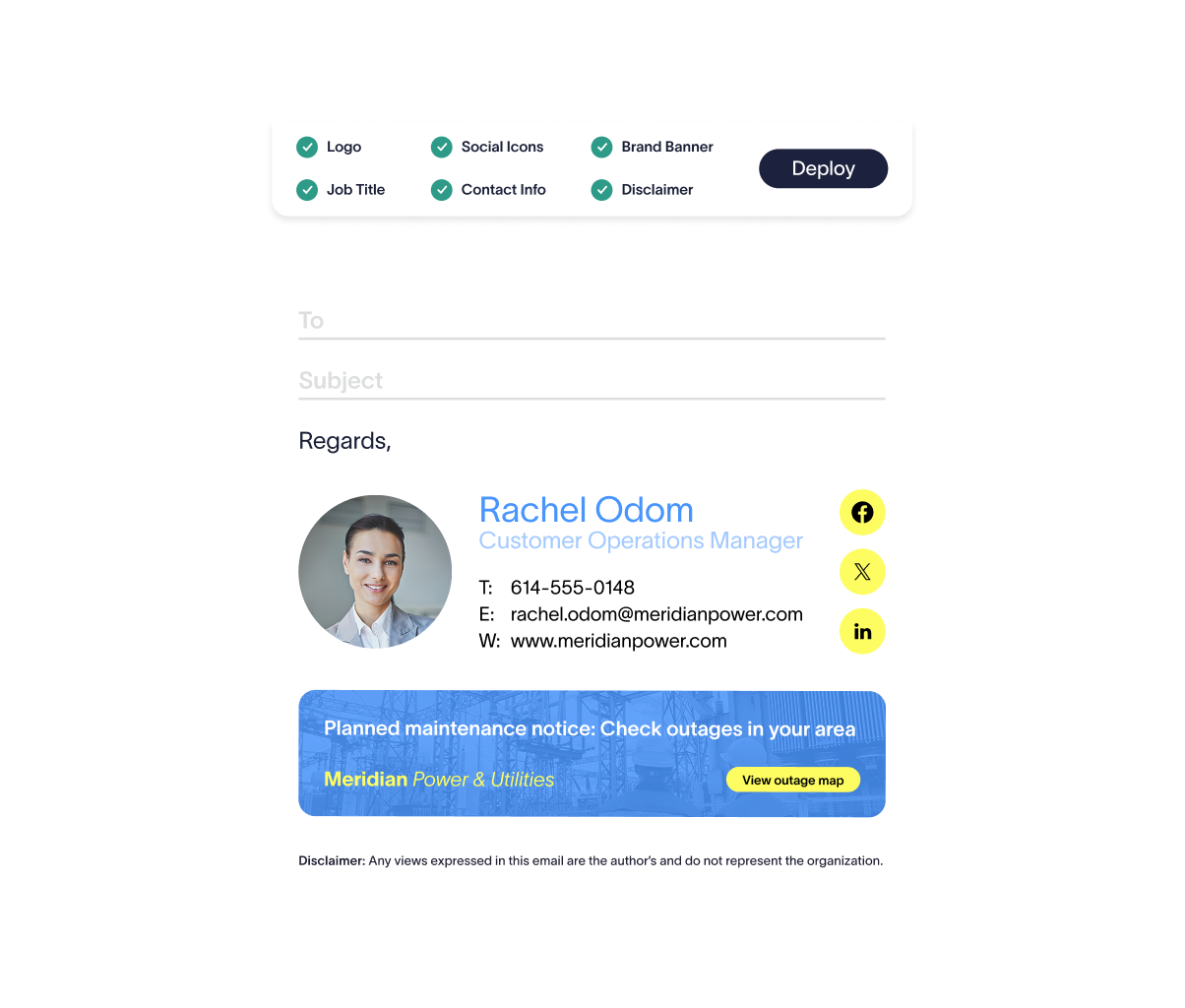
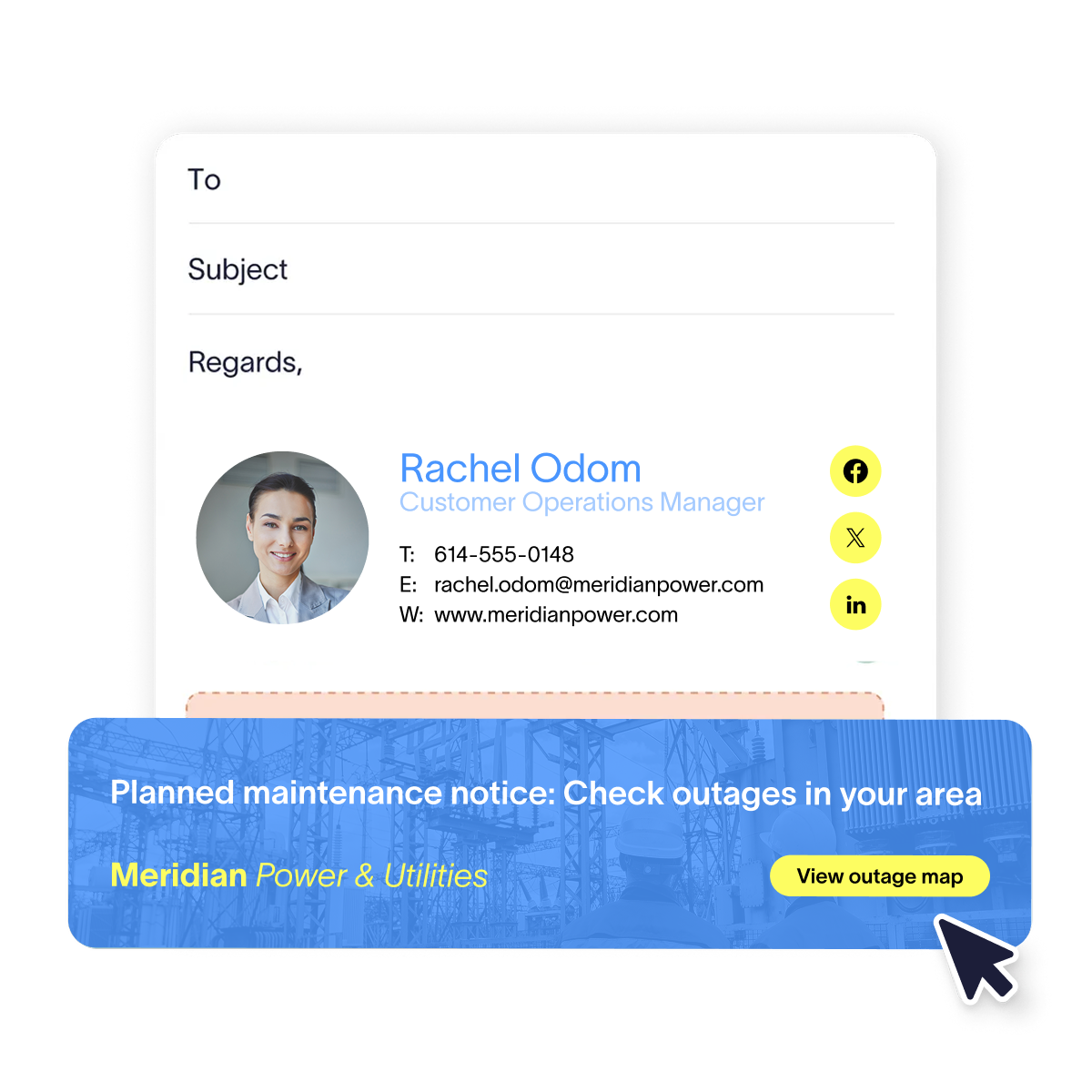 Yes, for planned and non-urgent notices. A banner in the email signatures of staff in an affected region can carry a planned-works notice, a seasonal safety campaign about digging near buried services, or a scam warning, and it can be scheduled to come down when the work ends. Email isn't suitable for emergency notification, because delivery timing can't be guaranteed and nobody should rely on a footer to reach a customer during a live incident.
Campaigns is Exclaimer's feature for building and scheduling banners, with targeting by sender, recipient, department, or region. Signature Rules decide which email signature template each person gets from their directory attributes. Together, they let a notice reach staff in one operating region and nobody else. Signature Rules also keep a regulated utility's mail and an affiliate's branding apart.
Role-based access control lets the communications team run a banner without touching the template or the legal text.
Full guide: Email signature banners: A complete guide
How do you manage email signatures when a utility acquires another operator?
Hold each brand as its own template and assign it by directory attribute, so people pick up the right email signature as their accounts land in the directory. In Exclaimer's State of Business Email 2025, 31% of respondents named mergers and acquisitions as a trigger for email signature updates.
One option is a staged rebrand. Name the acquired operator as part of the parent for a set period, then move it to parent branding with one rule change.
Meritus Gas Partners, an industrial gases and welding supplies distributor built through acquisitions, manages email signatures across more than 20 Microsoft 365 tenants from one console. A twice-daily Microsoft Entra ID sync keeps them current.
Full guides: Multi-brand email signature management and How to manage email signatures during a merger
What is the operational case for centralizing email signature management?
Every site move, crew change, contractor start, and acquisition is an edit to someone's email signature, and each edit needs an owner. Only 55% of organizations say IT owns email signature management, according to Exclaimer's State of Business Email 2025. The rest split it across HR, marketing, and employees.
The same report also asked how organizations manage email signatures:
Method | Share of organizations |
|---|---|
IT-built script | 34% |
Manual updates by IT | 23% |
Employees update their own | 23% |
Third-party tool | 20% |
In Exclaimer's Build vs Buy research, a survey of more than 2,000 IT and security decision-makers published in November 2025, 13% of IT teams had built their own email signature management tool and 71% of in-house IT builds were eventually abandoned.
Full guide: The true cost of manual email signature management
"Relying on individual behavior to enforce communication standards is one of the most common ways organizations get this wrong. Policies exist, but there is no mechanism to ensure they are applied in the same way across different teams, systems, or regions. Over time, that creates variation and when that variation is exposed during an audit or investigation, it becomes very hard to explain."

What should utility IT look for in email signature software?
Look first for server-side application, because coverage then doesn't depend on the sender's device, apart from the four exceptions. Then look for rule-based assignment from directory attributes, so a template follows a person when they change site, role, or entity. Beyond those two, check:
Directory sync from Microsoft Entra ID or Google Workspace Directory, with Okta or Workday where identity or HR data is the source of truth
Multi-entity support, so a regulated utility and its affiliates each get the right name, logo, and disclaimer from one console
Rules granular enough for your geography, with assignment by region, site, department, and role
Delegated access, so communications can run banners without touching legal text or templates
A clear view of which template and disclaimer applies to which users, plus login activity logging for the platform itself
Scope deployment against your own environment: how many legal entities are in scope, whether hybrid Exchange is still in the mix, and how clean your directory attributes are.
What will a vendor security review ask for?
Exclaimer is ISO 27001, ISO 27018, and SOC 2 Type II certified, holds Cyber Essentials, and is compliant with GDPR, CCPA, and HIPAA. Certificates and reports are in its Trust Center. Keep certifications in readable text rather than a logo image, so a reviewer can find them.
Full guide: Exclaimer for IT
Where should a utility start?
 Start with two questions. Which entity is each person sending under, and how much of the field workforce is carrying the correct legal text right now? If answering either means opening mailboxes to check, central management is the fix.
See how Exclaimer works in a utility environment, or start a free trial and test it against your own directory.