James is an experienced product specialist with a strong background in the IT and SaaS industry. As Senior Product Marketing Manager at Exclaimer, he plays a key role in showcasing the value of centralized email signature solutions and transforming them into a powerful communication tool for organizations.
Introducing Workday integration for Exclaimer
For many organizations, Workday is where employee data lives. It’s the primary source of truth for names, job titles, and contact details.
But that same data doesn’t always flow cleanly into email signatures or video meeting themes. Instead, organizations that rely on Workday rather than directories like Entra ID (Azure AD) or Google Directory end up filling the gap with manual updates, CSV uploads, or directory workarounds just to keep employee details accurate.
That creates extra work for IT. It adds risk. And it doesn’t scale.
That’s why we’re launching Workday integration for Exclaimer.
Why it matters
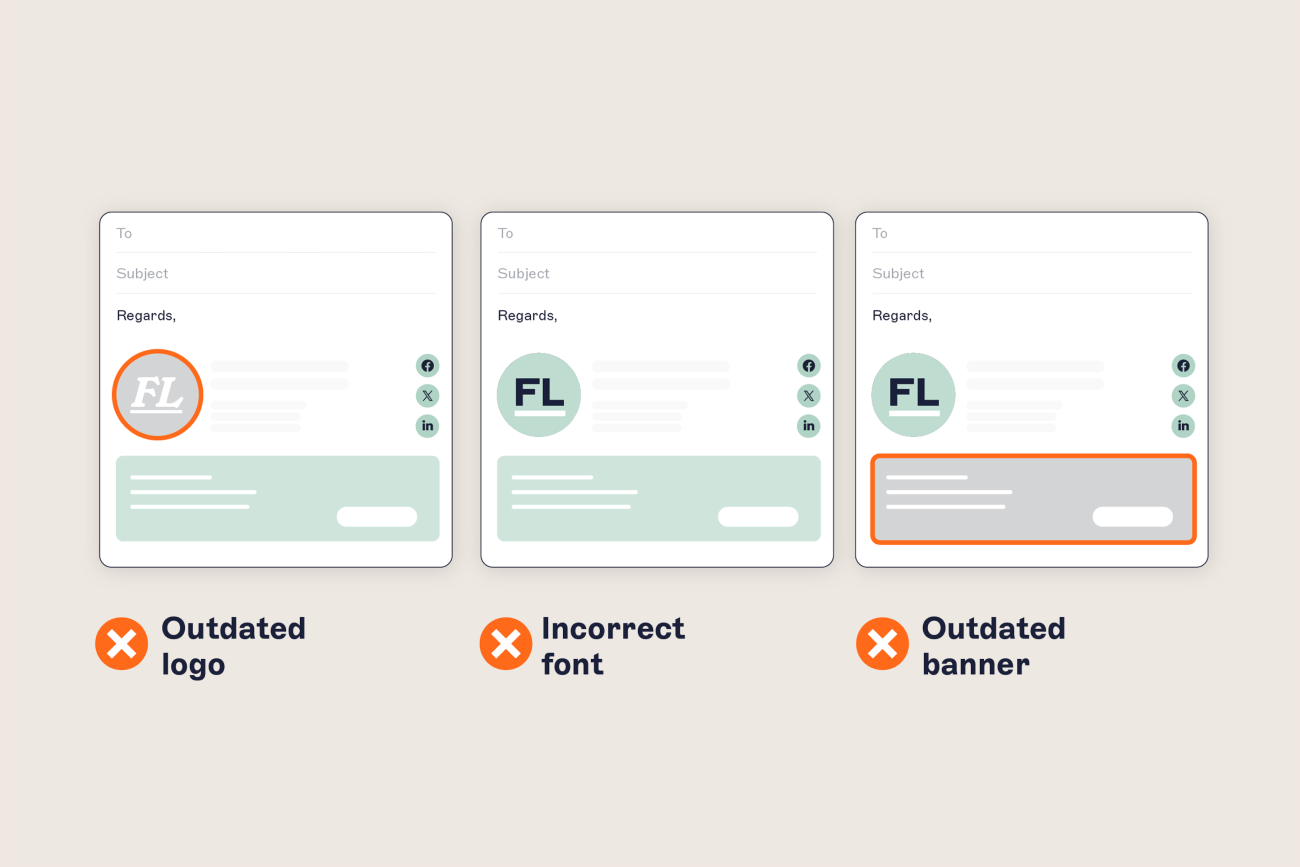
When sender details are wrong, it creates friction and erodes trust. Missing titles, outdated phone numbers, incorrect department names—these things make your communications look unprofessional. They can also expose the organization to unnecessary legal and reputational risks.
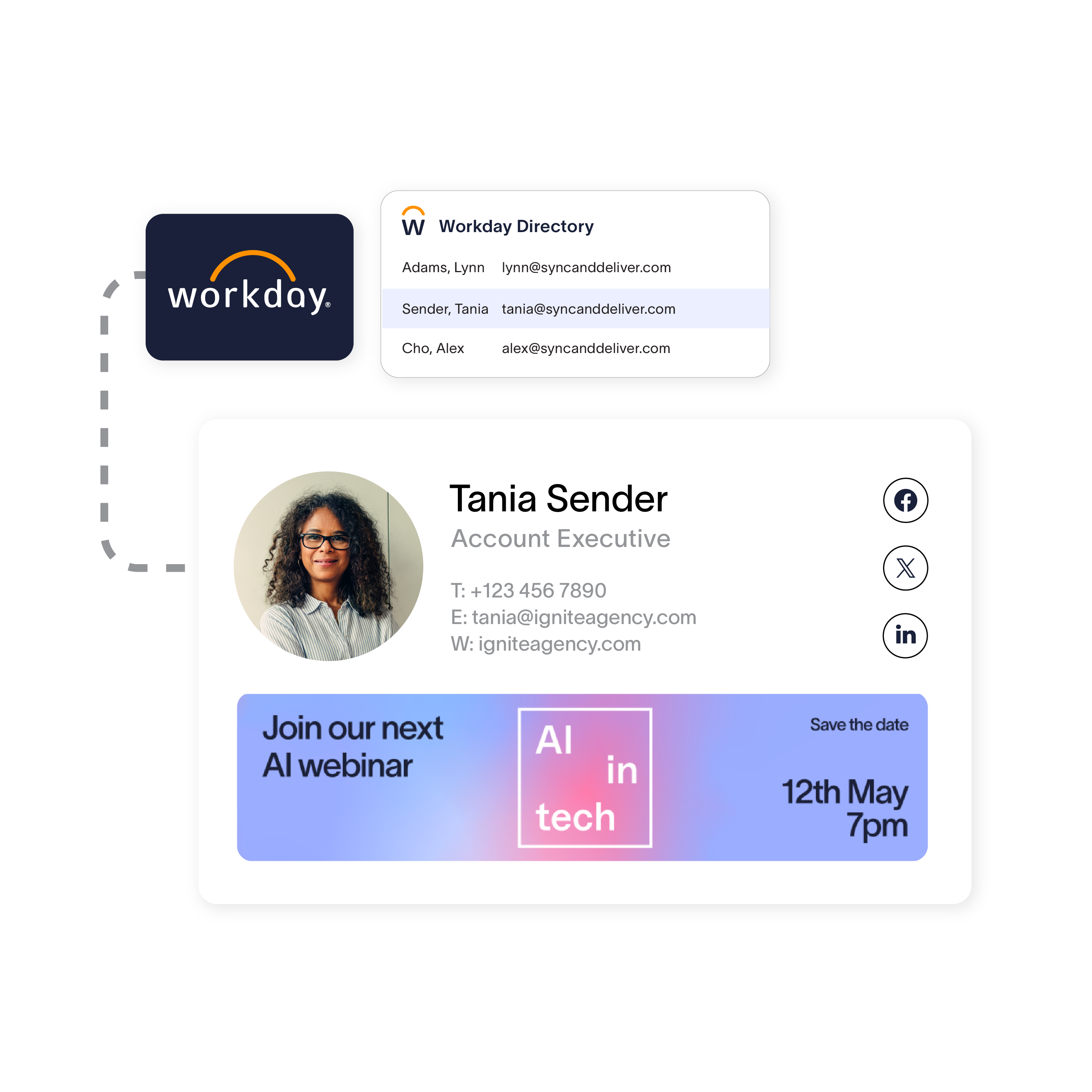
By connecting Workday to Exclaimer, organizations can use the HR system they already trust to automatically keep employee details accurate in email signatures and meeting themes.
Use Workday as a data source for email signatures and meeting themes
Automatically pull in up-to-date names, job titles, departments, contact details, and more.
Reduce manual updates and unstable workaround-driven processes for IT
Let HR manage employee information at the source while IT sets guardrails and maintains governance in Exclaimer
Support accurate communications as your organization grows, changes, or restructures
HR owns the data. IT keeps control of the platform. Every communication stays aligned with the latest employee information.
How it works
Getting started is easy:
Create a Workday integration user
Have your Workday admin set up an Integration System User (ISU) in Workday and assign the required permissions.
Connect Workday in Exclaimer
In your Exclaimer subscription, add Workday as an employee data source and authenticate the connection.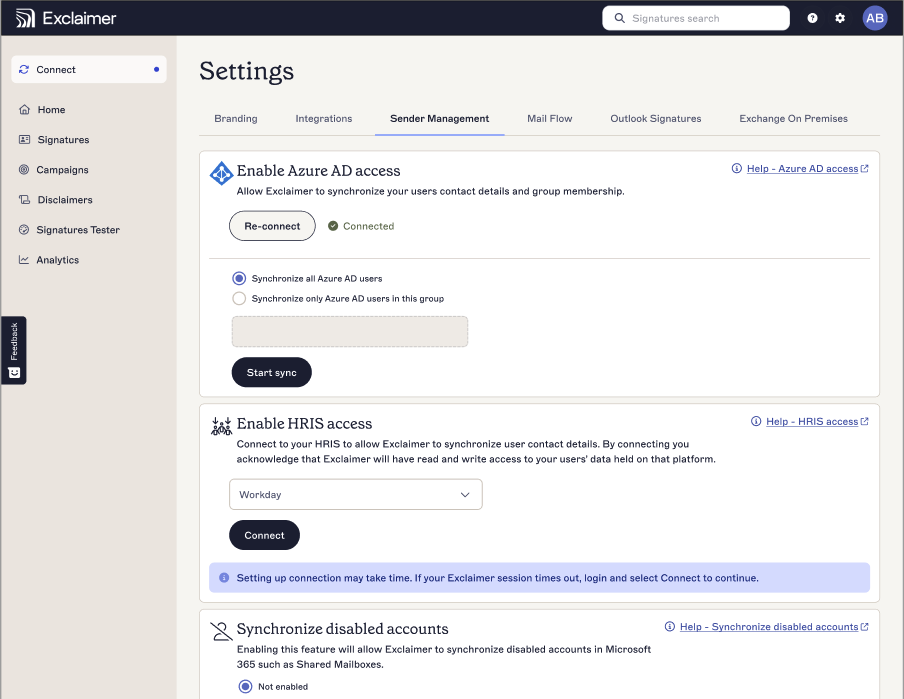
Apply Workday data to signatures and meeting themes
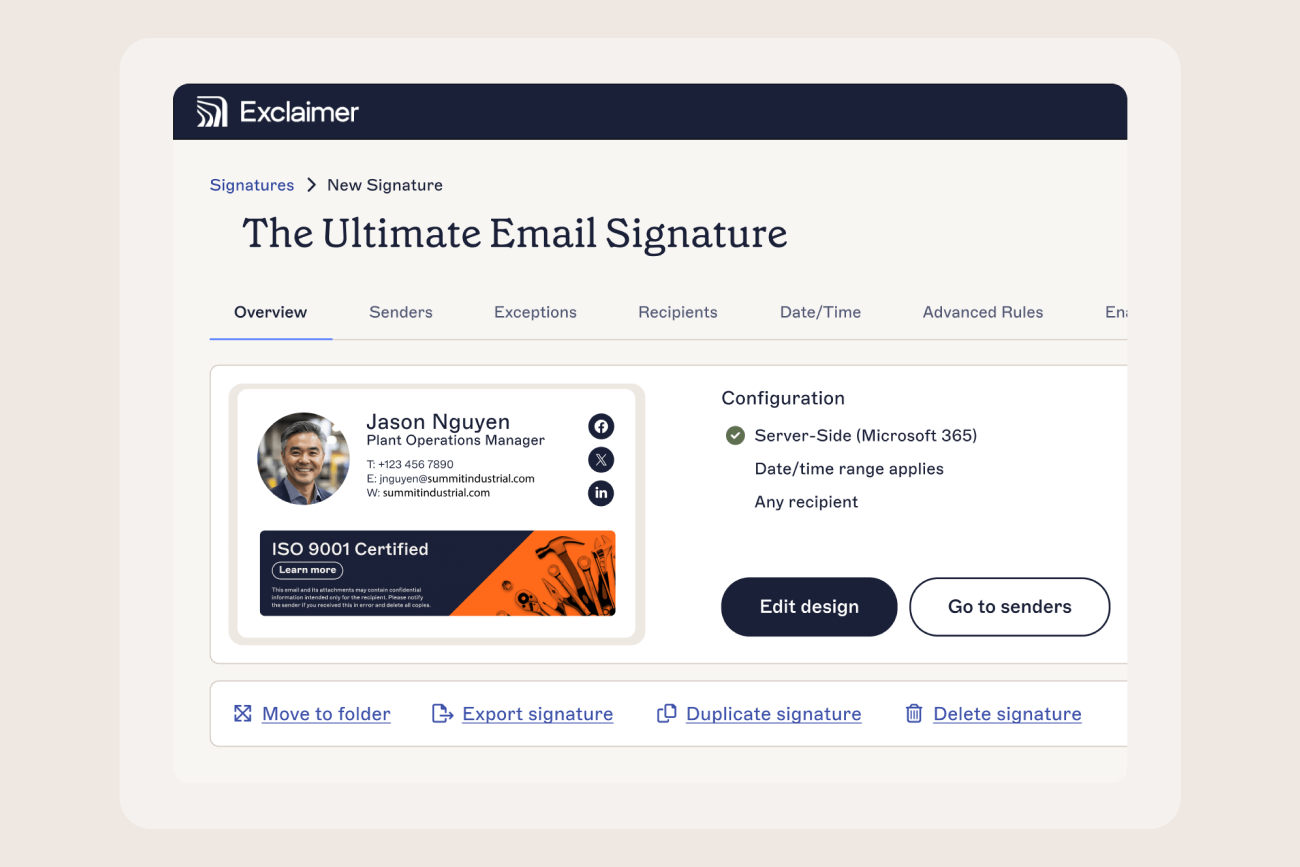
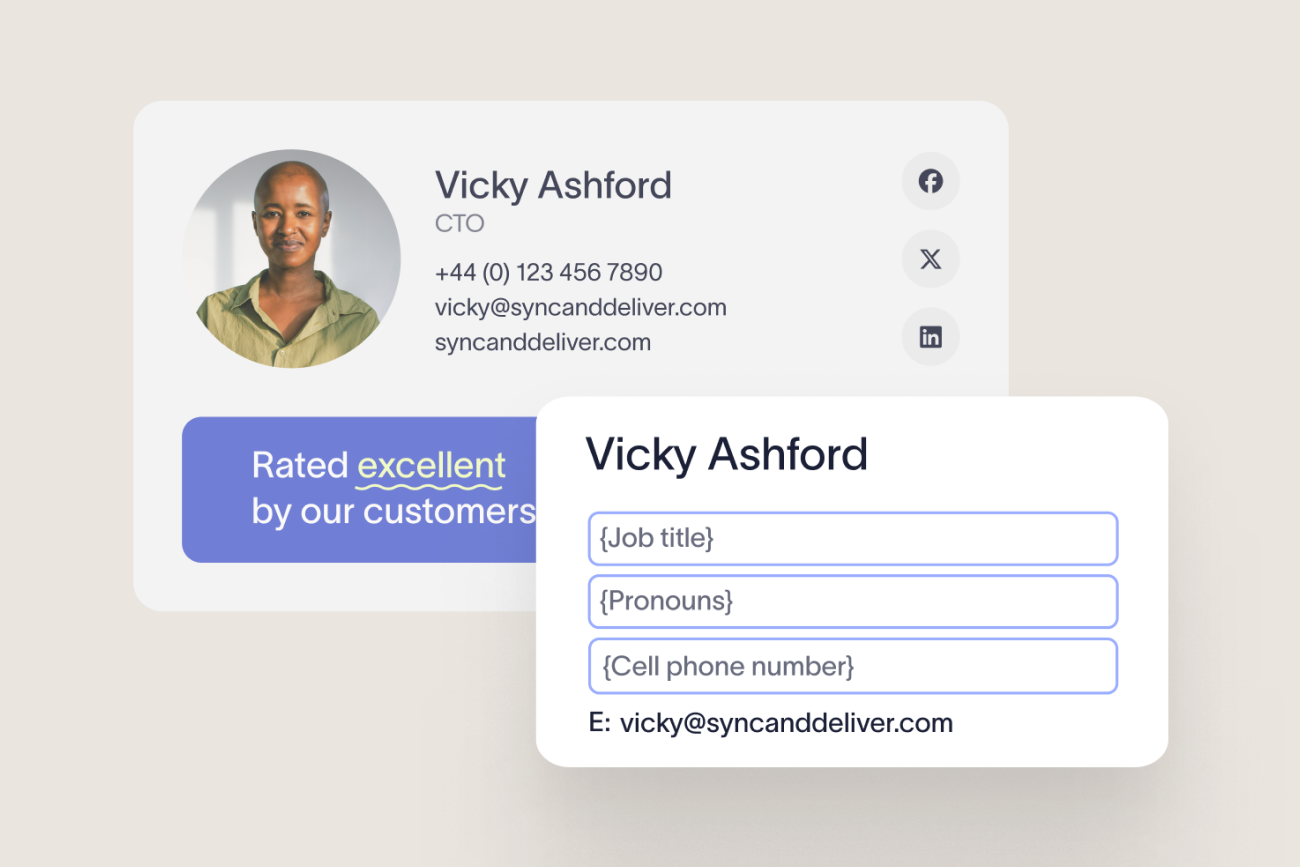
Build email signature and meeting theme templates using mapped Workday attributes.
Stay up to date automatically
When employee records change in Workday, updates sync into Exclaimer automatically, so signatures and meeting themes reflect the latest details.
The result is a cleaner path from HR-managed employee records to the communications your teams send every day.
Need help with setup? Book a call with an Exclaimer solutions engineer. We’ll walk through the configuration with your Workday admin and answer questions as you go.
Get started with Exclaimer and Workday
Already an Exclaimer customer? You can start using Workday as an employee data source in your subscription and bring HR-managed details directly into your signatures and meeting themes.
New to Exclaimer? Start your free trial and see how our Workday integration can help you keep employee details accurate, reduce manual admin, and ensure professional communications at scale.
Use the data you trust. Keep every message consistent, compliant, and on brand.