The hidden cost of in-house tools: What IT decision-makers need to know
19 February 2026
0 min read
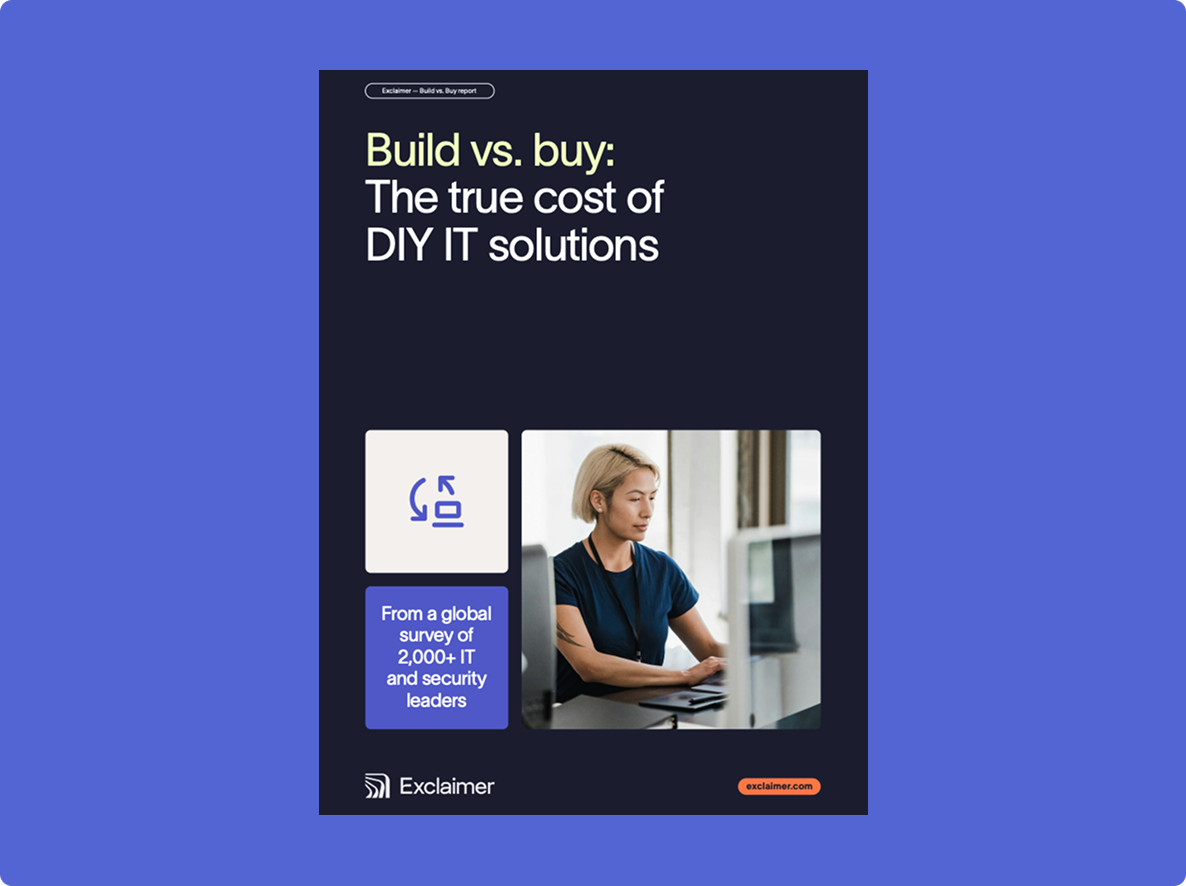
For IT leaders, the “build vs. buy” decision isn’t just about tooling. It shapes how your team scales, secures data, and delivers value. And while building in-house might feel like the most flexible choice, our data shows it often comes at a significant cost—one that doesn’t show up right away.
This webinar breaks down findings from our global survey of more than 2,000 IT and security professionals. We’ll explore:
Why in-house tools often take longer to launch, cost more than projected, and end up abandoned
How long-term maintenance and missed opportunities quietly drain IT budgets
What high-performing IT teams are choosing to build—and what they’re better off buying
Key takeaways
1. Building in house feels right at the start
Control, customization, and speed are powerful drivers. Teams want tools tailored to their workflows, tight integrations with existing systems, and fewer procurement delays. On paper, building looks cheaper and faster.
2. The hidden costs show up after launch
Internal builds rarely stay on budget. Many are eventually abandoned. What starts as a quick win often becomes ongoing overhead that no one scoped. The build gets approved. The maintenance doesn’t.
3. Maintenance is the real project
Security patches, API changes, new integrations, documentation, support requests. These stack up fast. Nearly two thirds of IT teams spend up to 50 hours a month supporting internal tools. That time comes from senior engineers and strategic work.
4. Technical debt compounds quietly
When key engineers leave, undocumented systems become fragile. Updates feel risky. Edge cases multiply. You spend more time protecting the tool than benefiting from it. Eventually, scrapping it costs less than fixing it.
5. “Control” can create blind spots
Internal tools often lack formal governance. No clear owner. No audit trail. No change management. Security and compliance controls get added later, if at all. Over half of IT leaders say their internal tools wouldn’t pass a formal audit without remediation.
6. Productivity erosion is gradual but real
Unplanned fixes, minor bugs, permissions changes, and manual workarounds chip away at capacity. Ten to twenty percent of engineering time can disappear into support tasks that never make it onto a roadmap. Leadership sees slower delivery, not the root cause.
7. Scale exposes design limits
Most internal tools are built for today’s team size and requirements. Growth, new regions, regulatory changes, and acquisitions expose architectural gaps. Retrofitting multi-region compliance or enterprise-grade controls is far more complex than expected.
8. Email signatures are a practical example
Managing email signatures in house may look simple. Then you add multiple regions, templates, exceptions, rendering issues, mobile compatibility, and compliance requirements. Forty percent of IT leaders who built their own signature tools ran into scale and control problems.
9. If you build, treat it like a product
Assign clear ownership. Define change processes. Plan for failure scenarios. Track support effort. Reassess whether it still solves the original problem. If those answers aren’t clear from day one, risk is already in the system.
10. Build versus buy is about focus
Most teams could build the tool. The real question is whether they should. Consider risk, compliance, visibility, ownership, long-term cost, time to value, and strategic focus. Every internal build has an opportunity cost.
11. Make hidden costs visible
If you’re stuck with an internal tool, start tracking maintenance time and support overhead. Translate that into business impact. When leadership sees the real cost in hours and budget, the conversation shifts from preference to priority.
The core message is simple. Building can feel empowering. But without ownership, governance, and long-term planning, it creates operational drag, security exposure, and lost focus. The smarter decision often comes down to where your team’s time is best spent.