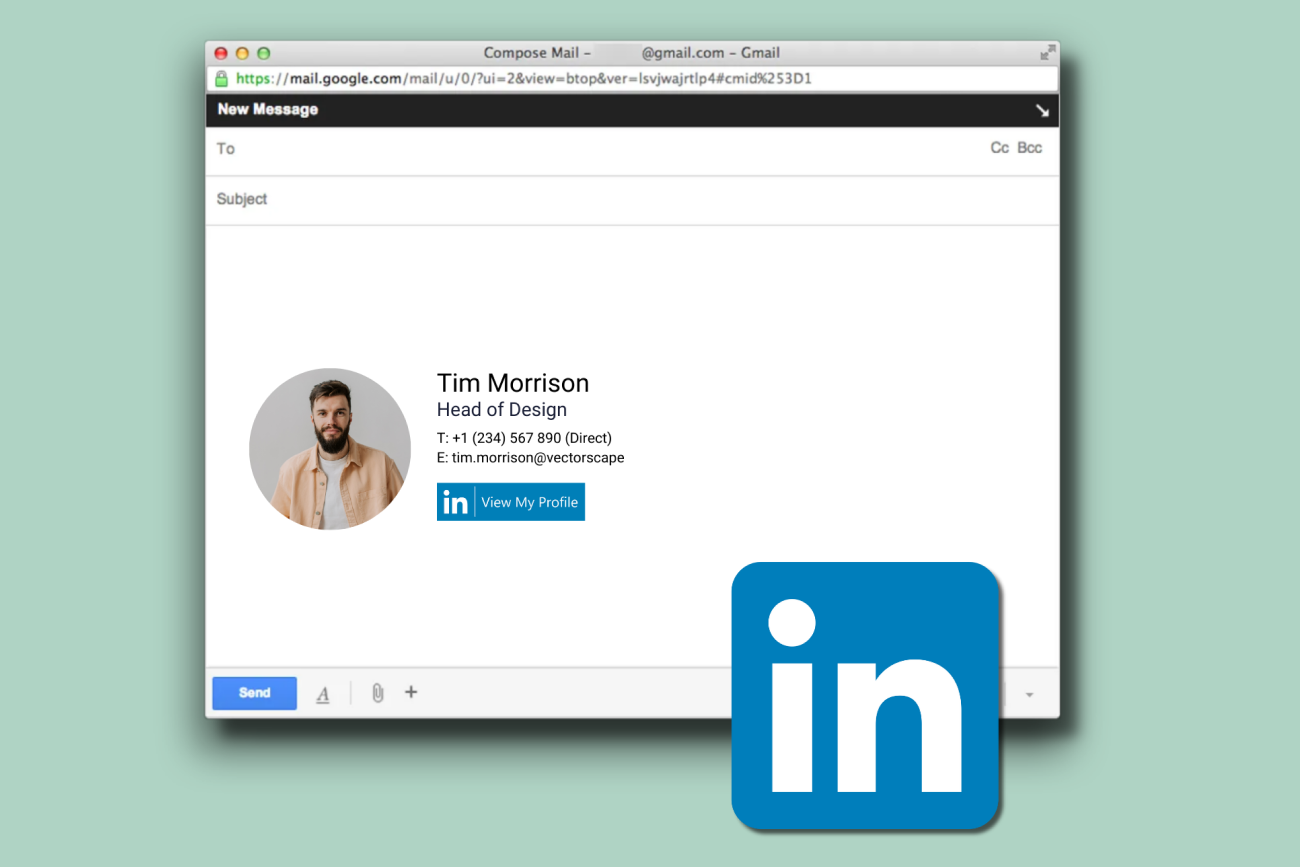
How to add your LinkedIn profile to your email signature
17 December 2025
0 min read
One of the most important social platforms for business professionals is LinkedIn, which now boasts over nine hundred and thirty million members worldwide. Adding a LinkedIn link to your email signature is a great way to help you stand out in your professional communications.
This video shows how to add a LinkedIn profile to an email signature in Gmail and Outlook. It covers the options available, then walks through what it looks like to add a LinkedIn link directly to your signature.
Why LinkedIn belongs in a professional email signature
LinkedIn plays a central role in professional networking. The video explains how adding LinkedIn to an email signature helps you stand out in business communication.
It also shows how an email signature works as a digital business card, supporting credibility beyond basic contact details.
What this video covers about LinkedIn for email signatures
This video outlines the main ways LinkedIn can be added to an email signature. These include manual linking, free signature generators, and centrally managed options.
The emphasis stays on how each approach appears in practice, rather than offering guidance on which option to choose.
Ways LinkedIn can be added to an email signature
The video shows three ways LinkedIn can be added to an email signature:
Manually inserting a social icon
Using an email signature generator
Managing LinkedIn links through email signature software
The focus stays on how each option appears within the signature, rather than on setup detail.
Adding a LinkedIn profile to an email signature in Gmail
LinkedIn can be added to an email signature in Gmail using the built-in signature settings.
The video shows how a LinkedIn profile link is inserted into an existing signature without affecting the rest of the layout.
Adding a LinkedIn profile to an email signature in Outlook
In Outlook, a LinkedIn profile can be added directly within the email signature using the signature editor. The video shows how the link is placed so it appears consistently in outgoing emails.
Managing LinkedIn email signatures across a company
Adding LinkedIn links works differently at an organizational level. The video explains that while generators are useful for personal email signatures, they don’t scale well for a whole company.
It then introduces email signature software as a way to streamline the creation and management of signatures that include LinkedIn links.
Learn how Exclaimer helps manage LinkedIn email signatures
For organizations, the video introduces Exclaimer as a way to streamline the creation and management of email signatures that include LinkedIn links.
The focus is on maintaining consistency across the company without relying on individual users to manage updates.
Take control of your organization’s email signatures
With Exclaimer, you can centrally design and control email signatures for everyone in your organization.