





Extend your brand: from email to video meetings
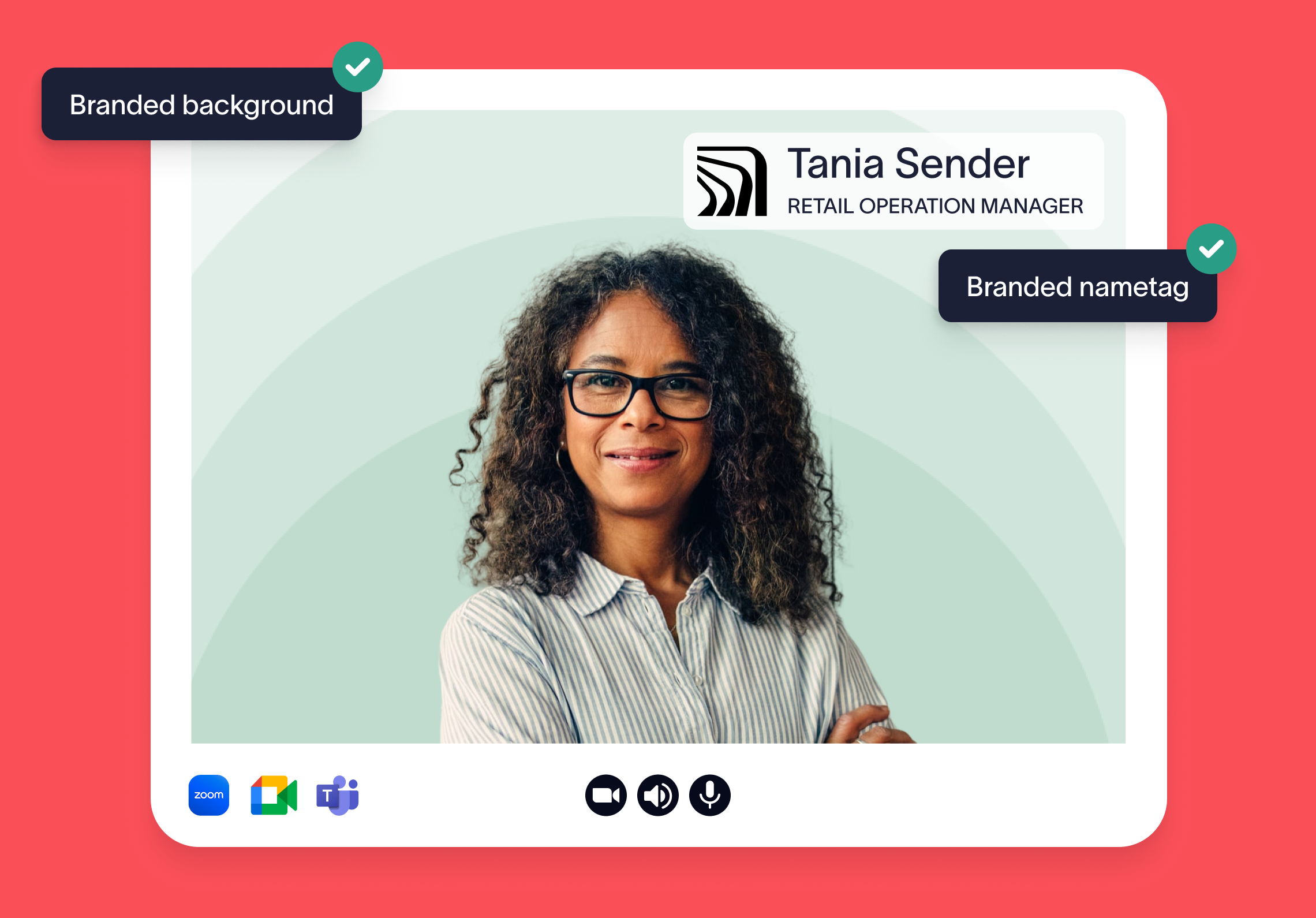
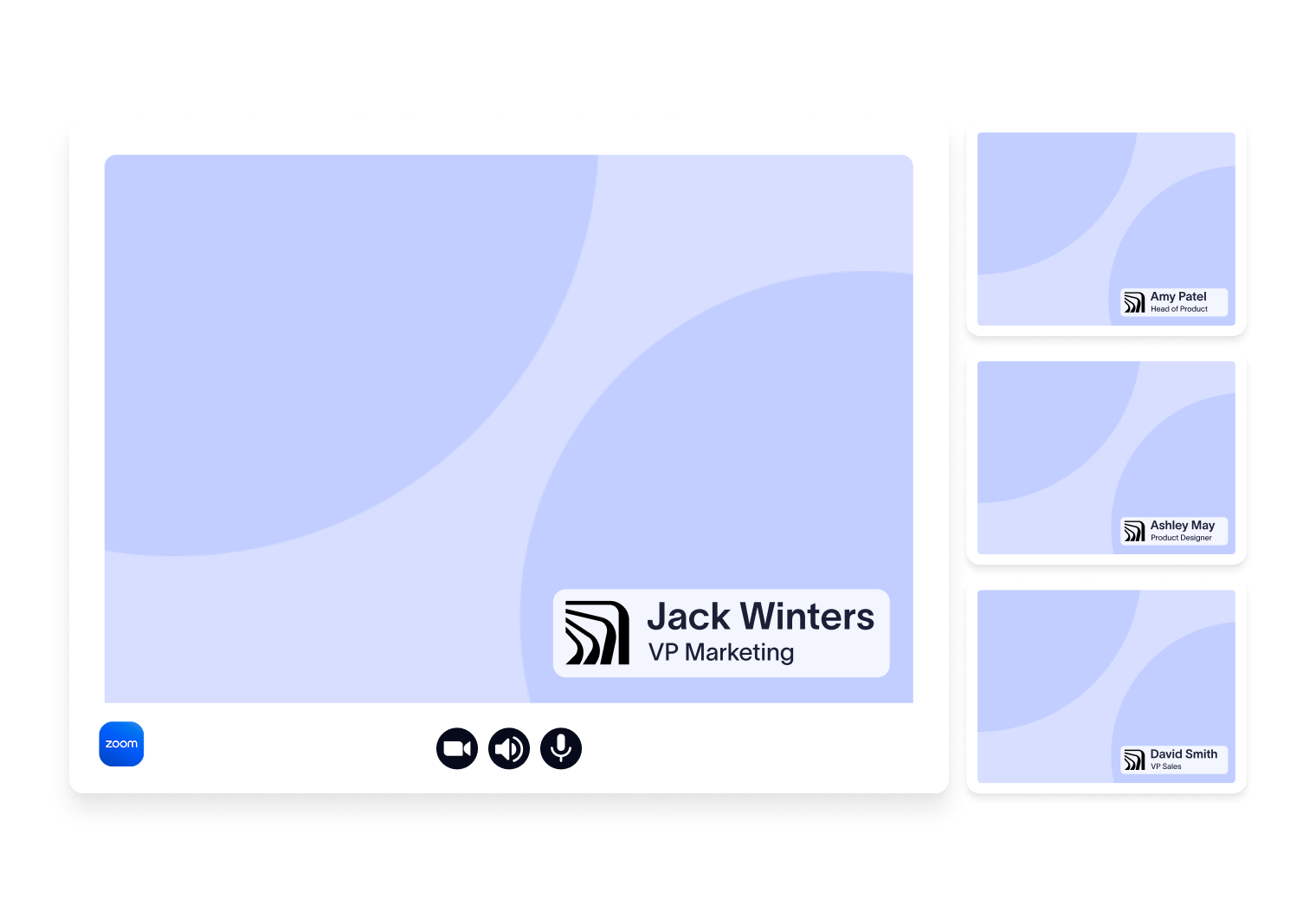
Displaying names and roles prominently makes it easier to keep track of participants — especially in larger meetings or when speaking with new clients. It’s a small detail that keeps conversations clear, focused, and productive.
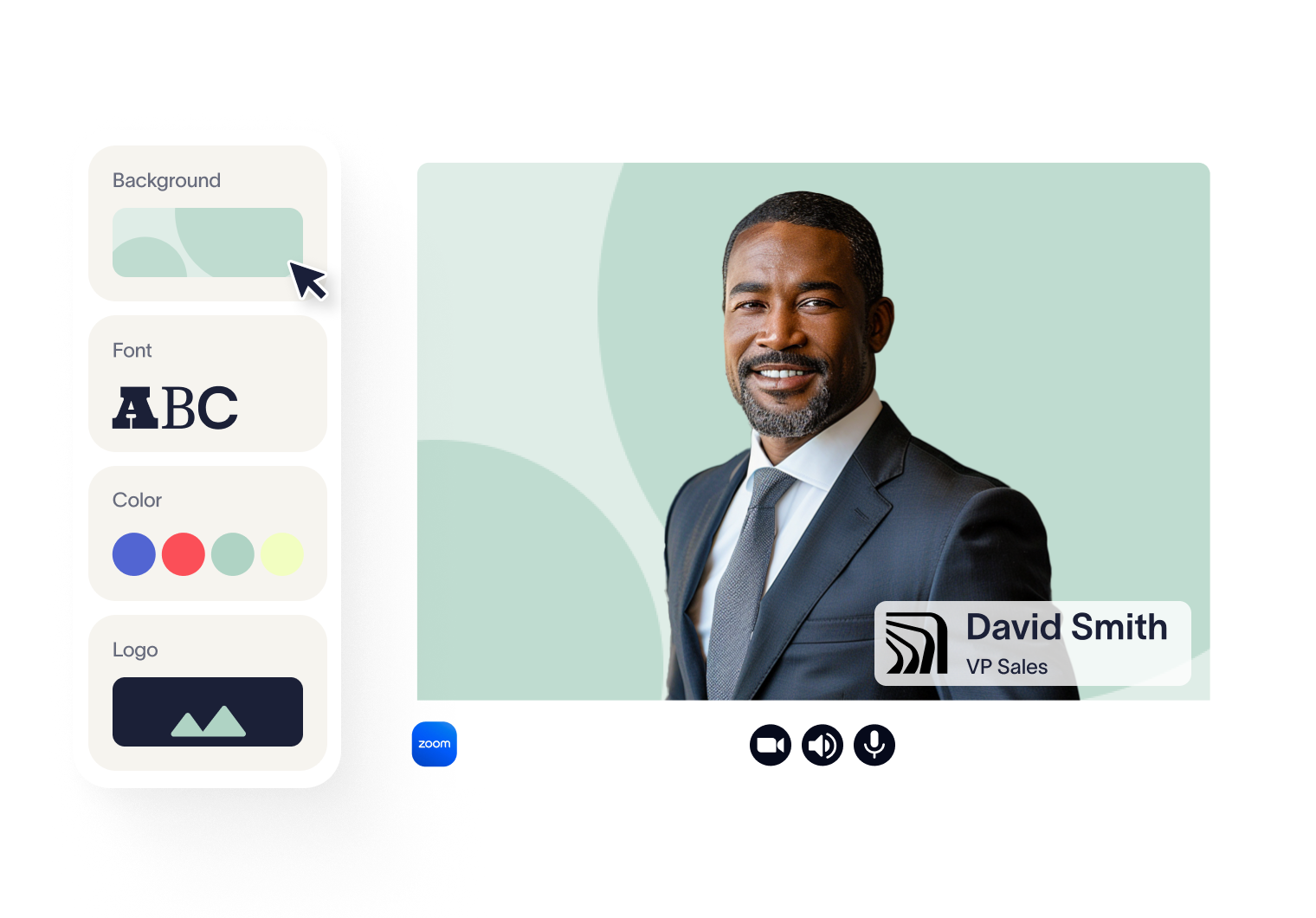
When your logo, colors, and brand style appear in every meeting, it builds trust, familiarity, and recognition. It’s a low-effort, high-impact way to elevate how your business shows up.


Works with






Trusted by 9 million email accounts worldwide







On brand, everywhere
Ensure your company's emails and video calls look professional.

Frequently asked questions
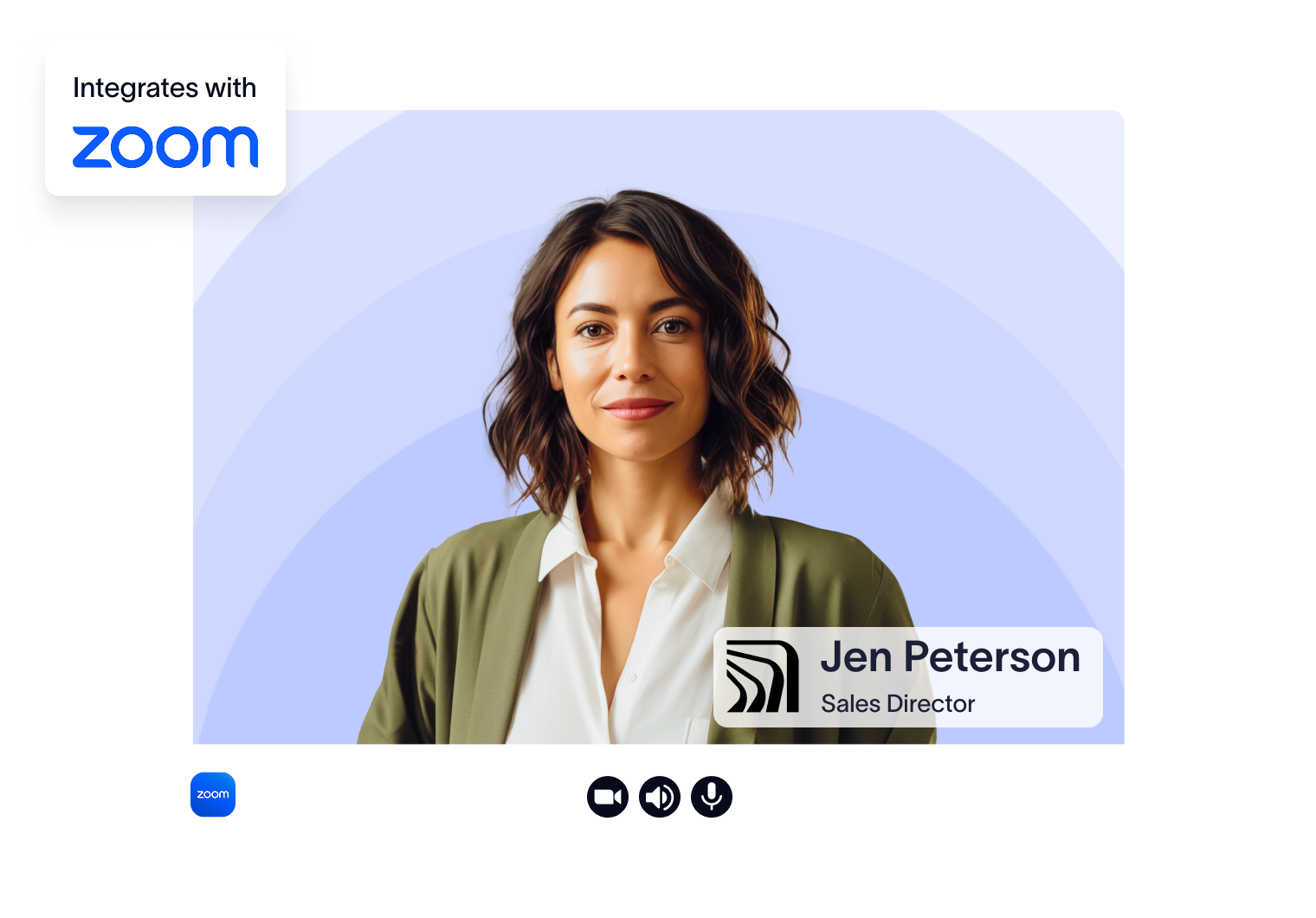
Zoom users need the Exclaimer Zoom App, this can be centrally deployed by admins. Once deployed, users set the app to auto-run, which allows their personalized theme, including background, to be applied automatically.
For all other video conferencing platforms, no installation is required. Users simply download their theme and apply it using their platform’s standard virtual background settings.
Exclaimer adds dynamic details like name and job title to each nametag, so employees look professional and make a clear first impression. It also helps everyone know who they’re speaking with and what role they hold, making conversations smoother.
If a user’s name or job title changes, Exclaimer automatically updates their theme. Zoom users will receive the update automatically; for other platforms, users can log into the User Details Editor to download the latest version.
Meeting Branding is included with our Pro plan and is also available during our 14-day free trial.
Keep every email legally compliant
Automate disclaimers company-wide with Exclaimer. Simple setup, long lasting business protection