






Turn every email into a campaign opportunity
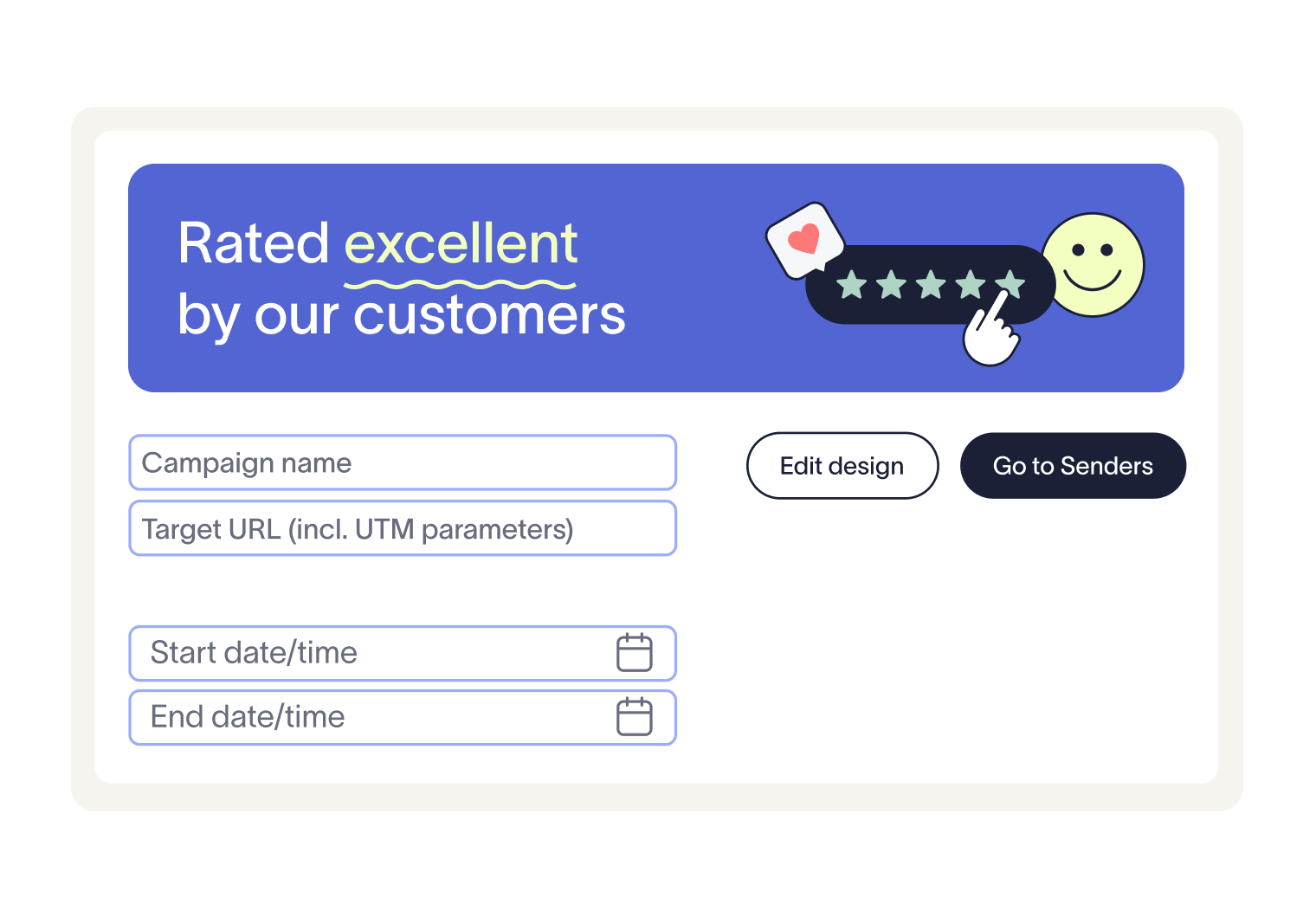
Set start and end dates to match campaign timelines, and add hyperlinks with UTM parameters for accurate reporting. Benefit from the agility to run time-sensitive promotions and the data to prove their impact.
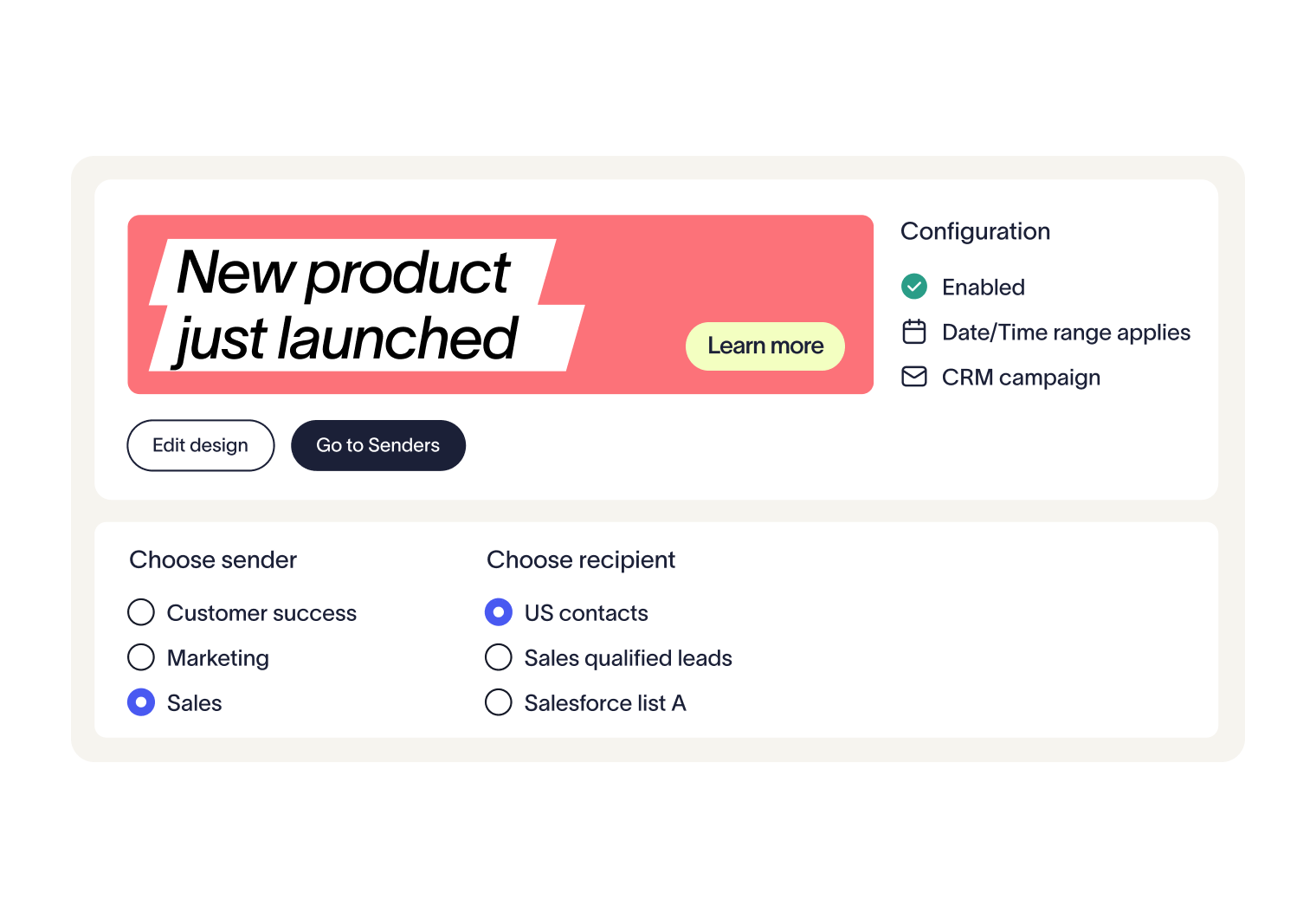
Campaign banners sit alongside your main email signature, giving you extra space for dynamic, time-sensitive content. What was once a static sign-off becomes an active marketing channel, without adding new complexities for IT or marketing.



Trusted by 9 million email accounts worldwide







Unlock a new marketing channel
Turn everyday email signatures into a powerful channel for campaigns. Target key audiences and add measurable impact to every send.

Frequently asked questions
Yes. In the advanced rules section you can assign campaigns to individual users or groups.
Yes, with the Pro plan. After initial setup, advanced rules let you define detailed schedules.
Yes, if you’re on the Pro plan and already connected to Salesforce. In the advanced rules, you can select Salesforce lists from the Recipients tab.
At present, campaigns are applied in the order they’re stored, and the first suitable one is used. Manual reordering isn’t available yet.
Not right now. Banners always appear at the bottom of the signature, which may be below a disclaimer if you use one.
No. The banner appears at the size it was uploaded. You can add a hyperlink, but layout changes aren’t supported.
Neither the width nor height can exceed 600 pixels.
Yes. By adding UTM parameters to your banner’s URL, campaign clicks can be tracked in Google Analytics.
Exclaimer has been the leading signature management solution for 25 years. Our modern technology will save your team time, save your business money, and allow you to easily implement disclaimers and brand requirements across all user signatures.
Drive measurable results from everyday emails
Every email your employees send is an opportunity. With Exclaimer Campaigns, every email employees send is an opportunity to drive engagement.