





Take control of your team's email signatures
Easily create and manage employee email signatures from one central dashboard. They’re deployed automatically, look great on every device, and can be customized for each sender or recipient.

Trusted by 9 million email accounts worldwide







5 things to include in the perfect email signature
1) Include important contact details
Start with the basics: name, job title, company, and one primary way to get in touch, such as a phone number or email address.
Think about the contact details that are actually useful to recipients. Too many numbers or links can create confusion around the best way to contact you.

2) Use banners to drive action
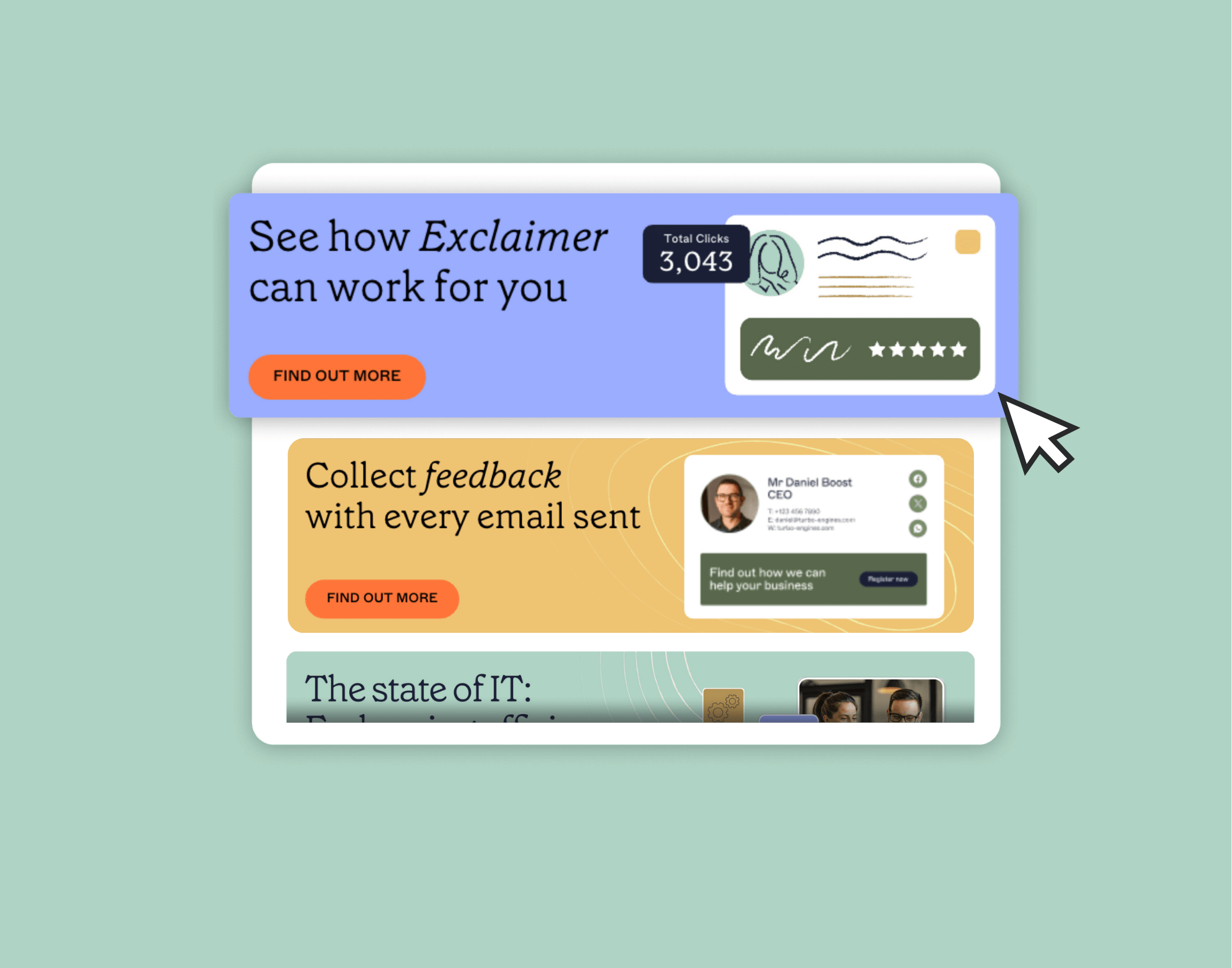
Email banners turn your email footer into a call-to-action, whether that’s booking a meeting, registering for an event, or viewing a piece of content.
Exclaimer’s email signature manager let's you tailor the banner based on the sender or the recipient, so the message always fits the context.
A sales rep might show a booking link to a prospect, while customer support could highlight service hours for customers. This flexibility makes every signature more intentional and keeps communication relevant to the person receiving it.
3) Keep your design on brand
Your email signature design should be consistent with your entire brand. For companies, that means using your brand colors, fonts, and logos so every email feels aligned with other customer touchpoints.

4) Showcase social profiles
Adding social icons to your signature is a simple way to grow your presence and extend brand awareness beyond email. It gives recipients a direct path to engage with your company — or with you personally — on platforms where you’re active.
With Exclaimer, you can take this further by pulling live LinkedIn or Facebook feeds directly into your email signature. That means every message can showcase your latest posts, updates, or campaigns, keeping content fresh and encouraging more interaction.

5) Stay compliant with disclaimers
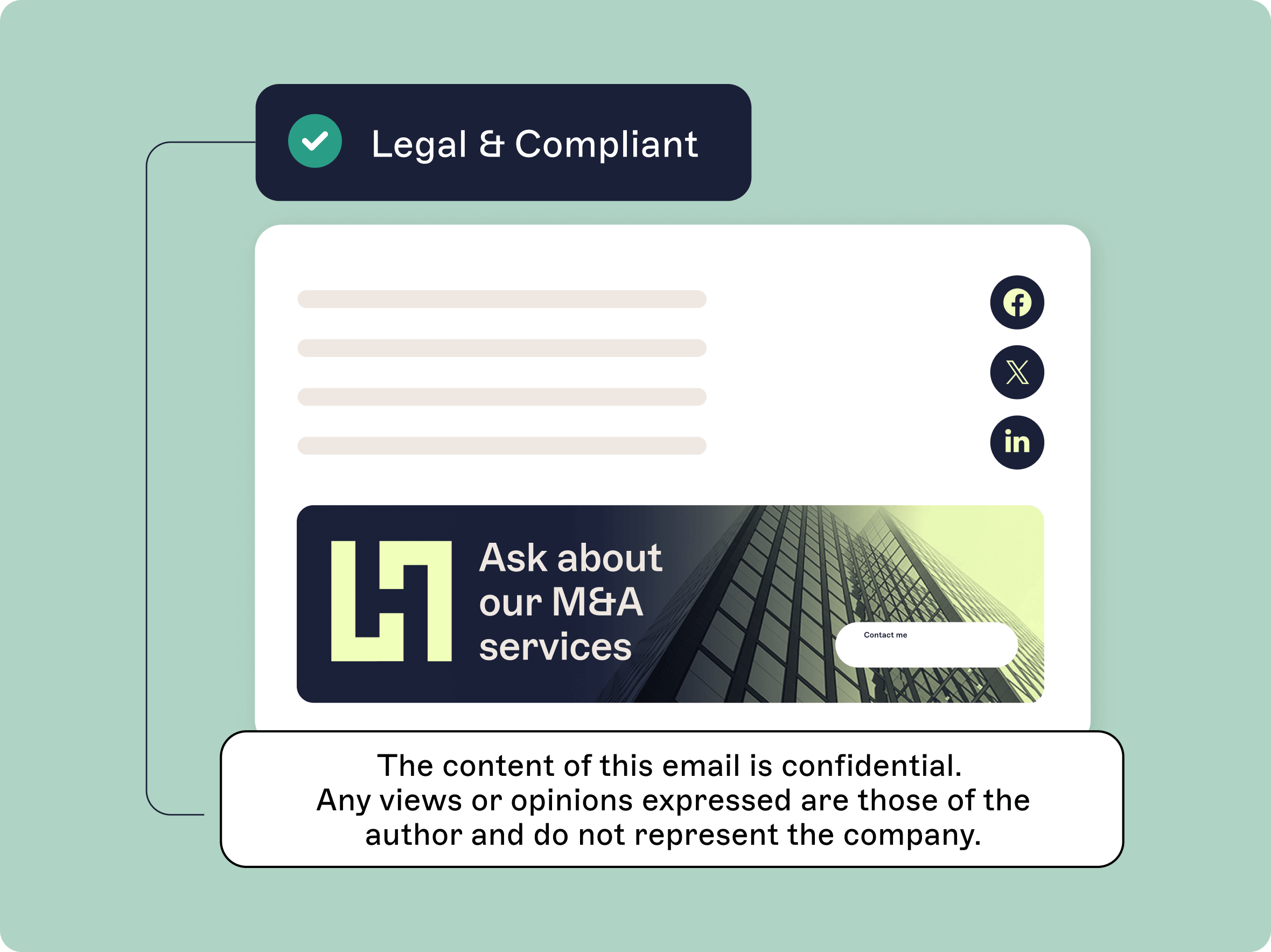
Email disclaimers may not be the most exciting part of an email signature, but they’re essential for protecting your organization — especially in regulated industries like finance, healthcare, or legal.
For more advanced control, Exclaimer makes it easy to apply the right disclaimers automatically, tailored by department, location, or recipient. This takes the manual work out of staying compliant and gives IT and legal teams peace of mind that every email meets company standards.
Take control of your company's email signatures
Keep signatures on-brand, compliant, and automated with Exclaimer's central dashboard.
70,000+ businesses choose Exclaimer
Every day we securely process emails for our customers using a system built on data-protection, reliability, and trust.
Frequently asked questions
Email signatures can be tricky. Different email platforms render HTML in slightly different ways. What looks perfect in Outlook might appear slightly off in Gmail or on a mobile device.
That’s one of the main reasons businesses choose Exclaimer. Our platform is designed to keep signatures consistent and adjust sizing across every device, application, and operating system.
Yes — but with limits. You could create a signature for each team member one at a time using our generator, or you could simply get Exclaimer and roll out signatures across your entire company quickly. Our email signature manager automatically applies the correct signature to every user, keeps contact details up to date, and even allows you to tailor designs depending on who the recipient is.
If your logo or banner isn’t displaying, it’s often because of how images are hosted. Some email clients block externally hosted images by default, while others strip formatting. Using a signature manager like Exclaimer solves this by hosting and delivering images correctly, so they display as intended in every email.
Yes. You can design as many different signatures as you like with the generator — say, one with a banner and one without.
If you’re managing signatures across a whole company, Exclaimer makes switching between different designs seamless and automatic, without users needing to update them manually.
You can even create rules so the email signature design changes depending on the sender and/or recipient.
To create a mobile-friendly email signature, it's crucial to keep the design simple and concise. Use a one-column layout to ensure elements don’t get scrambled when viewed on smaller screens. Stick to web-safe fonts and a font size of at least 12px for readability. Use images sparingly and make sure they aren’t too large, optimizing them for mobile display.