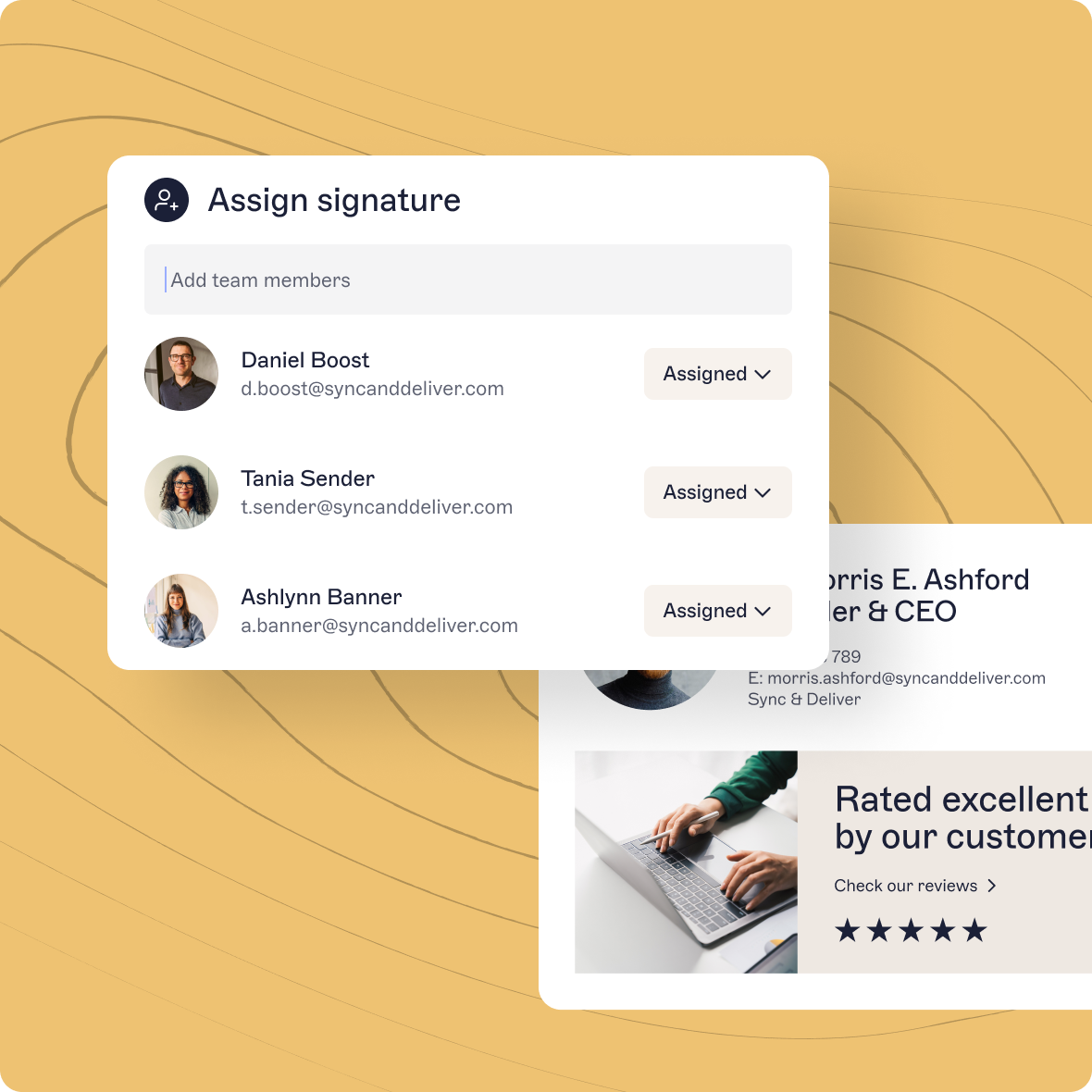
Allowing your users limited edit access to their own signatures so they can self-serve and make minor edits for themselves.
Exclaimer’s advanced features for pro IT users
Unleash the full power of your email signatures.

Take your email signatures to the next level
You already know Exclaimer’s email signature management software can help create, control, and manage company-wide email signatures. But did you know that you can upgrade your license to give you even more ways to take advantage of the emails you and everyone in your organization send on a daily basis?
Pro Features
Our pro features also include advanced administration tools to help save time and give you a clear picture of your email signature estate including:
Advanced reporting so you can tell exactly how many signatures are imprinted and identify issues quickly.
Data exports and multiple usage views on your dashboard.
Here’s the low down on these advanced features in more detail
‘Headline Content’
When a message urgently needs to be seen by either your own staff or an external audience, putting a banner or alert at the top of the email makes it the first thing your audience will see, even in preview mode. Whether it’s to tell people about an urgent update they need to make or to reassure them that they can trust this email because it’s coming from an internal source, putting it at the top of the email makes it that much more visible.
Instant feedback surveys
Need to know how your IT helpdesk is performing? Add a 1-click survey to your emails and get the results instantly. Using a ‘traffic light’ system, surveys ask users to rate a service from gold to red, straight from the email or within your native ticketing system. And because you get the results straight away, you can act immediately if the result is negative. If traffic lights aren’t right for you, surveys can be set up for NPS or CSAT instead.
And it’s not just IT who can benefit from surveys. You can add surveys for your customer support team or HR and give them the benefit of immediately knowing how their staff are doing. You can even use Exclaimer’s surveys on your website when you need more detail.

Advance targeting and scheduling
Set specific rules within your system to schedule messages which need to go out on a regular basis, like a regular update users need to make on their systems by a certain date. Set it, and you know a reminder will hit inboxes in time for the deadline month on month. You can even use the rotating banner feature to include more than one message so if there’s an urgent date when everyone must back up their system and a message from HR which is equally urgent, no problem. Both messages can feature in your banner space on rotation.
Need to have different signatures for different domains within your organization? With advanced targeting this can be automatic, based on the rules you set.
User Detail Editor
Minor updates to email signatures like an update to a phone number or a change of surname after a marriage are easy changes that users can make for themselves with the User Detail Editor, saving you and your team time and effort. You can set rules around exactly which details are editable by users so they can self-serve without changing the style of the signature itself or accessing elements like job titles which could cause a security issue. You can also make details like pronouns easily changeable by the user, putting control in their hands.
Analytics and reporting
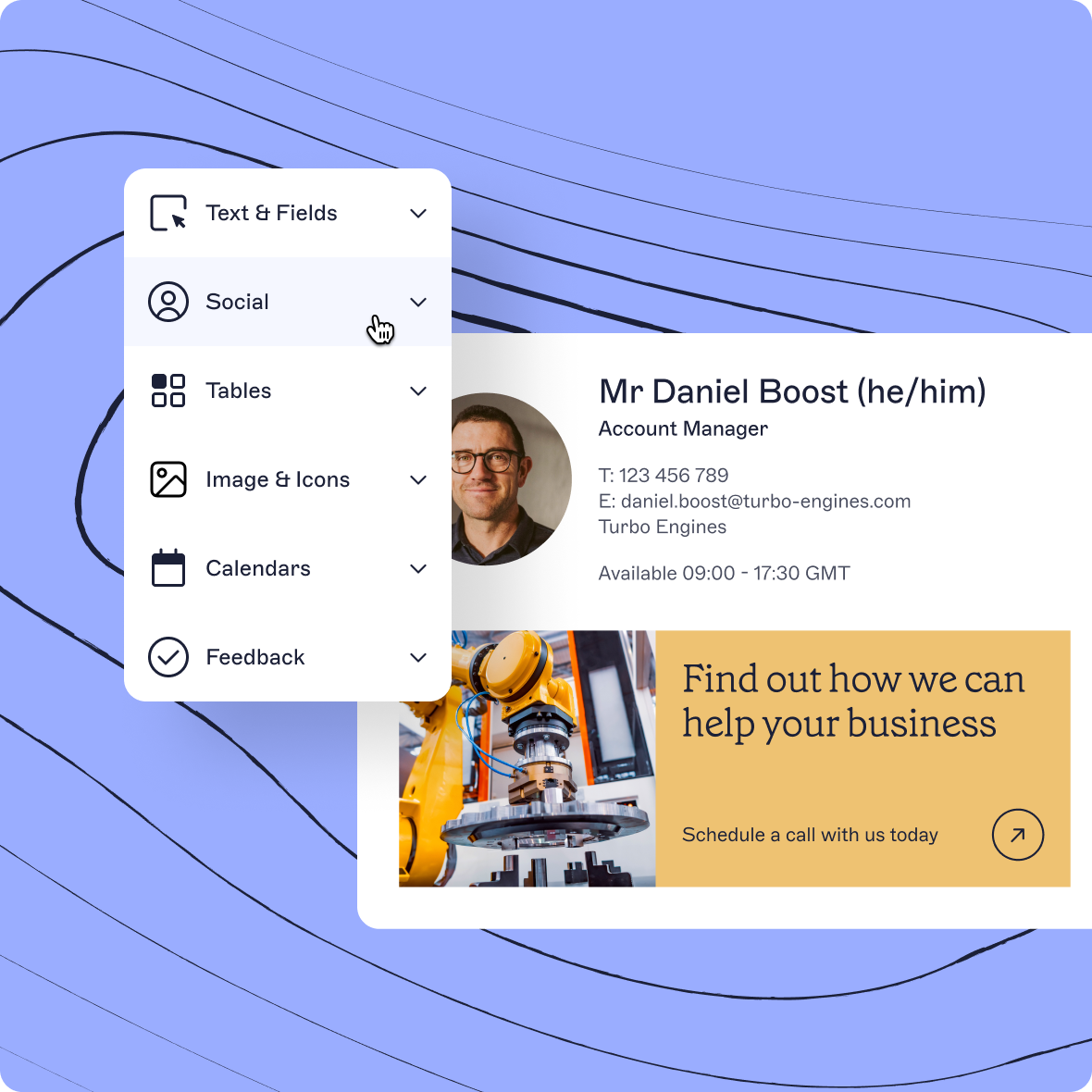
Our advanced feature set gives you access to the usage dashboard. With the dashboard, you can see at a glance how many emails are imprinted with a signature, instead of needing to rely on your users letting you know when there’s an issue. You can run reports and export data to see how many mailboxes are receiving a signature and flag those that aren’t. The dashboard also proactively monitors your system health, showing active template folders and the percentage of emails being sent without a signature at any one time. It means you can be fully confident that the system is working for you, and with full visibility, you can immediately answer any queries which come your way.
Book a demo
See our advanced features in action
Find out how our advanced pro features can help you and your organization. If you’re among the first 100 customers to book a demo, you’ll get a special discount, so move fast!
Trusted by over 50,000 companies worldwide
