Dave is a marketing expert with 15 years experience in the tech and SaaS world. He specializes in educating IT and channel audiences, with a focus on security, privacy, compliance, and marketing technology. With a talent for storytelling and a deep understanding of the industry, Dave transforms complex IT topics into clear, engaging, and impactful narratives.
What IT teams need to know about how Exclaimer fits into your tech stack
TL;DR
- Exclaimer connects directly to your existing systems, applying signatures automatically without plugins, scripts, or manual formatting
- Microsoft 365, Google Workspace, CRM, calendar, and video tools are supported natively, with policy-based control over every integration
- Role-based permissions let Marketing and Legal manage design and disclaimers without compromising IT security or oversight
- Built-in audit trails, version history, and directory sync ensure every signature stays accurate, compliant, and centrally managed
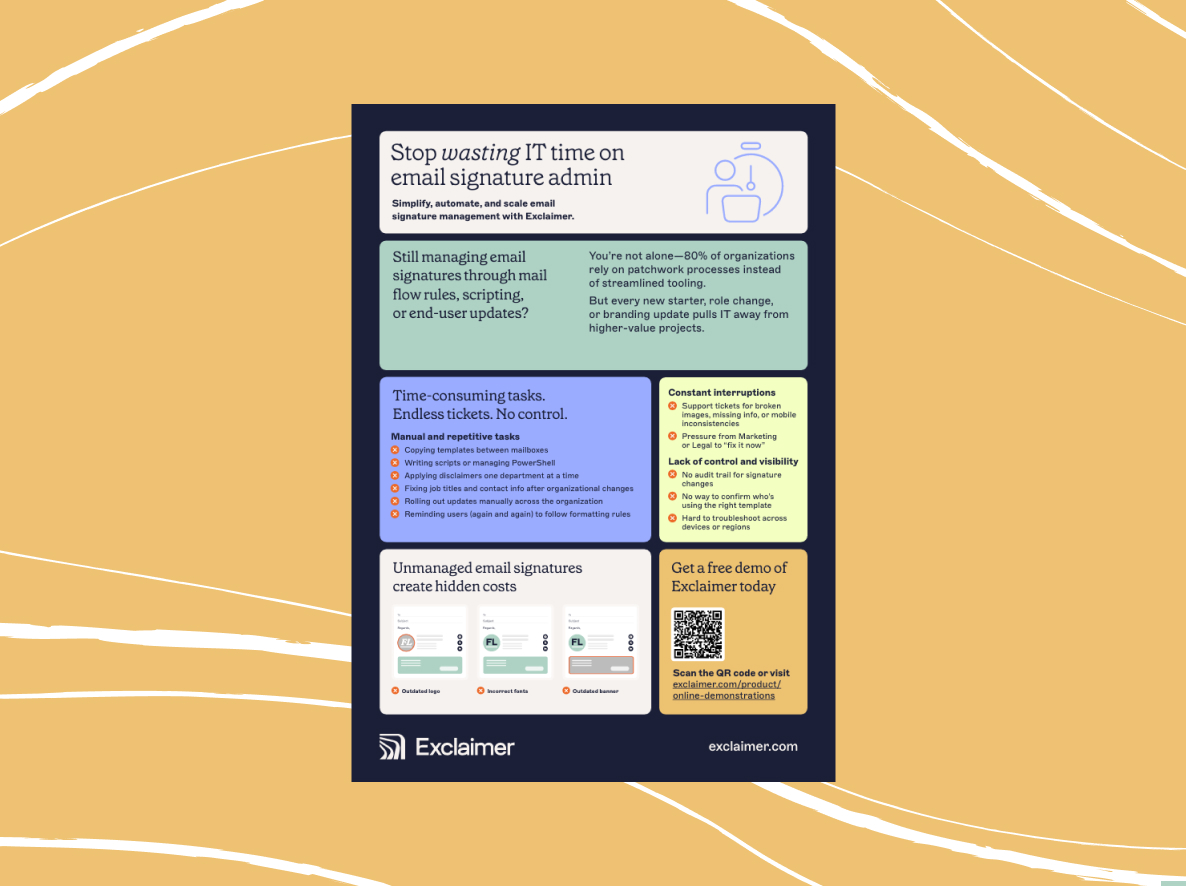
Managing email signatures across departments, platforms, and devices is a constant source of friction for IT. Templates go out of sync. Disclaimers are missed. Updates trigger tickets. And native tools in Microsoft 365 and Google Workspace only go so far, leaving you stuck with scripts, plugins, or user workarounds.
You’re here because you’re considering Exclaimer’s email signature management solution. You want to know if it fits into your existing systems and if it will actually reduce the manual work.
This guide will show you how the platform connects across systems, supports campaign and compliance workflows, and gives you tools built specifically for IT.
Why native email tools can’t scale email signature management
Most IT teams don’t have the time or resources to manage email signatures manually. But that’s what native features in Microsoft 365 and Google Workspace force them to do.
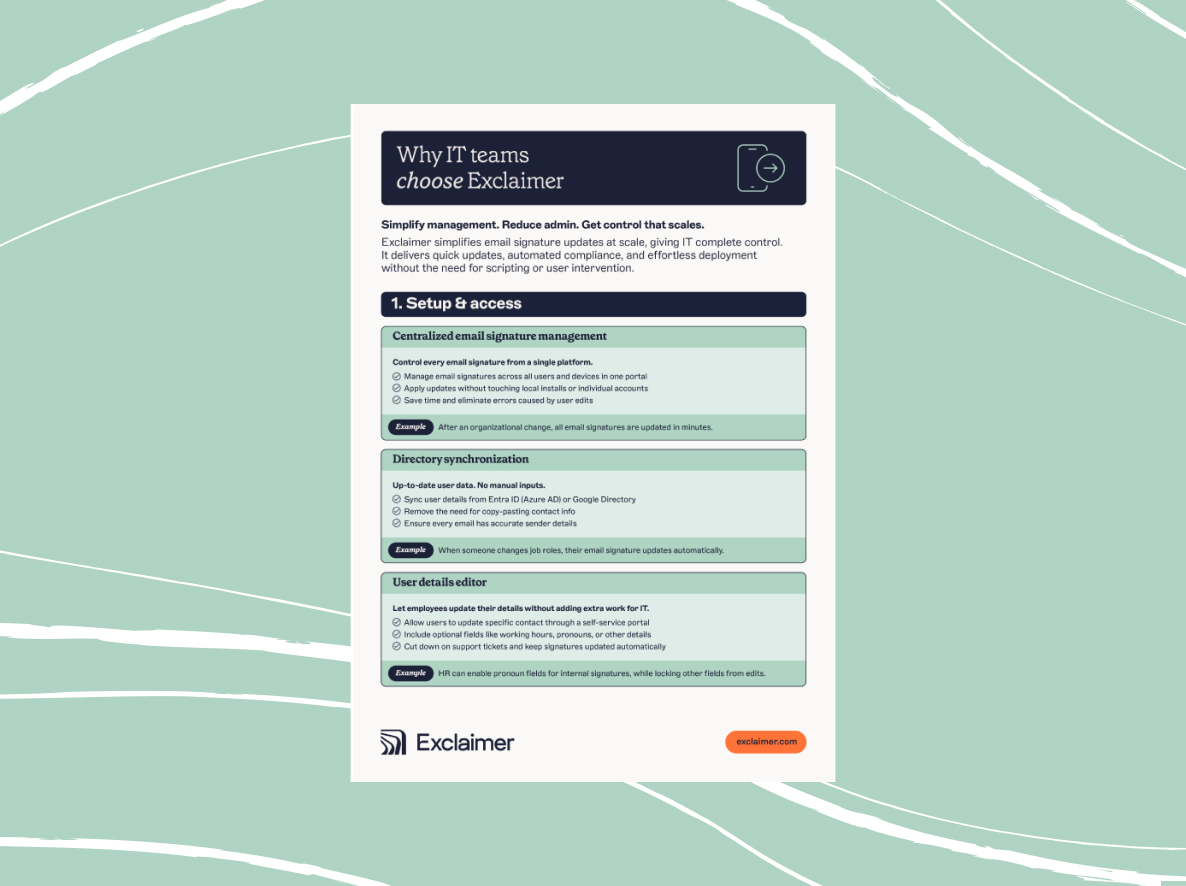
Outlook lets users paste in their own templates. Gmail includes basic formatting options. Neither supports centralized email signature management, policy enforcement, or audit tracking. That leaves IT filling the gaps with inconsistent fixes.
Common workarounds include:
Writing PowerShell scripts to push Outlook signatures, only for them to break or be overwritten
Handling help desk tickets every time someone changes roles or a new campaign launch
Managing multiple versions for desktop, mobile, and webmail clients
Expecting users to copy and paste the right template every time
There’s no unified dashboard. No version control. No way to verify what was actually sent.
This creates unnecessary risk and drains time from teams that are already stretched thin.
Centralized control across Microsoft 365 and Google Workspace
Exclaimer integrates at the infrastructure level to apply email signatures consistently and automatically. There are no scripts, plugins, or user configuration required.

Whether you're managing a fully cloud environment or a hybrid Exchange setup, every email stays on-brand, compliant, and under IT control.
Microsoft 365 integration: How it works
| Component | Description |
|---|---|
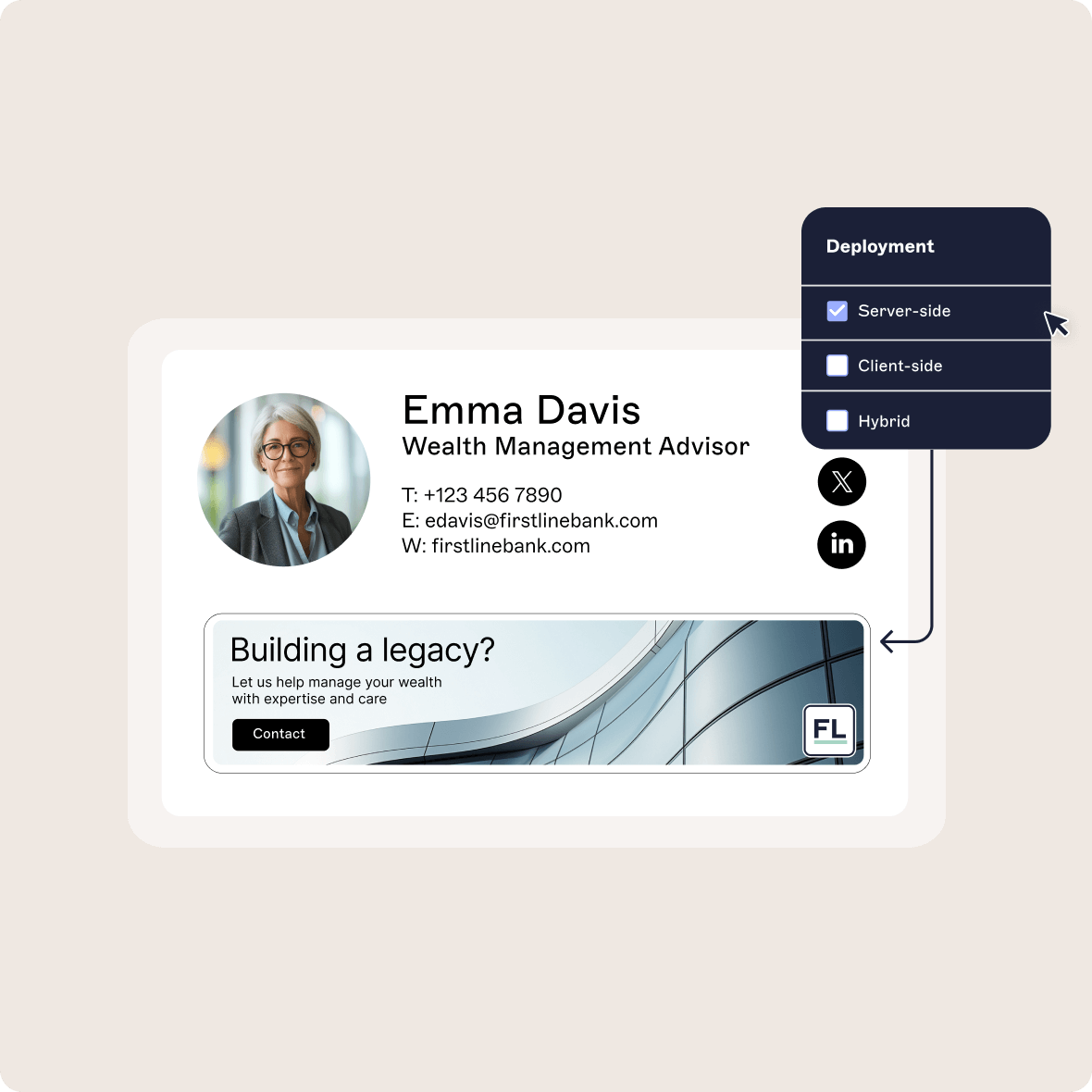
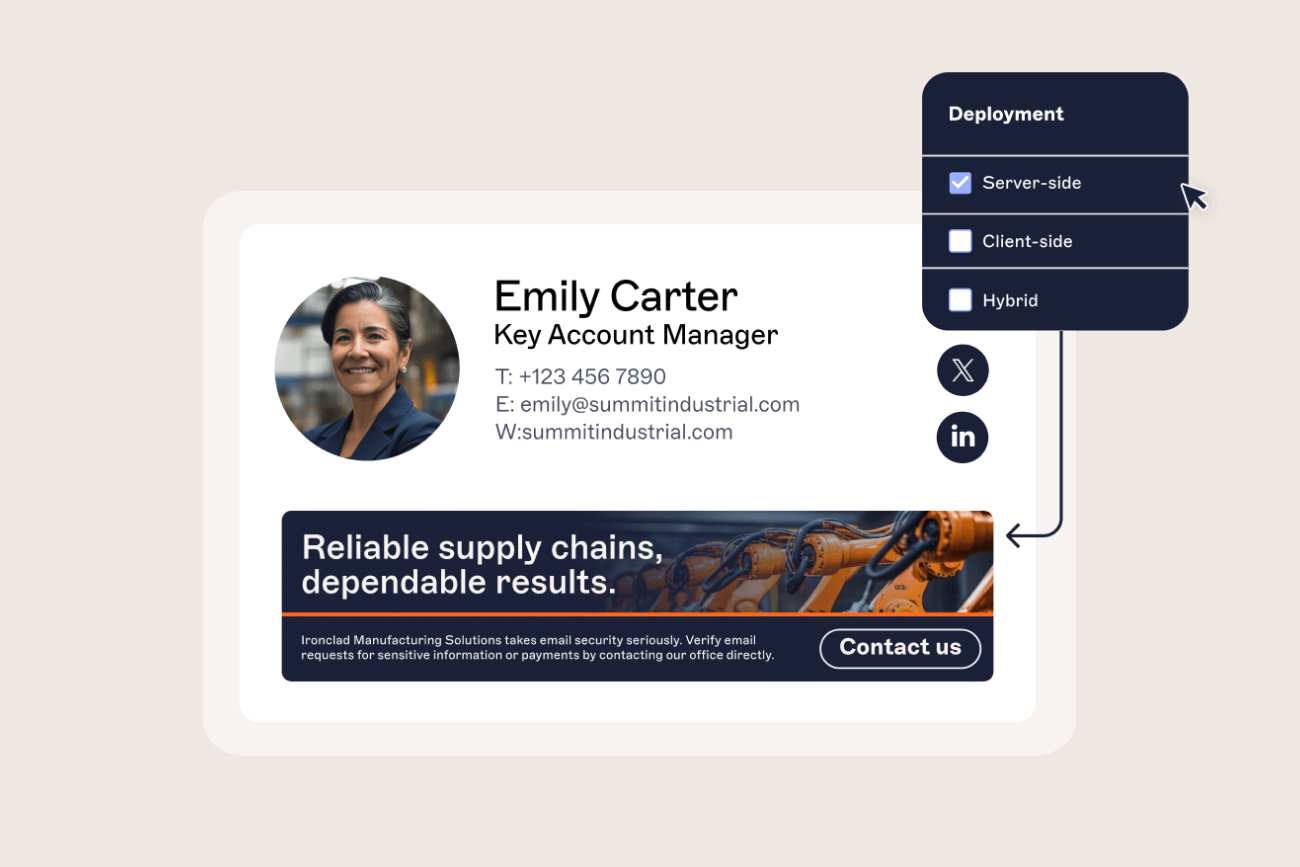
| Server-side deployment | Emails route through Exchange Online connectors. Signatures are applied after sending, and do not require any user action. |
| Entra ID (Azure AD) sync | Exclaimer connects via delegated permissions to pull directory data like job title, department, phone number, and location. |
| Outlook Add-in | Optional add-in allows users to preview and switch templates from the Outlook compose window. Controls are managed centrally. |
| Policy logic | Admins apply rules based on Entra ID (Azure AD) attributes. Signatures are assigned automatically using dynamic fields and conditional logic. |
| Infrastructure | Exclaimer is hosted on Microsoft Azure. No MX record changes are required. The platform uses Microsoft Graph APIs and is certified for Microsoft 365. |
| Hybrid support | Supports Exchange hybrid environments, including both cloud and on-prem configurations. Server-side, client-side, or mixed modes are supported. |
What this means for IT
No GPO, PowerShell, or registry hacks required
No ticket backlog for formatting or updates
No risk of template drift across teams or devices
Changes in Entra ID (Azure AD) are reflected automatically
Every email has a consistent and policy-driven signature
Google Workspace integration: How it works
| Component | Description |
|---|---|
| Server-side deployment | Emails are routed through a secure SMTP relay. Exclaimer applies the signature after sending and forwards the message to the recipient. |
| Directory sync | Connects via secure API access to sync user attributes from Google Directory, including job title, department, location, and contact details. |
| Client-side option | Gmail API support allows users to preview their assigned signature while composing a message. This feature is optional and managed centrally. |
| Policy logic | Administrators define signature rules using Google Directory attributes. Signatures are applied automatically based on these parameters. |
| No user setup | Users do not need to create, update, or select signatures. All changes are made through the admin portal and synced automatically. |
| Infrastructure | Exclaimer is fully cloud based and hosted on Microsoft Azure. No changes to mail routing or DNS configuration are required. |
What this means for IT
Signature logic is defined once and applies to every email
User data updates in Google Directory are reflected automatically
No need for templates, extensions, or scripts
Changes are instant, consistent, and centrally controlled
Users see their signature exactly as configured, across all devices
Connect Exclaimer to your CRM, calendar, and social tools
Features like campaign banners, scheduling links, and social content are valuable to teams outside of IT. These include Marketing, Sales, and Customer Success. Exclaimer makes it simple for IT to give those teams what they need without giving up control.
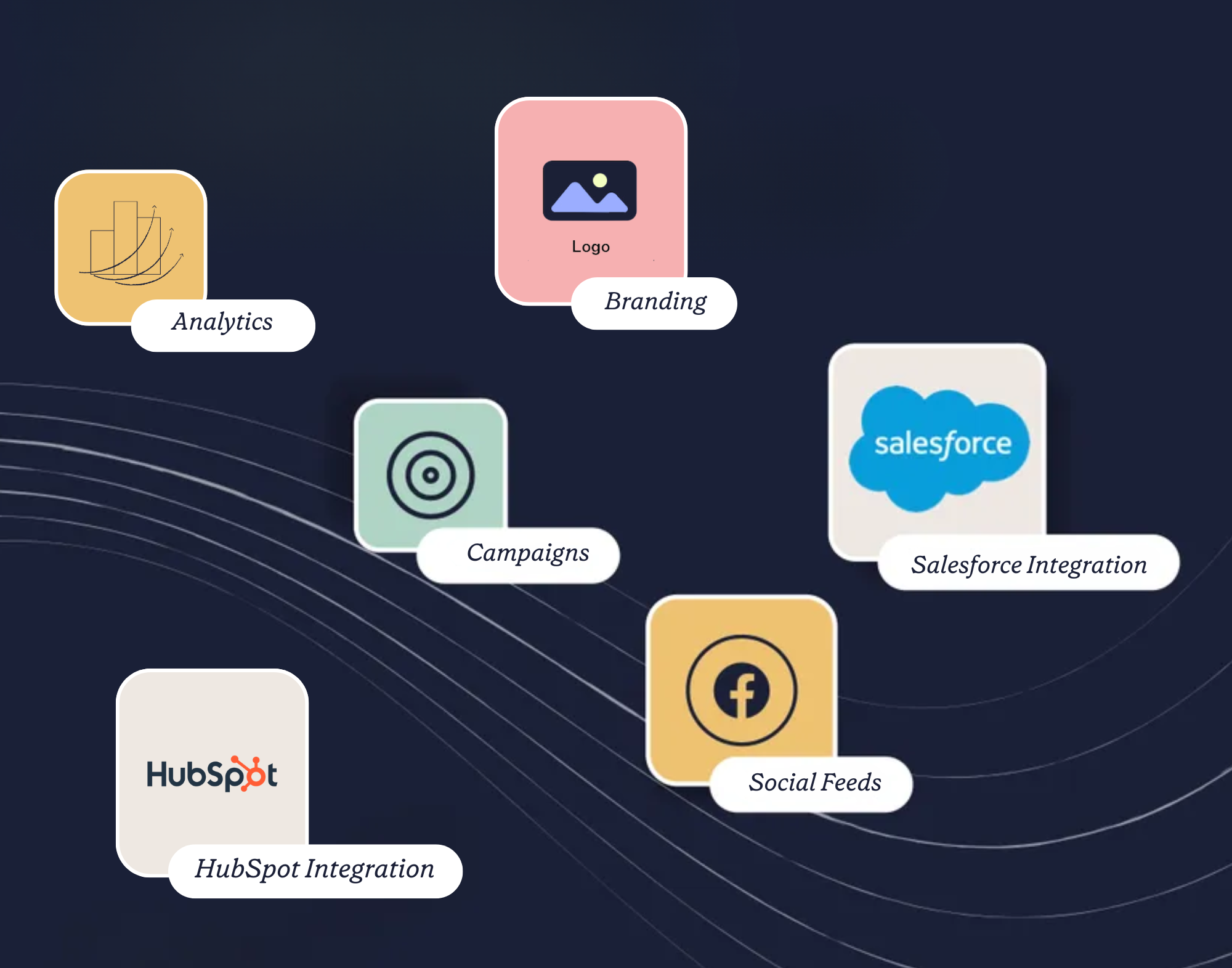 You can assign access to specific groups using role-based permissions. Marketing can manage visual content. Legal can maintain email disclaimers. All changes stay within the guardrails IT defines. Signatures are applied automatically and updated centrally, without requiring users to do anything.
This keeps IT out of the day-to-day execution, while maintaining full visibility across systems.
How Exclaimer integrates across tools
| Function | Tools supported | How Exclaimer integrates | Workflow example |
|---|---|---|---|
| CRM targeting | HubSpot, Salesforce | Uses OAuth and API sync to assign banners and signatures based on lists, campaigns, or deal stage to run targeted ABM campaigns | Leads from a webinar list receive a follow-up email with a campaign-specific banner |
| Campaign execution | HubSpot, marketing automation platforms | Marketing uploads creative into Exclaimer and applies rules by region, team, or department | A product launch banner is displayed in all emails from Sales and CX for a set timeframe |
| Scheduling links | Calendly, Chili Piper, Microsoft Bookings | Directory fields pull each employee’s link into the right location in the signature | Account executives automatically have the correct "Book a meeting" link on day one |
| Social feeds | LinkedIn, Facebook | Connects to corporate pages and displays the latest social content via secure API | The newest blog post or hiring campaign appears across team signatures |
| Sales outreach | Salesforce, Outreach, Zendesk, Gmail, Outlook | Applies policy-based signatures to automated and manual messages alike | CS teams using Zendesk automatically include legal disclaimers and NPS banners |
| Engagement tracking | Google Analytics, UTM parameters | Automatically applies campaign tracking to signature banners and links | Marketing can attribute new demo requests to specific banners in employee emails |
Admin experience: What IT controls
No-code logic for assigning banners and links across teams, departments, or campaigns.
Secure directory sync for fields like job title and location.
Role-based access control so Marketing can manage visuals without impacting signature policy.
Version history and audit logging to track every change.
Extend your brand into every video call with Meeting Branding
Exclaimer’s Meeting Branding feature gives IT full control over how your organization shows up on video calls. It applies approved backgrounds and name overlays to video platforms such as Microsoft Teams, Zoom, and Google Meet.
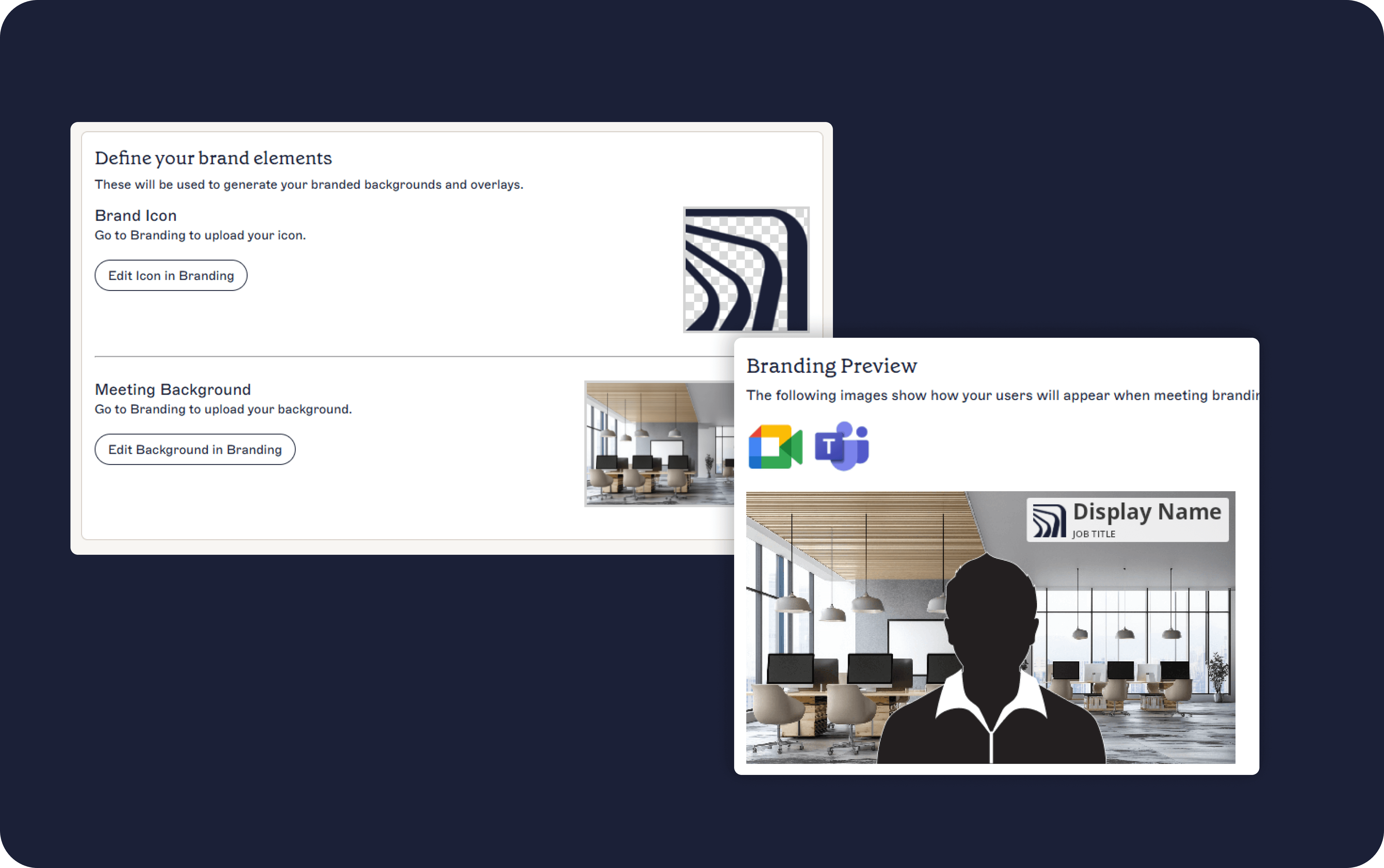 Once configured, every user receives the correct background based on their role, team, or location.
How Meeting Branding works
| Component | Description |
|---|---|
| Platform compatibility | Supports major video platforms including Zoom, Microsoft Teams, and Google Meet |
| Background delivery | Branded virtual backgrounds are pushed using native admin tools and APIs |
| User overlays | Name, title, and department appear automatically through directory sync |
| Directory sync | Connects to Entra ID (Azure) AD or Google Directory to pull user attributes |
| Policy control | IT sets which departments or users receive which branded background—configurable by AD group, OU, or region |
| Template assignment | Backgrounds are assigned by team, department, or region |
| Rollout | Changes to job titles, teams, or approved backgrounds are reflected automatically |
Real-world use cases
| Scenario | Exclaimer outcome |
|---|---|
| A new hire joins the Sales team | Their information syncs on day one, and their video calls show the correct branding without manual setup |
| The company rebrands or updates logo | IT uploads the new background and assigns it to all users. It goes live immediately across platforms |
| A campaign needs to be promoted | Marketing creates a new background and assigns it to specific departments. No help desk support required |
Admin experience: What IT controls
Centralized control over all visual templates and rules
Role-based access to let brand teams manage design while IT enforces policy
Zero user configuration—no need for employees to upload or select backgrounds manually
Audit visibility for version history and background distribution status
Automate compliance and control at scale
Security and compliance are core to Exclaimer’s value for IT-led teams. Every signature is governed by policy, applied server-side, and delivered without exposing data or introducing downstream risk.
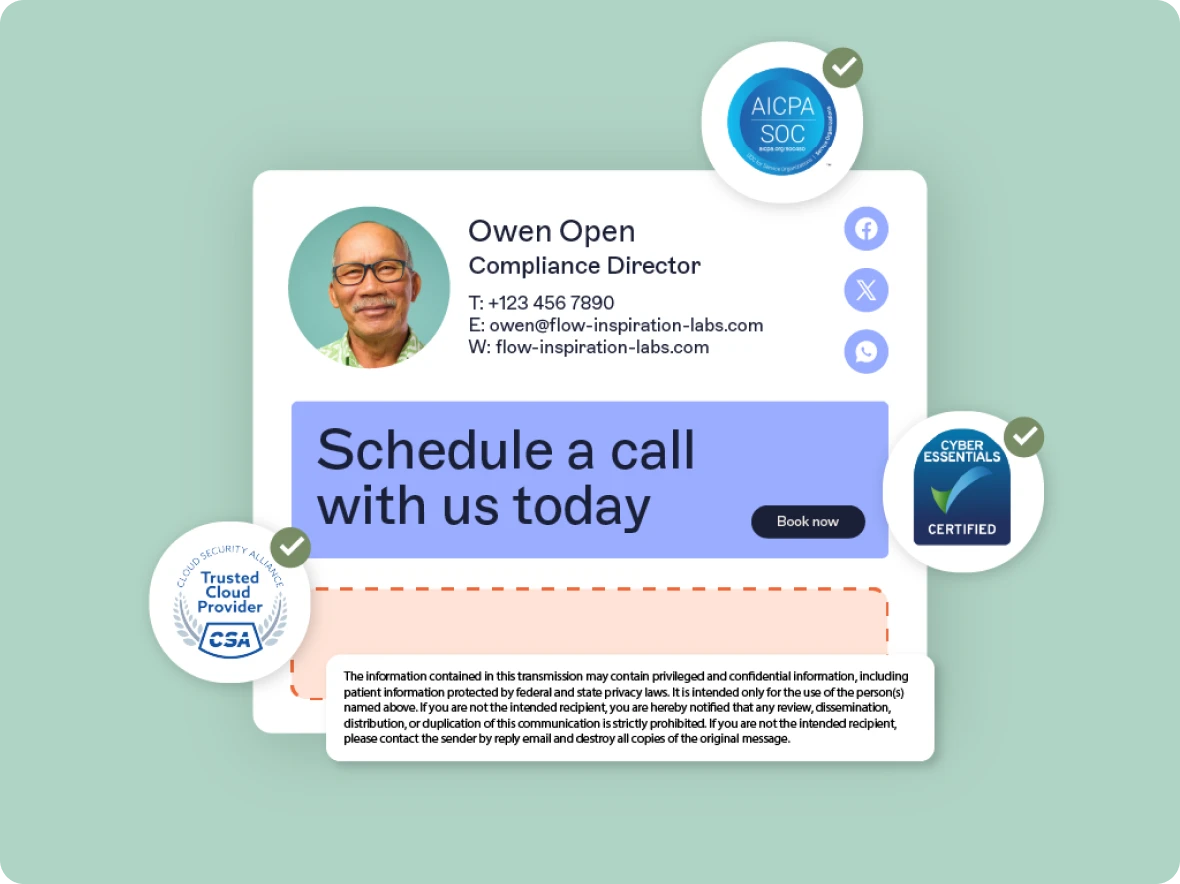 From identity management and access control to audit trails and data residency, Exclaimer is built to operate securely inside regulated enterprise environments.
Compliance features and policy control
| Capability | Description |
|---|---|
| Dynamic disclaimers | Assign the correct legal text automatically based on user location, team, or business unit |
| Template locking | Prevent unauthorized edits by locking specific fields or design elements |
| Version history | Track every layout or policy change with full visibility over time |
| Audit logs | View who's logged into the platform and when |
| Role-based access control (RBAC) | Assign permission by role so Legal, Marketing, or HR can edit only what they own |
| Approval workflows | Optional review steps before changes go live, giving IT final oversight |
| Data residency | Choose where data is hosted by region (U.S., UK, DE, NL, AU, AE, CA) |
| No user override | Server-side application means users cannot bypass policies or remove disclaimers |
Identity and infrastructure security
| Component | Description |
|---|---|
| Authentication | Supports Single Sign-On (SSO) with MFA and login via Microsoft 365 or Google Workspace |
| Directory integration | Connects securely to Azure AD or Google Directory with read-only permissions |
| RBAC and user provisioning | Assigns admin rights by group or role, with optional tiered controls |
| Encryption | Uses TLS 1.2 or higher in transit, and AES 256-bit encryption at rest |
| Tenant isolation | Each customer environment is logically segmented in the infrastructure |
| Data handling | Signature layouts and rules are stored. Message content is never retained |
Operational and platform security
| Area | Details |
|---|---|
| Penetration testing | Conducted regularly by certified third parties across systems and endpoints |
| Secure development | Source code is scanned, reviewed, and tested through a secure SDLC (Software Development Life Cycle) |
| Patch management | Security patches are deployed as part of a controlled rollout with defined timelines |
| Monitoring and alerting | All infrastructure is continuously monitored with automated incident workflows |
| Internal access control | Employee access is scoped by job role and reviewed regularly |
Certifications and compliance frameworks
| Framework or certification | Status |
|---|---|
| SOC 2 Type II | Certified |
| ISO 27001 & ISO 27018 | Certified |
| Microsoft 365 Certified | Certified |
| CSA STAR registry | Registered and active |
| Cyber Essentials | Certified |
| PCI DSS readiness | Verified (Exclaimer does not process or store payment data) |
| Data regulation compliance | Aligned with regional data handling laws and model clauses such as GDPR and CCPA |

To see all accreditations, visit the Exclaimer Trust Portal.
Why IT teams choose Exclaimer over alternatives
Many email signature software solutions offer basic features. But when you need policy control, scalability, and integration across your systems, few platforms meet IT requirements.
What separates Exclaimer is its depth of functionality across multiple use cases. It does more than apply email signatures. It supports delegation without compromise. It enforces legal and brand consistency without user action. It integrates directly with CRM, scheduling, and campaign tools to make email a measurable marketing and compliance channel.
Side-by-side comparison
| Feature or capability | Exclaimer | CodeTwo | WiseStamp |
|---|---|---|---|
| Microsoft 365 integration | Server + client + Azure AD sync | Server (cloud/combo) + client preview | Basic Outlook modes only |
| Google Workspace integration | ✔ Native support | ❌ Not supported | ✔ Gmail client only |
| CRM targeting (HubSpot, SFDC) | ✔ API-based personalization | ❌ No native CRM-driven targeting | ❌ Not supported |
| Campaign banner scheduling | ✔ Rotating banners, date-based logic | Limited rule-based static banners | ❌ Not supported |
| Meeting Branding (Zoom/Teams/Google Meet) | ✔ Supported | ❌ Not supported | ❌ Not supported |
| Live social feed content | ✔ API-connected | ❌ Static icons only | ❌ Static icons only |
| Role-based access and workflows | ✔ Full RBAC with approval control | ✔ Advanced delegation via Microsoft group access | Partial basic admin team control |
| Legal and compliance features | ✔ Dynamic disclaimers, audit logs, locking | Basic templates, rule-based signatures | ❌ Not supported |
| Outlook signature preview & Sent Items view | ✔ Add-in preview and update in Sent Items | ✔ Compose and sent preview | ❌ Not fully supported |
| Data residency deployment options | ✔ U.S., UK, DE, NL, AU, AE, CA | ✔ Multiple Azure regions | ✔ U.S./EU; limited flexibility |
| Hybrid Exchange support | ✔ Cloud or on-prem Active Directory compatible | ✔ Separate Exchange agent for on-prem environments | ❌ Limited to cloud environments |
| Certifications & audits | ✔ SOC 2 Type II, ISO 27001/18, CSA STAR, PCI DSS, Cyber Essentials, SecurityScorecard A, Microsoft 365 Certification | ✔ ISO 27001/18, Cyber Essentials, Microsoft 365 Certification, SecurityScorecard A | ❌ No third-party information |
What makes Exclaimer the right choice for IT
Exclaimer is the only email signature platform that brings together integration depth, centralized control, and policy enforcement in one place. It helps IT teams remove manual work, manage risk, and support branding and compliance without trading off oversight.
Choose Exclaimer if you need to:
Manage users across Microsoft 365, Google Workspace, or both
Streamline signature updates and reduce manual effort
Enforce compliance policies across regions or teams
Support marketing and legal requirements without giving up IT control
Enable clear audit trails and role-based access without complexity
Ready to see it in action?
Book a demo to explore how Exclaimer fits your stack, automates policy, and gives IT full control without slowing down the business.