Why 1 in 3 security incidents start with email—and the 5 biggest risks for IT teams
27 August 2025
3 min read
Despite advancements in filtering, encryption, and AI-based detection, email remains the most vulnerable business communication channel.
According to Exclaimer’s 2025 State of Business Email Report, 83% of organizations have experienced at least one email-related security incident. Nearly half had one in the past year. And 33% of all security incidents start with email.
Why? Because email is still where business gets done. It’s the most widely used channel for internal comms, external outreach, and customer support. That makes it the biggest target. And one of the toughest to protect.
Here are the top five email security risks IT teams are dealing with right now—and what they can do about them.
1. Phishing, spoofing, and spam
Managing external threats—like phishing, spoofing, and spam—is the number one challenge for 44% of IT leaders.
It’s not hard to see why. Attackers are constantly evolving their tactics. Phishing emails are now nearly indistinguishable from real ones. Spoofed domains bypass basic filters. Spam clogs inboxes and distracts users from real threats.
Human error is always a challenge. It only takes one click on a fake link to expose credentials or trigger a malware download. The consequences range from data breaches to business email compromise, and even ransomware.
The best defense is a layered one:
Spam and phishing filters with real-time updates
DMARC, DKIM, and SPF enforcement
Security awareness training that’s regular and relevant
Standardized email signatures, so spoofed messages stand out
When signatures are consistent, well-branded, and centrally managed, it becomes easier for employees to spot something suspicious. When they’re not, attackers blend in.
2. Encryption and data protection
42% of IT leaders say encryption and data security are a major struggle. And the inconsistency across regions and industries isn’t helping.
Some organizations rely on TLS by default. Others still leave sensitive data exposed. And for companies operating in regulated industries or across borders, the stakes are even higher.
Regulations like GDPR, HIPAA, and SOC2 have strict compliance requirements for how data is sent, stored, and disclosed. Miss a step, and you’re looking at fines, audits, and reputational damage. The real problem is scale—data handling across multiple regions with thousands of users and devices is rarely simple.
An effective approach includes:
Enforcing TLS across all outgoing mail
Implementing DLP (data loss prevention) rules
Using centralized tools to manage encryption policies
Avoiding user-led decisions on what gets encrypted
Security works best when it’s automatic, consistent, and invisible to the end user. Encryption should be the default rather than being something people have to think about.
3. Balancing security with usability
40% of IT leaders say one of their biggest pain points is balancing security with usability. Lock things down too much, and employees will find workarounds. Leave things open, and vulnerabilities multiply.
Take Multi-Factor Authentication (MFA) fatigue as an example: if users are prompted too often, they’ll stop paying attention. Overzealous spam filters can block legitimate client emails. And if email policies are too rigid, people will simply switch to unsanctioned tools.
The answer? Use systems that work behind the scenes:
Default-on protections that require no user input
Smart filtering that learns from patterns
Role-based access to limit data exposure
Simple UX for email tools, including signature management
If your protections frustrate users, they’ll break the rules. It’s better to build security into workflows so it feels invisible.
4. Unauthorized access and insider risks
It’s not always outside attackers that cause the damage. 33% of IT leaders say unauthorized access is a major concern, and 30% also cite data leakage. Internal threats, whether accidental or intentional, are often overlooked.
Compromised accounts, weak passwords, and shared logins open the door. Malicious insiders can download sensitive data and walk away. Even well-meaning employees can trigger a breach by sending the wrong attachment to the wrong person.
Best practices here include:
Zero-trust architecture
Multi-factor authentication for all accounts
Role-based access controls to limit exposure
Full audit trails to track who changed what, and when
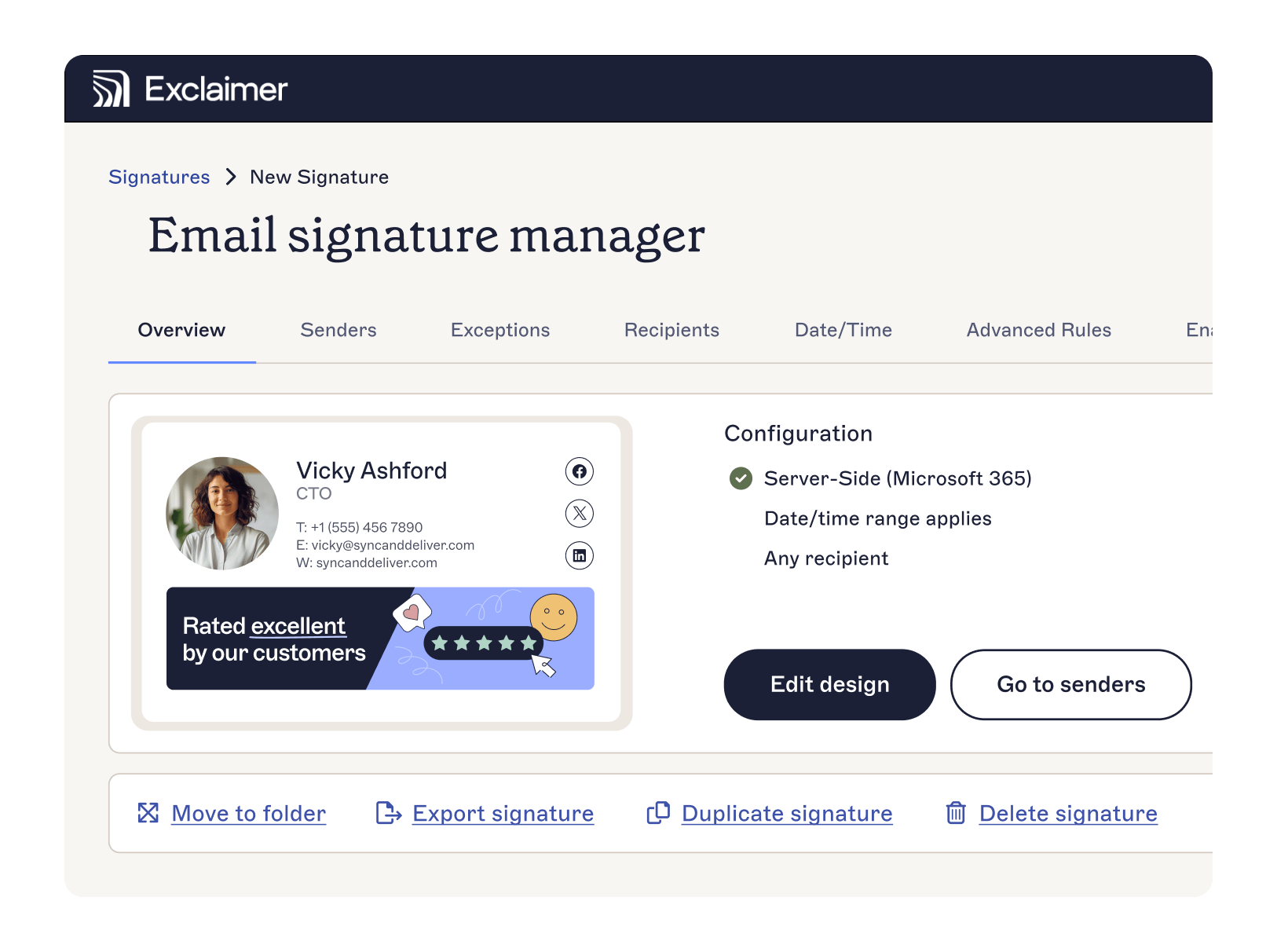
This is where solutions like Exclaimer play a supporting role. By centralizing control over email signatures and legal disclaimers, you can reduce manual updates, eliminate unauthorized changes, and maintain detailed records of every revision.
5. Compliance and governance
Compliance is becoming more complex, with 32% of IT leaders worried about falling behind. Regulations like GDPR, CCPA, HIPAA, and others are continually evolving. And as organizations grow across regions, so does the risk.
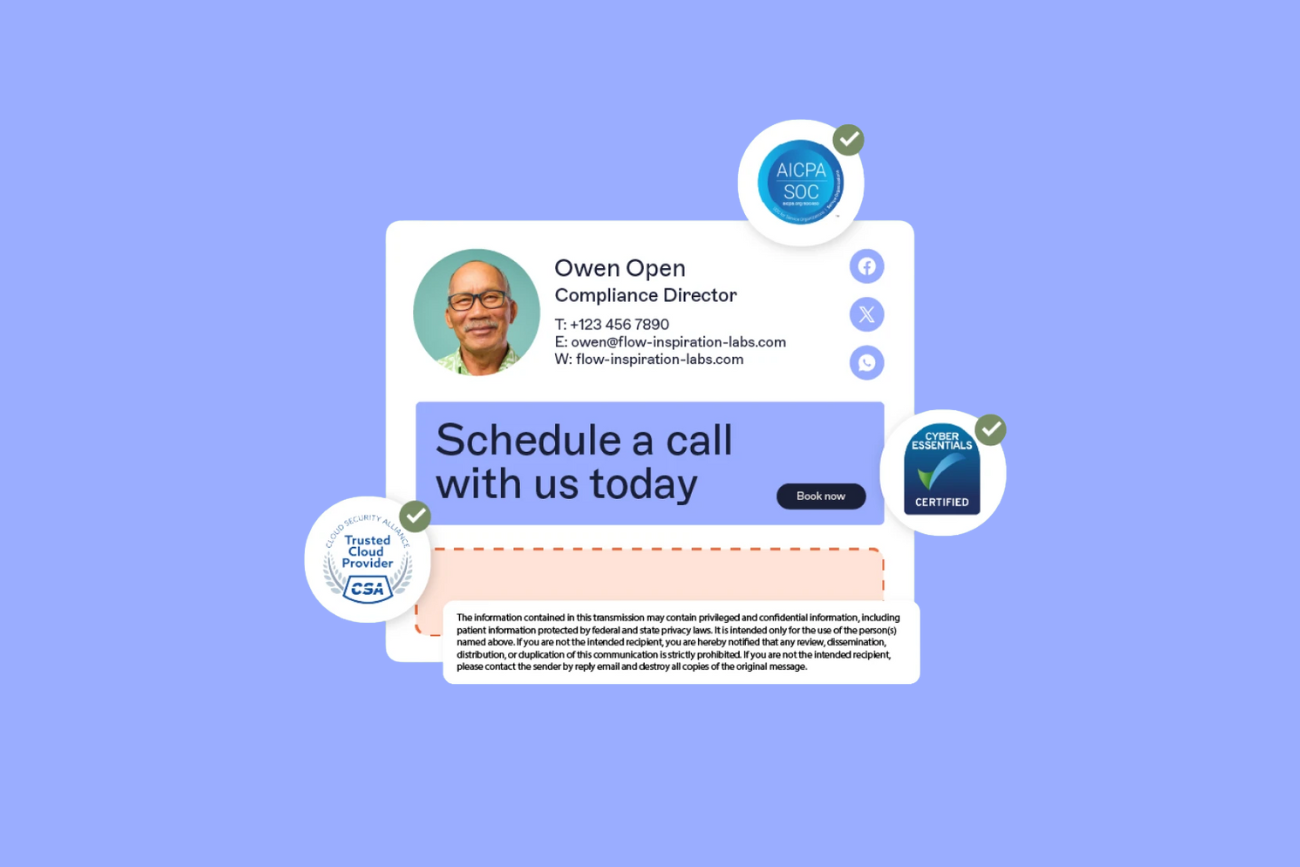
Without the right tools, ensuring legal disclaimers are consistently applied is a full-time job. Managing email compliance manually just doesn’t scale. You need to enforce participation, track signature updates, and maintain audit trails—all without burdening your team.
Centralized email signature and disclaimer management helps:
Automatically apply the right disclaimers based on user, region, or department
Prevent user edits that could introduce risk
Log every change for audit readiness
Need a starting point? Our email disclaimer guide breaks down best practices by region and industry.
Solving email security at scale
Most IT teams invest in email tools like filtering, MFA, and AI-driven threat detection. Yet email remains a major security weakness. The challenge is down to the scale, complexity, and pressure to do more with less rather than the attackers themselves.
Manual processes won’t solve this. What IT leaders need are tools that:
Automate critical tasks
Provide centralized control over compliance and branding measures
Integrate with existing infrastructure
That’s why more organizations are turning to platforms like Exclaimer. Automatic email signature management helps reduce admin burden while supporting your security, compliance, and brand goals:
Improve your security posture by locking down edits and applying audit logs
Simplify governance with disclaimers that are accurate, targeted, and consistent
Reinforce brand trust with 100% consistency on every send
Whether you're dealing with a growing team, a stricter regulatory climate, or just too many systems to manage, Exclaimer helps you cut complexity without cutting corners.
Read the full State of Business Email Report 2025 for more insights from 4,000 IT professionals around the world.