Exclaimer is a leading email signature management solution that helps IT and marketing teams centrally control and automate professional email signatures. It enhances efficiency by streamlining deployment, ensures compliance with legal and branding standards, and enables marketing teams to leverage email signatures for targeted campaigns, boosting engagement and brand consistency.
Why 55% of IT teams say managing email signatures is draining their time (and how to fix it)

Managing email signatures isn’t just an admin task—it’s a major IT responsibility. According to the State of Business Email Report 2025, over half (55%) of IT leaders say their department is still on the hook for it.
Email signatures impact every employee, customer, and external contact. And they matter. Ninety-two percent of IT leaders agree that well-managed email signatures improve trust and professionalism. Every email is a digital handshake, and every signature reflects the business behind it.
Yet many organizations still rely on outdated signature management processes that cause frustration, introduce risk, and slow everything down. The result? Endless update requests and inconsistent branding fixes that waste IT’s time. Signatures matter—but IT has better things to do than chase them down.
Let’s explore what’s going wrong—and how IT can stop signatures from being a headache.
Why IT teams own signature management
Many teams have a stake in email signatures, but it’s IT who ends up managing the chaos. According to the State of Business Email Report 2025, 55% of IT leaders say their department is responsible for signatures—compared to just 16% for HR and 14% for Marketing.
That’s not surprising, given the technical nature of IT’s role. They have the expertise to configure server rules and permissions and manage HTML code. These are necessary skills to create and manage email signatures with the tools built into platforms like Microsoft 365 and Google Workspace.
But here’s the disconnect—email signatures are a valuable channel for everything from branding and customer engagement to legal disclaimers and internal communications. Marketing, Legal, and HR have a stake, but IT bears the workload.
That model isn’t scalable. IT needs control. But they also need tools—like role-based access controls—to delegate responsibility without giving up governance. With the right structure in place, departments can collaborate without risking inconsistency or downtime.
How IT handles email signatures today
Managing email signatures is a crucial task. Companies have an interest in maintaining consistency, compliance, and alignment with corporate branding.
Right now, that burden falls overwhelmingly on IT, as highlighted by the State of Business Email Report 2025:
80% of IT teams still manage signatures with in-house tools.
23% create signatures manually and make individual updates as needed, which is an immense drain on time.
34% rely on custom scripts, which struggle to support a range of email clients and device types and are prone to breaking with each software update.
23% leave it up to employees, which inevitably leads to signatures that are off-brand or missing entirely.
Only 20% use a third-party email signature management solution like Exclaimer.
These patchwork solutions might work for smaller organizations, for a while—but they don’t scale. Email signatures touch every employee, every device, and every client interaction. Manual signature management opens the door to inconsistencies and compliance gaps. And it pulls IT away from more strategic priorities.
Why signature updates are constant
Signatures aren’t static. They change as your business does. According to IT professionals, the top drivers of updates include:
Company growth (38%)
Audits (38%)
Restructures (36%)
Mergers and acquisitions (31%)
General inconsistencies (30%)
Rebrands (27%)
These are just the big-ticket items. Signatures may also need periodic attention to reflect:
New hires and role changes
New legal disclaimers
Marketing campaign banners
Seasonal promotions
Without automated email signatures, every change becomes a mini project. IT ends up rushing to roll out updates—coordinating with multiple departments, chasing down employees, and manually updating templates. It’s inefficient. It’s error-prone. And it’s a poor use of IT’s skillset.
Common email signature challenges IT leaders face
Exclaimer’s research highlights why managing email signatures is harder than it looks:
33% of IT leaders say employees don’t follow signature guidelines
32% cite inconsistent formatting across email clients and devices
31% report a lack of centralized management
31% can’t use signatures for marketing and engagement
28% lack clear brand governance
24% have no performance insights to act on
These are systemic issues. It’s not about a few bad templates or rogue users. It’s about a lack of visibility, consistency, and control. Effective management at scale is a huge challenge without the right platform.
Manual systems and basic email platform settings just don’t offer the level of oversight IT needs.
How to turn email signatures into a strategic asset
Despite all the challenges, 92% of IT leaders agree that email signatures improve trust and professionalism. That’s not a vanity metric. It’s a recognition that email is still the primary business communication channel—and signatures are a very visible part.
They’re also one of the few brand assets seen by every customer, partner, and prospect. And unlike social media or display ads, email signatures are guaranteed to land in inboxes.
With the right signature management solution, IT can:
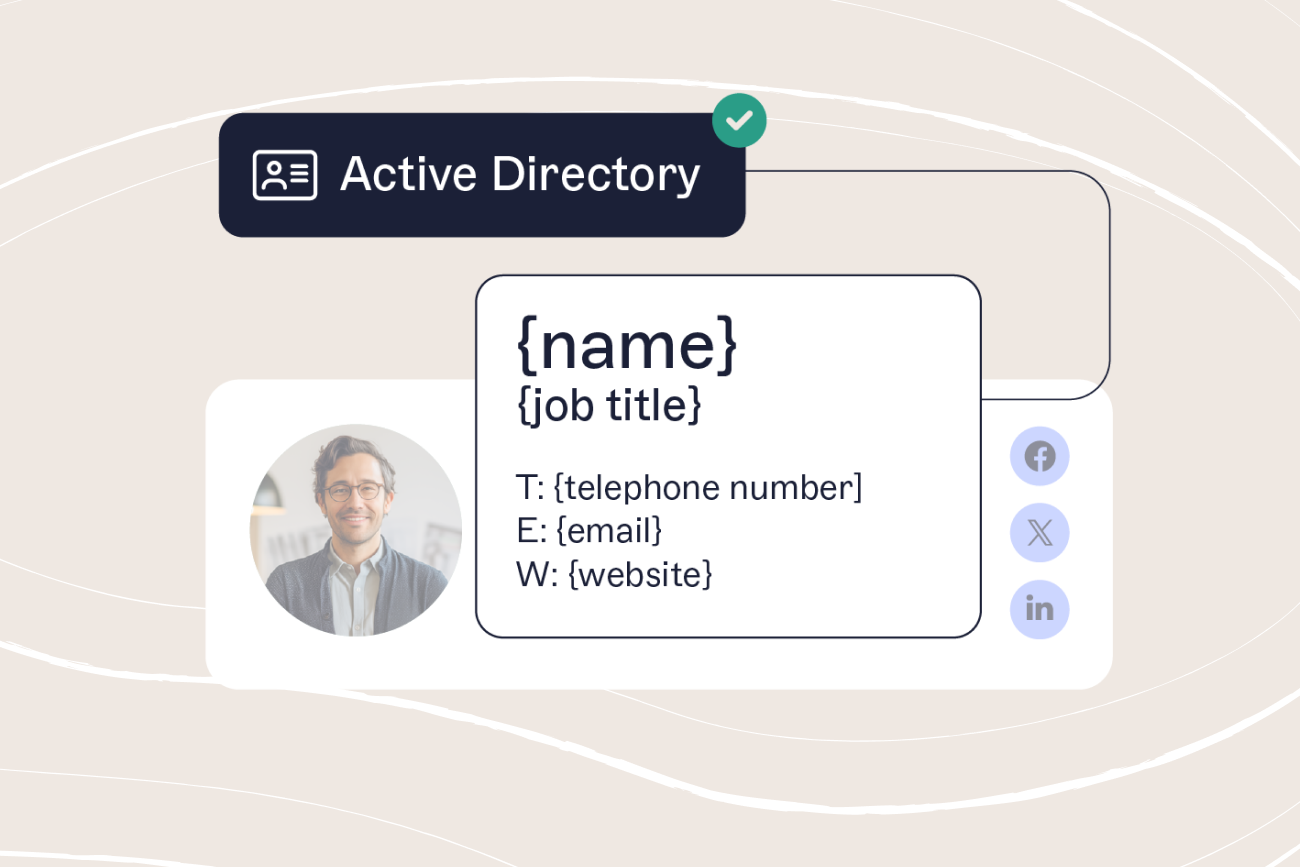
Automatically apply consistent signatures to every user, across every device
Lock down legal disclaimers and mandatory fields
Delegate banner updates to marketing—without support tickets
Track usage and performance metrics
Instantly roll out updates during audits or branding changes
In other words, signatures stop being a pain—and start being a smart channel for communication, compliance, and campaign delivery.
Final thoughts
Right now, IT shoulders the burden of email signature management. But the data shows they need a better way.
With centralized, automated solutions, IT can maintain governance and unlock brand, compliance, and engagement value—without being dragged down by manual work.
It’s time to stop treating email signatures like an afterthought. They’re part of your infrastructure. They’re part of your brand. And they’re part of your compliance posture.
Read the full State of Business Email Report 2025 for more insights on how IT can reduce risk, improve control and reclaim capacity.