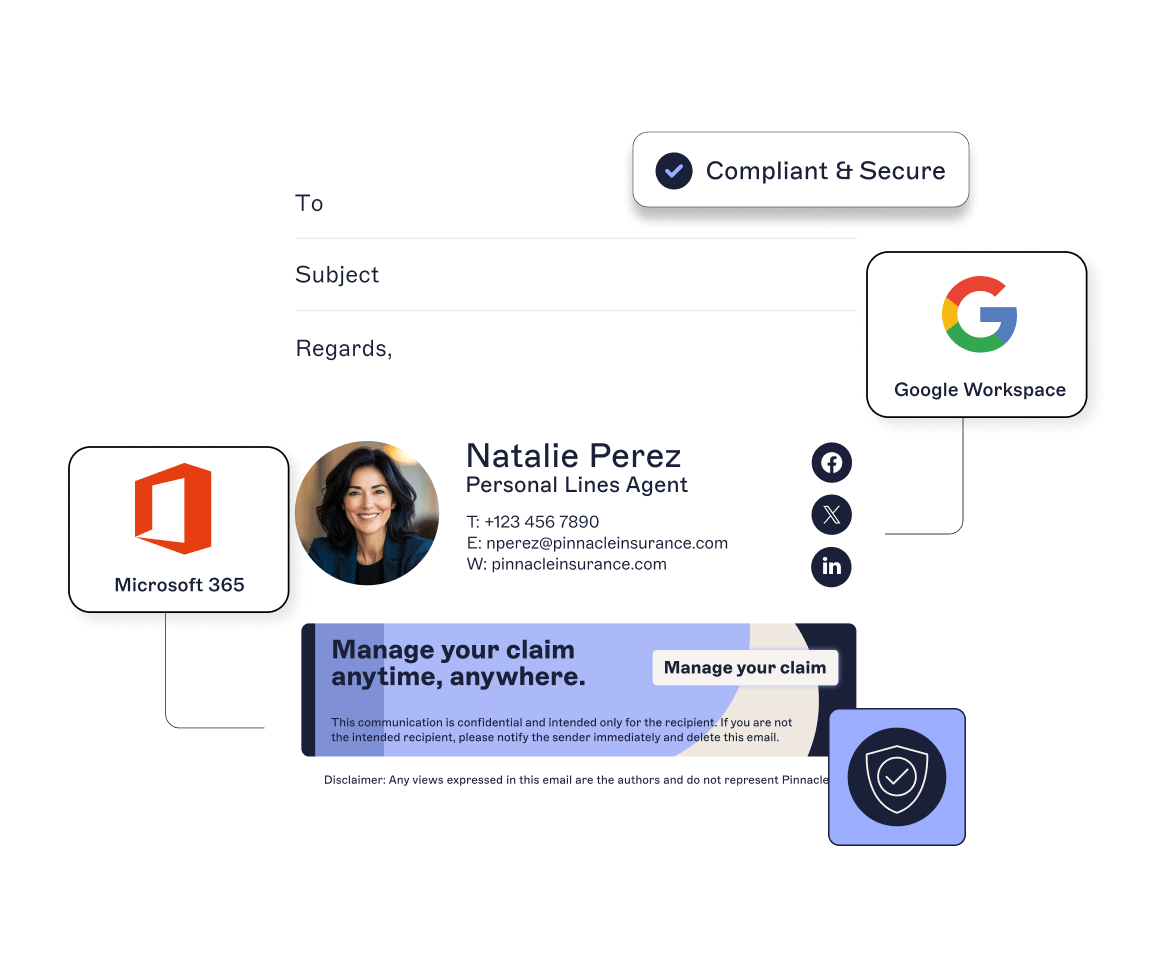
Email signature onboarding: Get it right from day one
20 August 2025
0 min read
When a new hire starts, they immediately become a brand representative. Every message they send impacts how your business is perceived. And it all begins with their email signature.
It’s a detail that’s easy to overlook during onboarding. But skipping it means more than inconsistent formatting. It creates gaps in compliance, damages brand credibility, and adds unnecessary work for IT.
In a world where email is still the dominant communications channel, the smallest detail can have an outsized impact. The moment a new employee sends their first email without a professional, compliant signature, it affects the recipient’s perception and puts your brand at risk.
Here's why email signature onboarding should be automated and centralized from day one.
Why email signatures should be part of your employee onboarding
Every email a new hire sends makes an impression. The signature at the bottom reflects your company’s standards beyond just decoration.
A consistently branded signature builds trust. It shows your business is organized and your company knows what it’s doing. Without it, even the most capable new hire can look unprofessional.
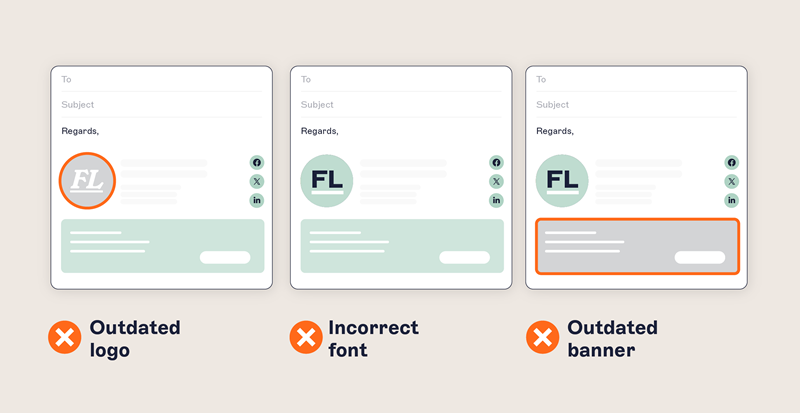
When new employees are asked to create their own email signatures or follow a template manually, the results are predictable: inconsistencies, omissions, and confusion. Some won’t set up a signature at all. Others will copy and paste outdated content from a colleague. Over time, the gaps multiply.
Common issues with manual email signature management include:
Inconsistent fonts, colors, and logo usage
Incorrect/missing job titles or contact details
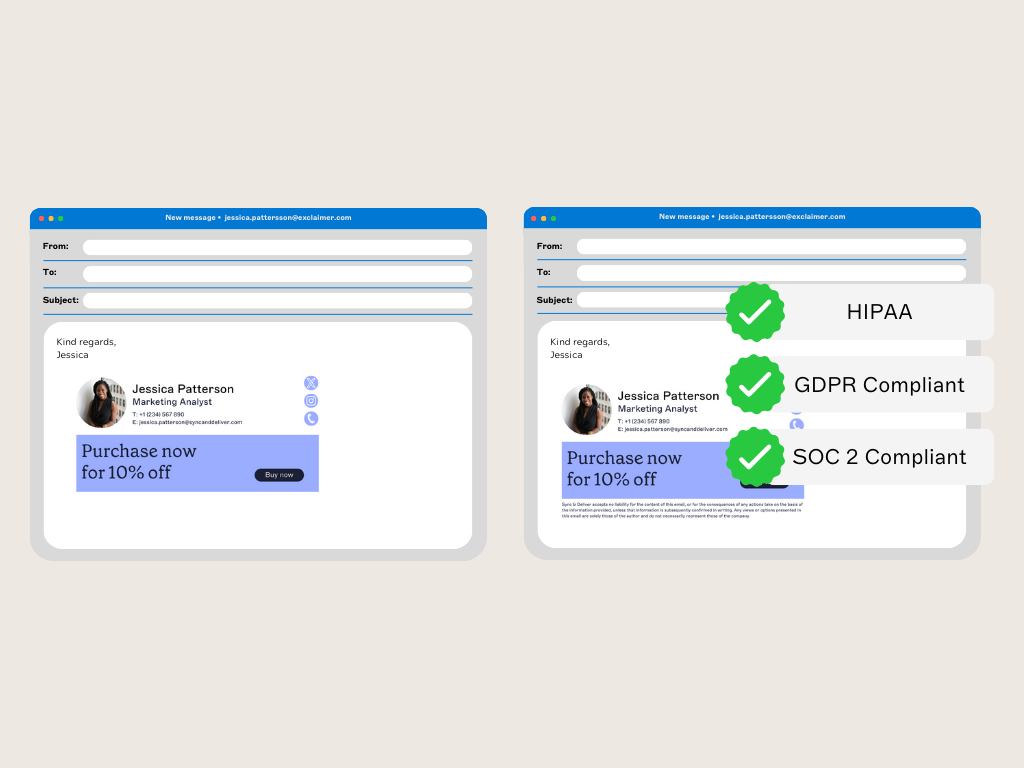
Missing legal disclaimers (essential for some industries and geographies)
Formatting differences when viewed on desktop vs. mobile clients
Lack of alignment with corporate messaging or campaign priorities
These problems don't fix themselves. They create unnecessary work for IT, introduce risk for compliance and legal teams, and dilute the professional image that HR and marketing work hard to maintain.
That’s why email signatures should be part of your standard employee onboarding process rather than a post-hire fix.
What centralized email signature onboarding looks like
Email remains the most visible, widely used communication channel for modern businesses. And employee onboarding is your chance to get it right from the start.
The ideal setup is automatic, accurate, and invisible to the end user. With centralized email signature management, every new hire gets a professional email signature without having to do a thing.
A robust email signature management system should include:
Directory sync: Pull names, job titles, and contact info automatically from Microsoft Entra ID or Google Directory.
Template support: Design email signatures that reflect your brand, including logos, colors, fonts, and layout.
Rules-based logic: Tailor signatures by department, location, or job function. Email signatures aren’t one-size-fits-all—what’s relevant to sales reps might differ from what the marketing or legal departments need.
Audit trails: Track who made changes, when they were made, and what was changed. This supports compliance, quality control, and accountability.
Real-time deployment: Push updates instantly, across every device and platform, no matter where your users are.
No manual setup. No user errors. No off-brand emails floating around.
Benefits for IT: Fewer tickets, better control
Email signature management is one of those tasks that no one wants to do, but everyone relies on.
IT ends up fielding support requests from across the business, often for minor edits or formatting fixes. This is time-consuming and detracts from more critical tasks, taking IT away from strategic work. In fact, 55% of IT leaders say their department manages email signatures, but it’s a responsibility that often slows down employee onboarding.
Some IT teams use custom scripts to reduce email signature management admin, but these don’t always support multiple email clients across multiple devices. They’re also prone to break with every software update or change in your environment.
With centralized control for email signature management, IT teams can:
Eliminate manual setup for each new employee
Automatically adjust signatures based on dynamic attributes, like location or department
Support hybrid and remote work, with signatures applied server-side across all devices
Push out updates instantly to all users
Prevent users from modifying or removing required content
Enforce brand and compliance standards globally
Centralized email signature management cuts down repetitive requests, reduces manual work, and keeps email communications consistent.
Benefits for HR: Brand consistency made simple
HR teams are responsible for shaping the employee experience. That includes how new starters present themselves to customers, vendors, and partners.
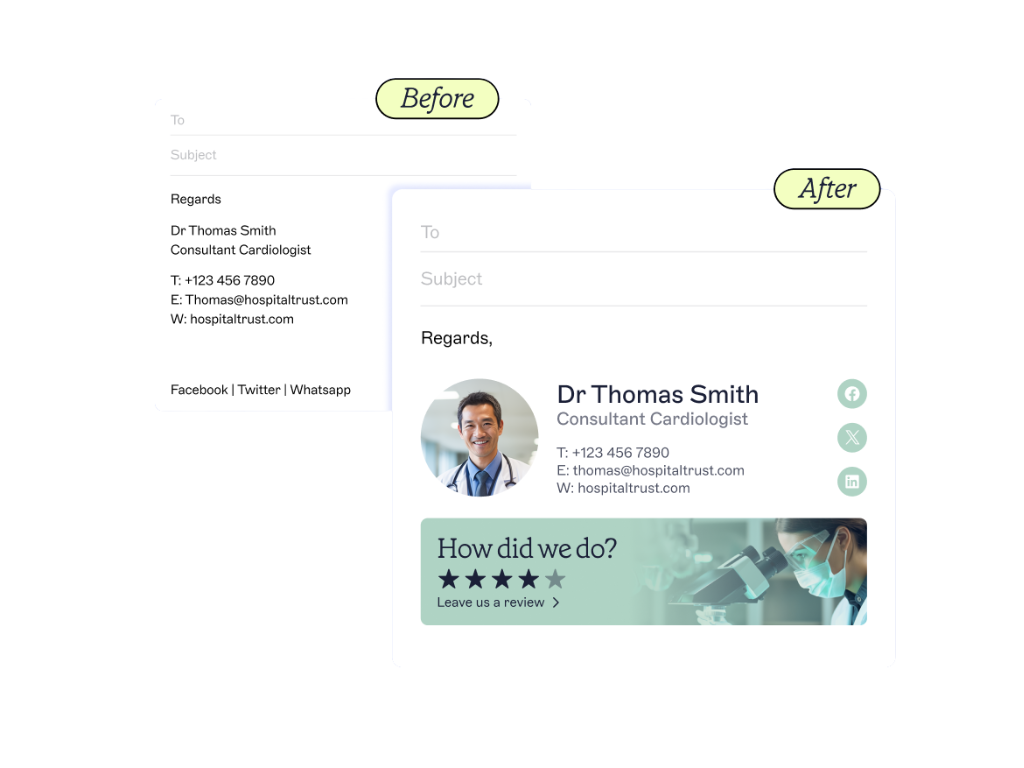
First impressions matter, not just for new employees, but for everyone they email. If that first contact includes an outdated job title, missing disclaimer, or off-brand signature, it reflects poorly on the business. In some cases, it creates legal and reputational risk.
By integrating email signatures into the broader employee onboarding process, HR can:
Ensure new hires look professional from day one
Align all outbound emails with the company’s tone and brand
Remove guesswork from the email signature setup process
Easily keep contact details updated during role changes, relocations, or organizational restructuring
And because updates happen automatically, it’s a futureproofed solution as well.
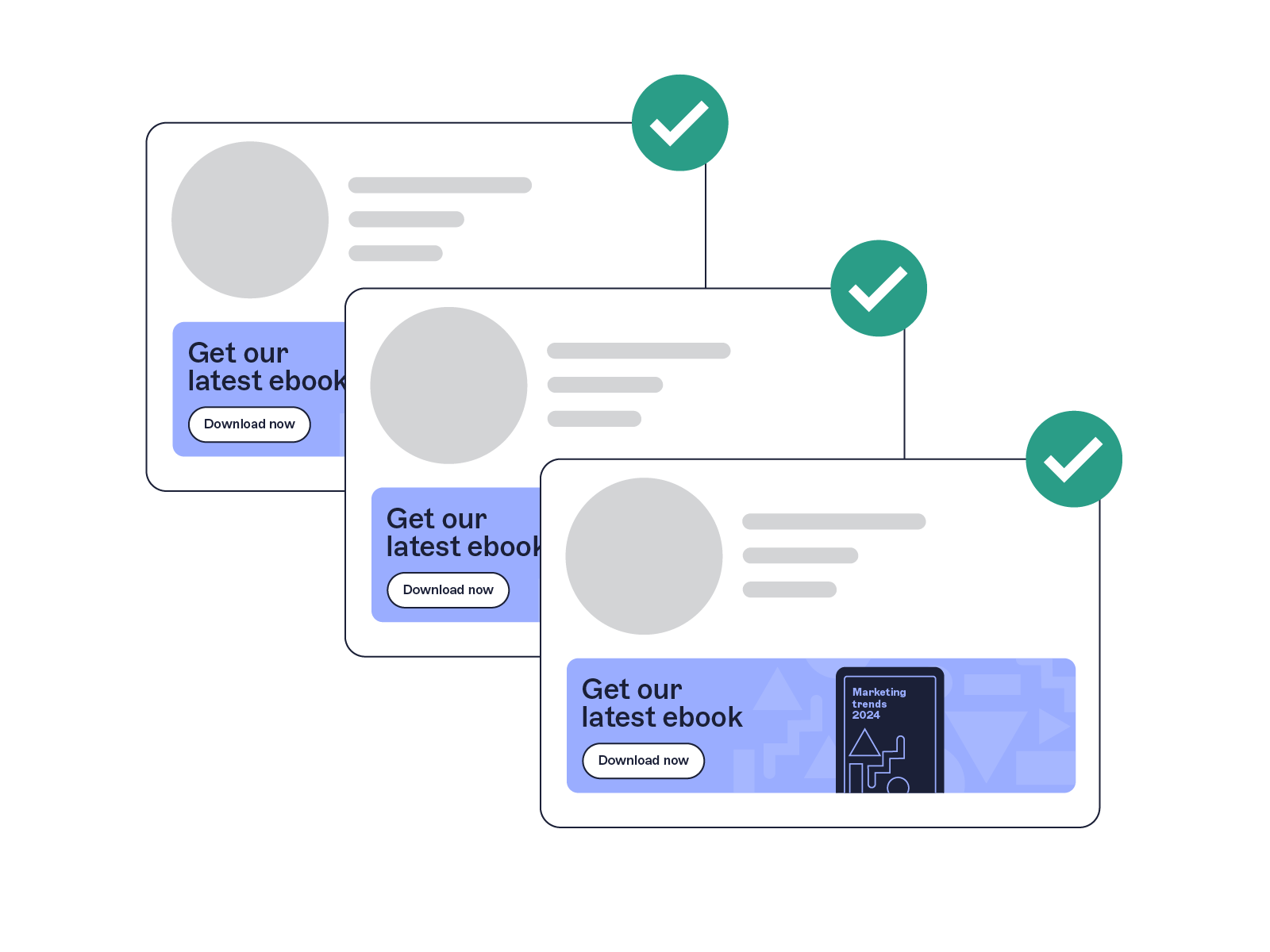
A better experience for new hires
New starters already have a lot to learn. Giving them a consistent, pre-set email signature shows that they’re part of something professional. That sense of belonging is reinforced every time they send an email.
It also removes a common pain point. They don’t need to request IT help, guess what to include, or worry about whether their email looks legitimate.
When email signatures are already in place, new hires can focus on learning their new role, connecting with colleagues, and adding value—not troubleshooting formatting or second-guessing what to include in their emails.
Email is an essential part of the employee experience. Getting the email signature right is a small step that makes everything else run smoother.
Streamline employee onboarding with email signature management from Exclaimer
Email signature onboarding is a low-effort, high-impact way to improve the new hire experience. It supports brand consistency, ensures compliance, and removes manual tasks from IT and HR workflows.
With Exclaimer, you can:
Assign signatures automatically based on role, department, or region
Sync user details from Microsoft Entra ID or Google Directory
Apply branding elements consistently across all devices
Include legal disclaimers tailored to the sender or recipient’s region
Lock down layouts while allowing editable fields where needed
Track all changes with built-in audit trails
Push updates in real time without disrupting users
Whether you’re onboarding five new employees or five hundred, Exclaimer brings order, professionalism, and compliance to email signature onboarding. No manual setup. No missed details. Just consistent, compliant email signatures that scale with your business.